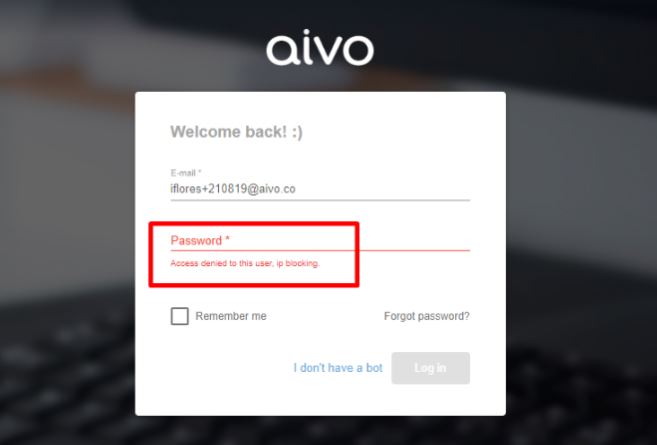
If you want your account users to connect to the AgentBot platform from certain computers, you can have the option to block the IPs you choose. This way, if they connect from other computers, such as their personal computers, the platform will prevent them from logging in.
Important: The blocking will not be managed from the platform but is done by database. To do so, you can send the list of IPs that you wish to have as a whitelist through the service request in the Aivo support center.
Once this is done, if the user tries to log in from a blocked IP, the following message will be displayed: