In Help, tags function to categorize the documentation, identifying those articles that belong to the same topic under the same section.
From the Tag Manager you can create, edit and delete tags and subtags.
The tags tree is what will finally be reflected in the structure of the topics in the knowledge base.
Each tag will be in Help a box containing all the articles to which you have assigned that tag.
You can generate subtags that will be seen as subcategories inside the box. The number of subcategories is unlimited.
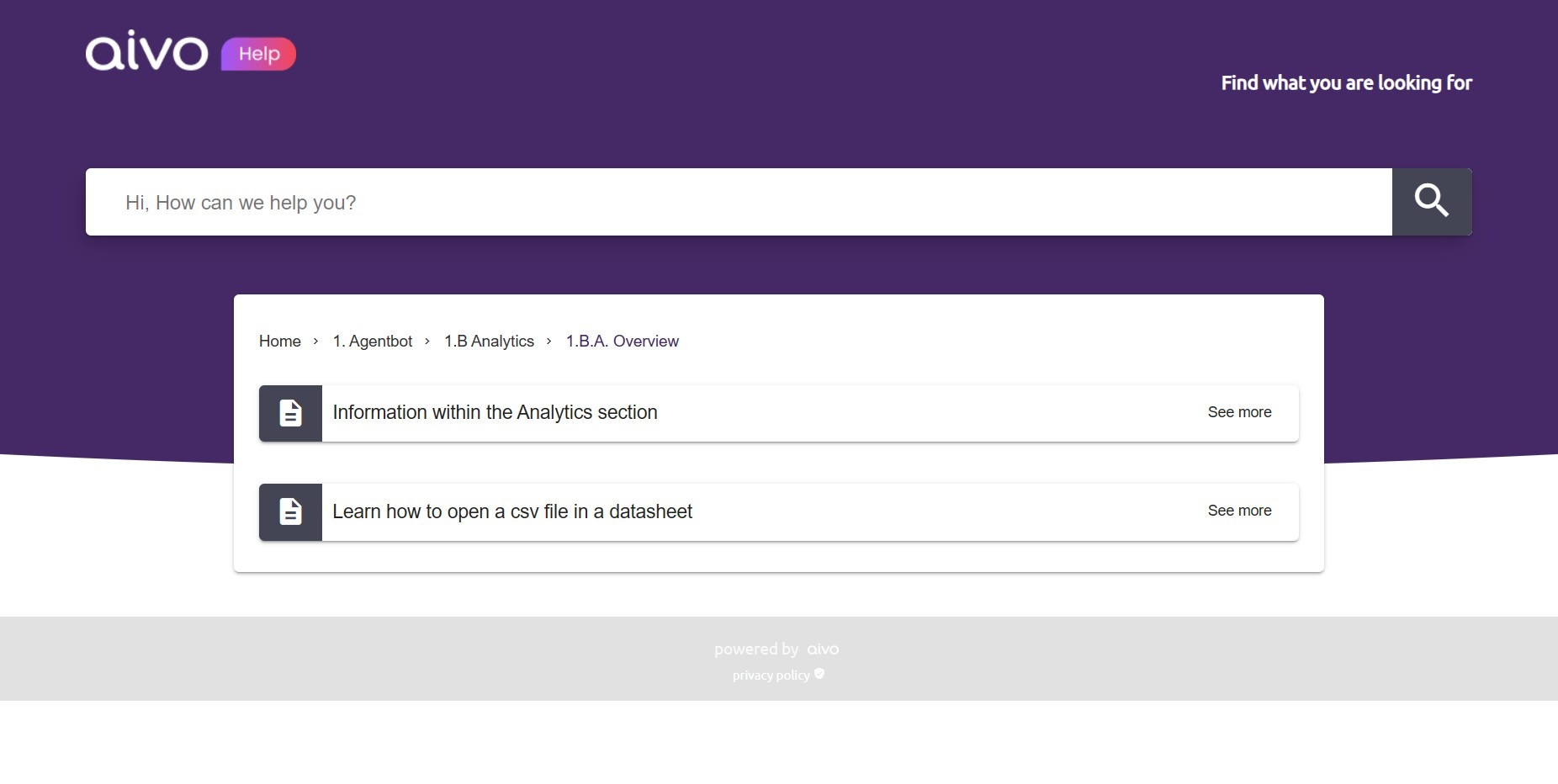
 In the image example, General Settings corresponds to a tag, while Evasions and Users correspond to subtags. Within them there are other items. On the other hand, the articles "How to create a new bot?", "How do I recover my password?", and "Pop up vs. Embedded" are only assigned the first tag: General settings.
 Categories and articles are always sorted in alphabetical order, unless numbers are added. In that case, they will be sorted first by number and then alphabetically.
 If the tags have any strange characters (+, *, #) this category will be placed in the first positions. On the other hand, within each category, the subcategories are ordered first and then the items.
When Roman numerals are chosen, the tags will be sorted in alphabetical order.