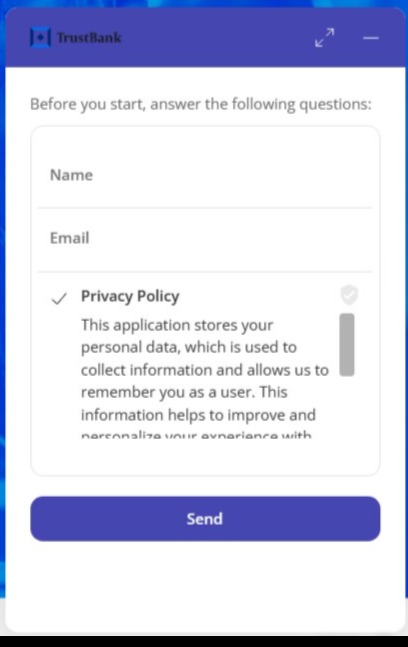
You can use the GDPR option even when an initial form option is enabled.
When the user logs in to chat with the Virtual Assistant and an initial form is displayed, the GDPR option will be displayed as a checkbox for the user to click on and accept the terms and conditions.
If the user does not click on the checkbox to accept the terms and conditions, the conversation will not be able to start. There are 3 values that are stored in LocalStorage (similar to cookies):
- aivo-config: used to store language, aesthetics and chatbot window settings.
- aivo-live: indicates whether the chatbot window is live (takes the values "true"/"false").
- aivo-users: for managing user sessions and data. There is the hash to retrieve the history.
 Important: Although the message refers to cookie management at the technical level, it is stored encrypted and compressed in local storage. This data is retained for seven days and helps to optimize session handling efficiency and identify the user in Live.
This will show: