As you add content to your virtual assistant, you can test how it responds using the test chat, a tool on the Virtual Assistant platform that simulates the interaction the user will have in the conversation window.
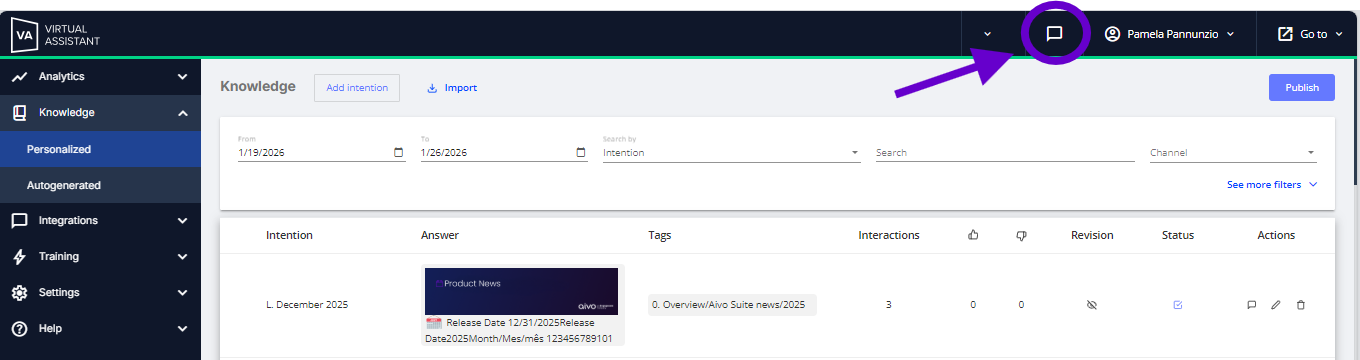
 The access options are:
In the main menu, at the top right of the platform.
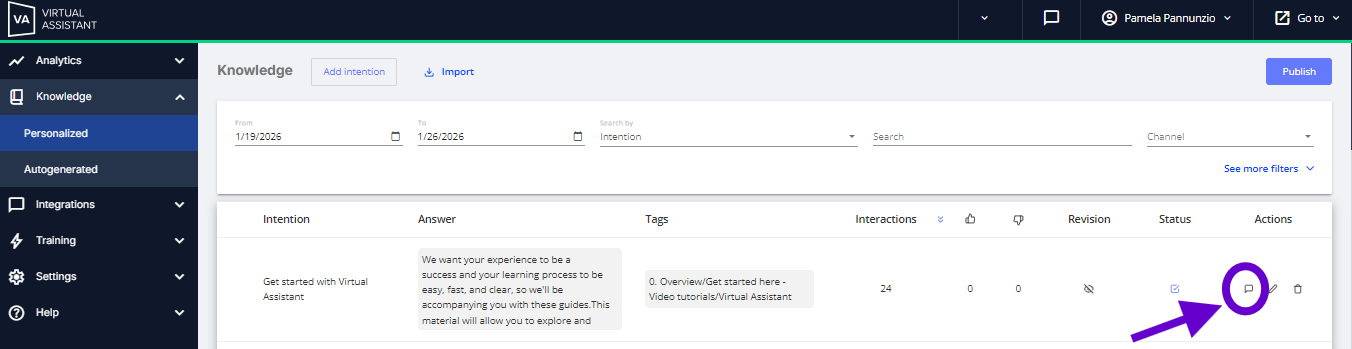
From the Knowledge section, test a particular intention in the Actions column.
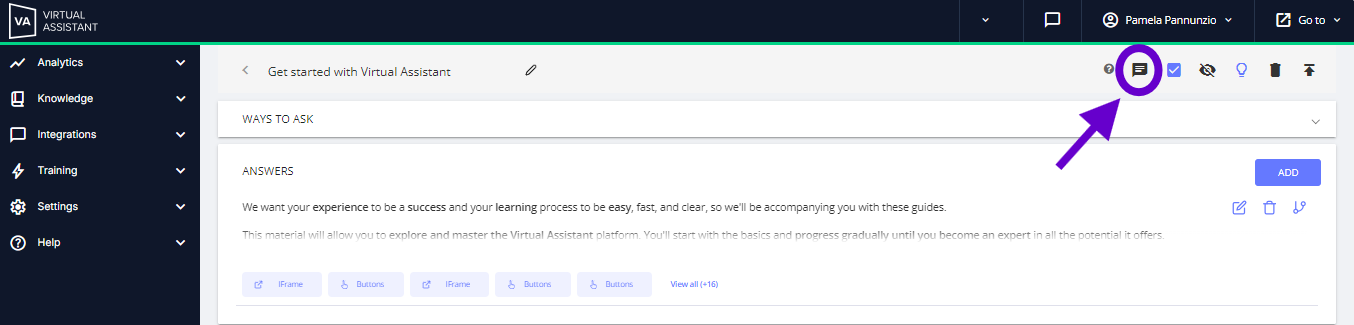
By entering an intention in the upper panel on the right side
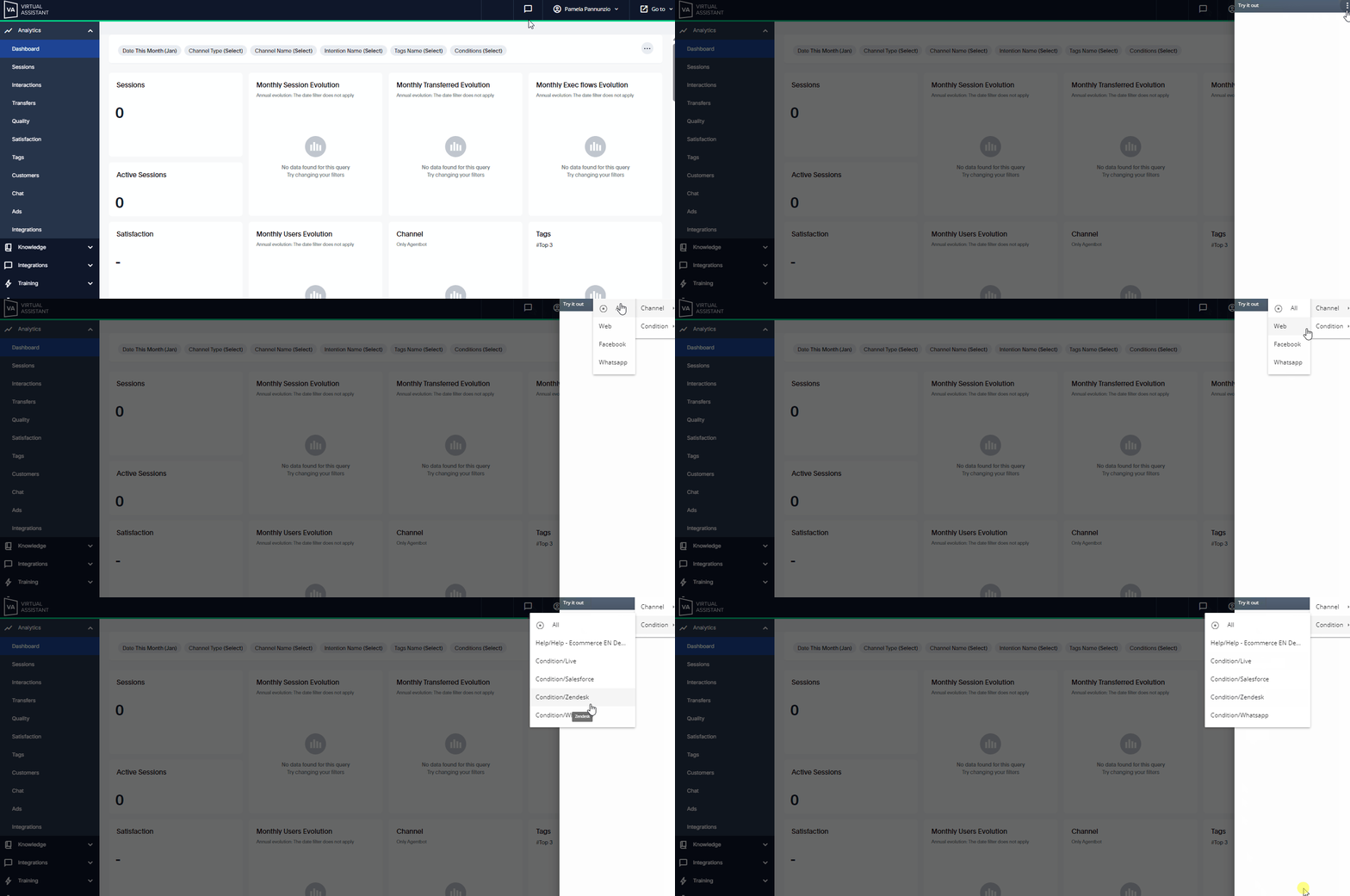
In addition, if the virtual assistant you are using responds on more than one channel or has conditions created by topic, you can try a response based on the assigned characteristics by simply selecting the desired option from the three dots at the top of the window. This way, it will only respond with content that meets the specified criteria.
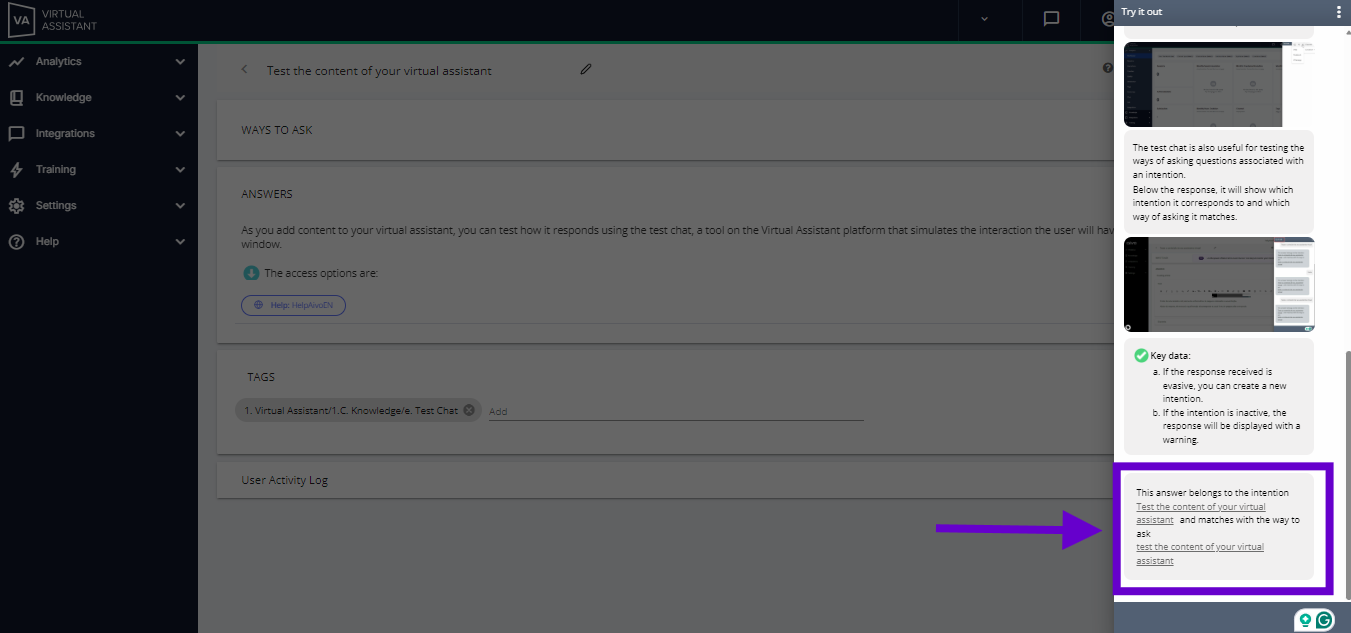
The test chat is also useful for testing the ways of asking questions associated with an intention.
Below the response, it will show which intention it corresponds to and which way of asking it matches.
 Key data:
- If the response received is evasive, you can create a new intention.
- If the intention is inactive, the response will be displayed with a warning.