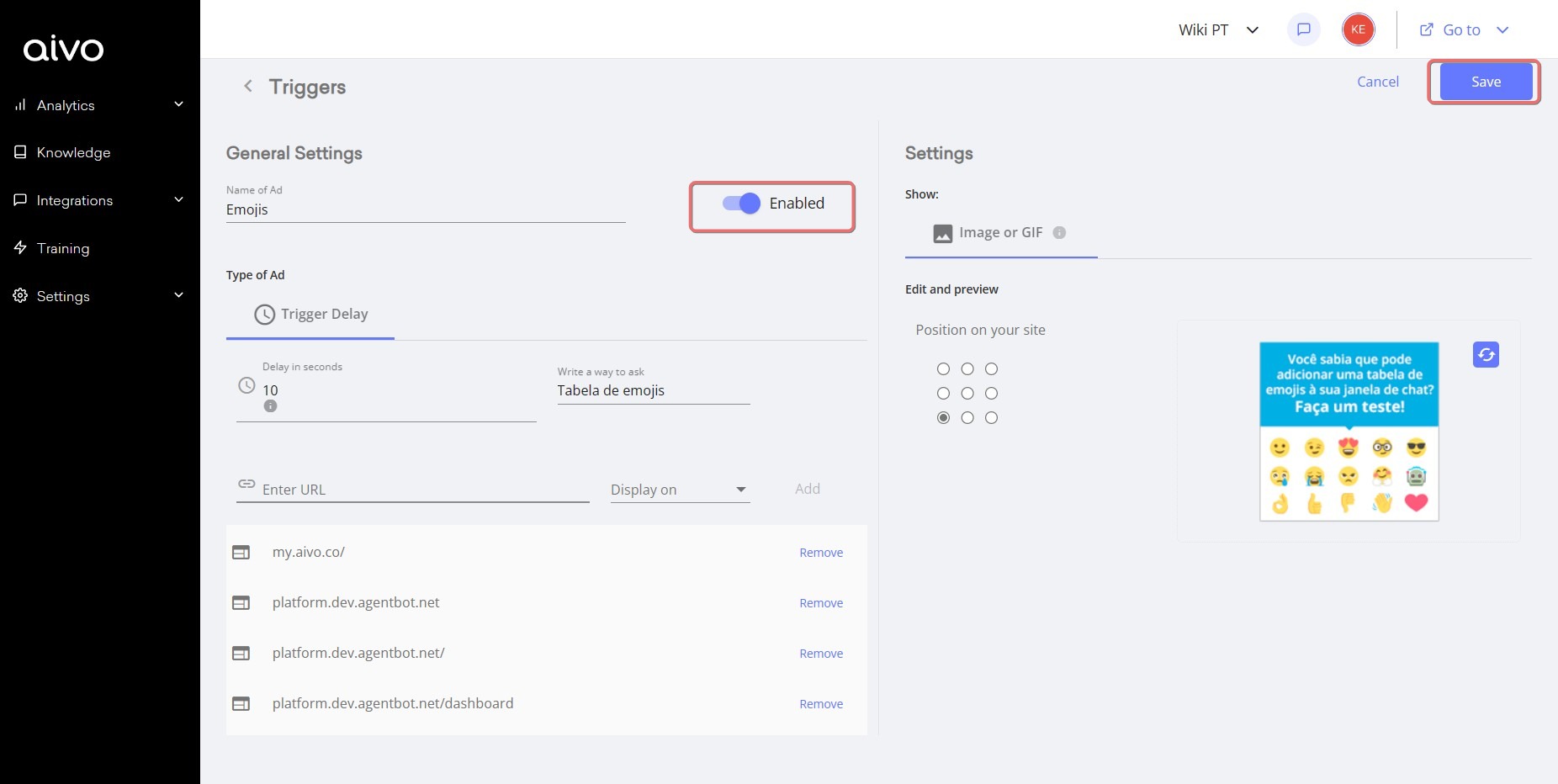
If you have created a trigger and when you finish the configuration you cannot display it on your website, please check the following points
- The image must be less than 2 MB.
- The format must be GIF, PNG or JPG.
- The URL is entered correctly (with "http") and identical to the URL where it will be used. We recommend doing a Copy/Paste of the URL from the browser to MyAivo.
- There is no active trigger on that URL. Remember that you can configure different triggers for different URLs of your site, but there can only be one trigger per URL.
- The channel script is embedded in the HTML of the URL where you want the trigger to appear.
- Configure the dwell time is important, that is, the time that the user must stay on the URL until the ad appears. Check that it is not too long, we suggest between 2 and 10 seconds.
- Save the changes, whenever you create or edit a trigger.
- Always set the trigger as "enabled".