Find the answer you are looking for

Create content for your IA Conversational Video channel

Once you have created your IA Conversational Video channel, it is time to upload content to respond to your users. The process is similar to that of the rest of the channels.

Learn what intentions are and all the actions you can perform on them.
Find out how to create, edit, or delete answers from My Aivo.

 However, you will have to take into account the following particularities

Conversational Video is only available for the WEB channel.
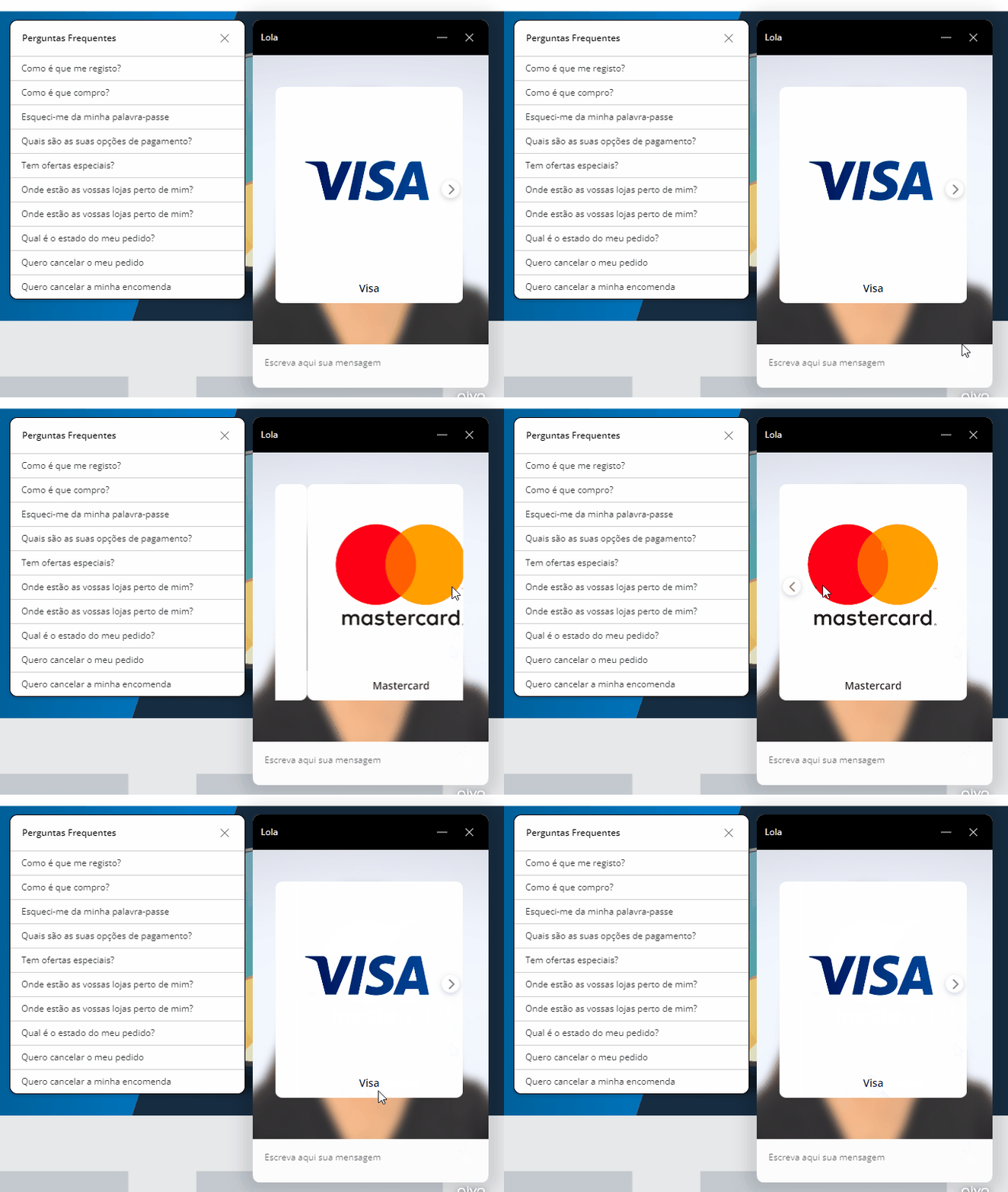
It is not possible to insert emojis and images in your answer; if you need to include images, use the carousel plugin, which will look like this: 
undefined

This website stores cookies on your computer. These cookies are used to collect information about how you interact with our website and allow us to remember you. We use this information in order to improve and customize your browsing experience and for analytics and metrics about our visitors both on this website and other media. To find out more about the cookies we use, see our Privacy Policy.

If you decline, your information won’t be tracked when you visit this website. A single cookie will be used in your browser to remember your preference not to be tracked.