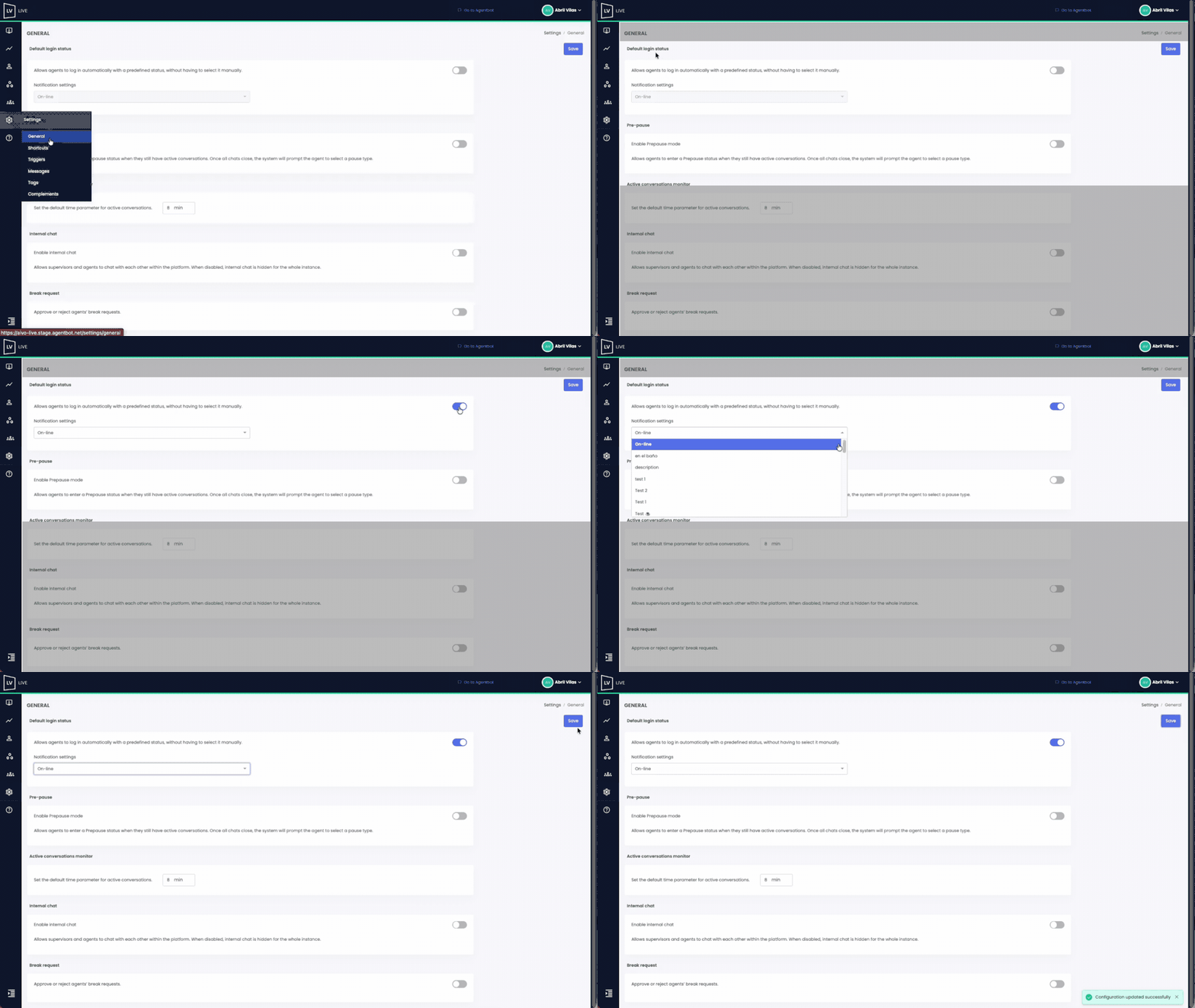
This feature enables you to configure a default login status for users with the agent role in the Live platform. It improves operational efficiency by streamlining the login process and ensuring a smoother experience.
 Key Facts:
- Only users with an administrator role can configure this setting.
- The available statuses for selection will be those already created in your Live instance.
- This is a global setting: once activated, it applies to all agent profiles.
- If you manage multiple Live instances (e.g., linked to different virtual assistants), you’ll need to configure the setting separately for each one.
- Once enabled, agents will log in automatically with the assigned status, no manual selection needed.
- Agents can still change their status at any time after logging in.
 Watch the example below to see the complete setup process: