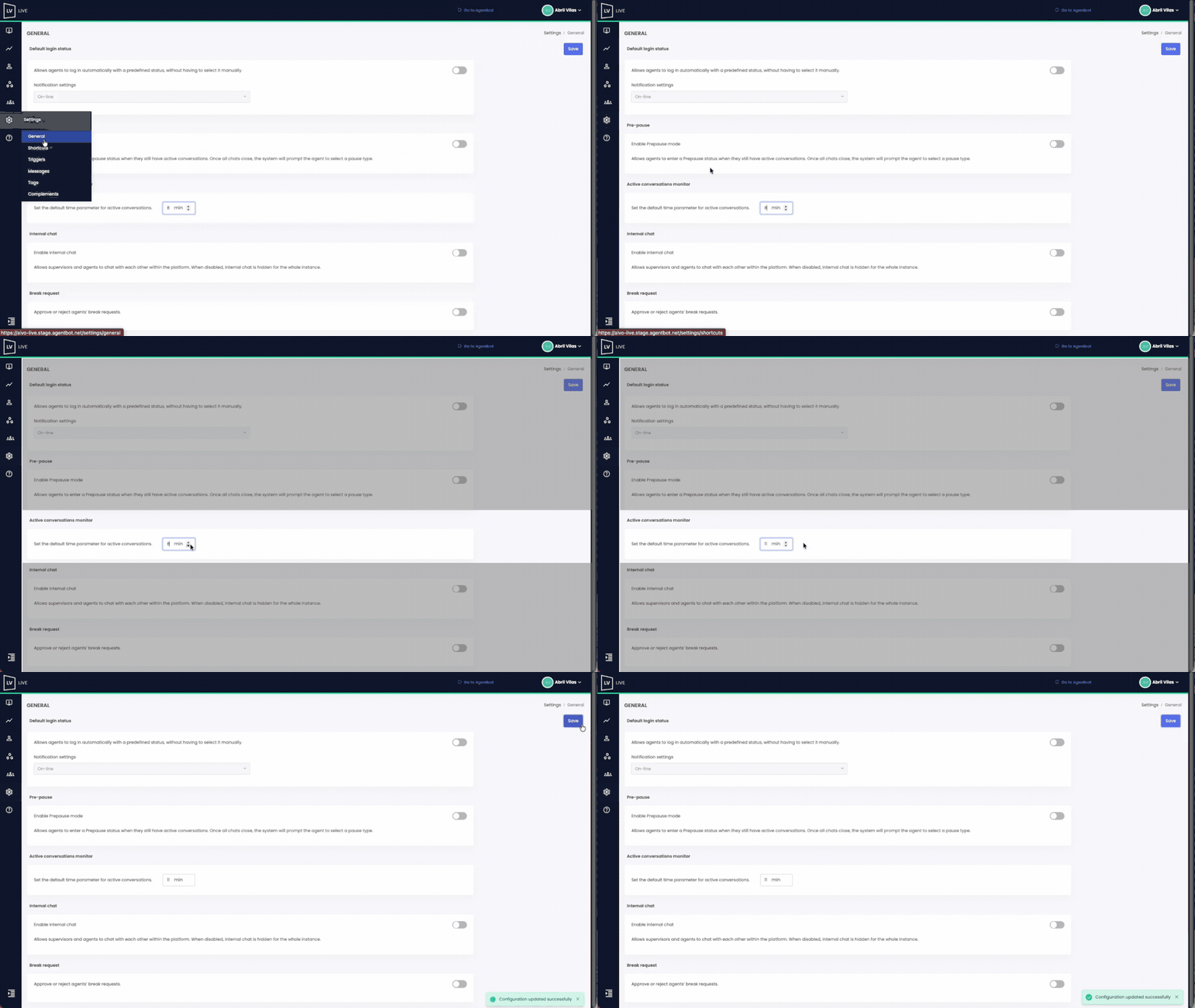
You can define a maximum expected duration for conversations by default using this setting.
Once configured, it serves as a benchmark to evaluate whether agents are resolving conversations within the expected timeframe or exceeding it.
Roles with access to the reporting section will be able to track it in the Active Conversation Monitor module.
 Key facts:
- Only users with the Administrator role can configure this option.
- It is configured in the Settings > General section.
- The time threshold is defined in minutes. You can select any value between a minimum of 10 and a maximum of 99.
- This is a global setting: once activated, it applies to all users who handle conversations (Agent, Dashboard Agent, Coordinator, and Agent Supervisor).
- If you manage multiple Live instances (e.g., linked to different virtual assistants), you’ll need to configure the setting separately for each one.
 Watch the example below to see the complete setup process: