Find the answer you are looking for

FaQs on Facebook Messenger

Frequently asked questions can be used in the text box, allowing a small menu to be accessed by the user at any time during the conversation.
You can define up to 5 intentions to be set in the FAQ menu and you will configure them on the Meta site, not on the My Aivo platform.

The steps are shown below, but you'll find information on the Meta at this link.

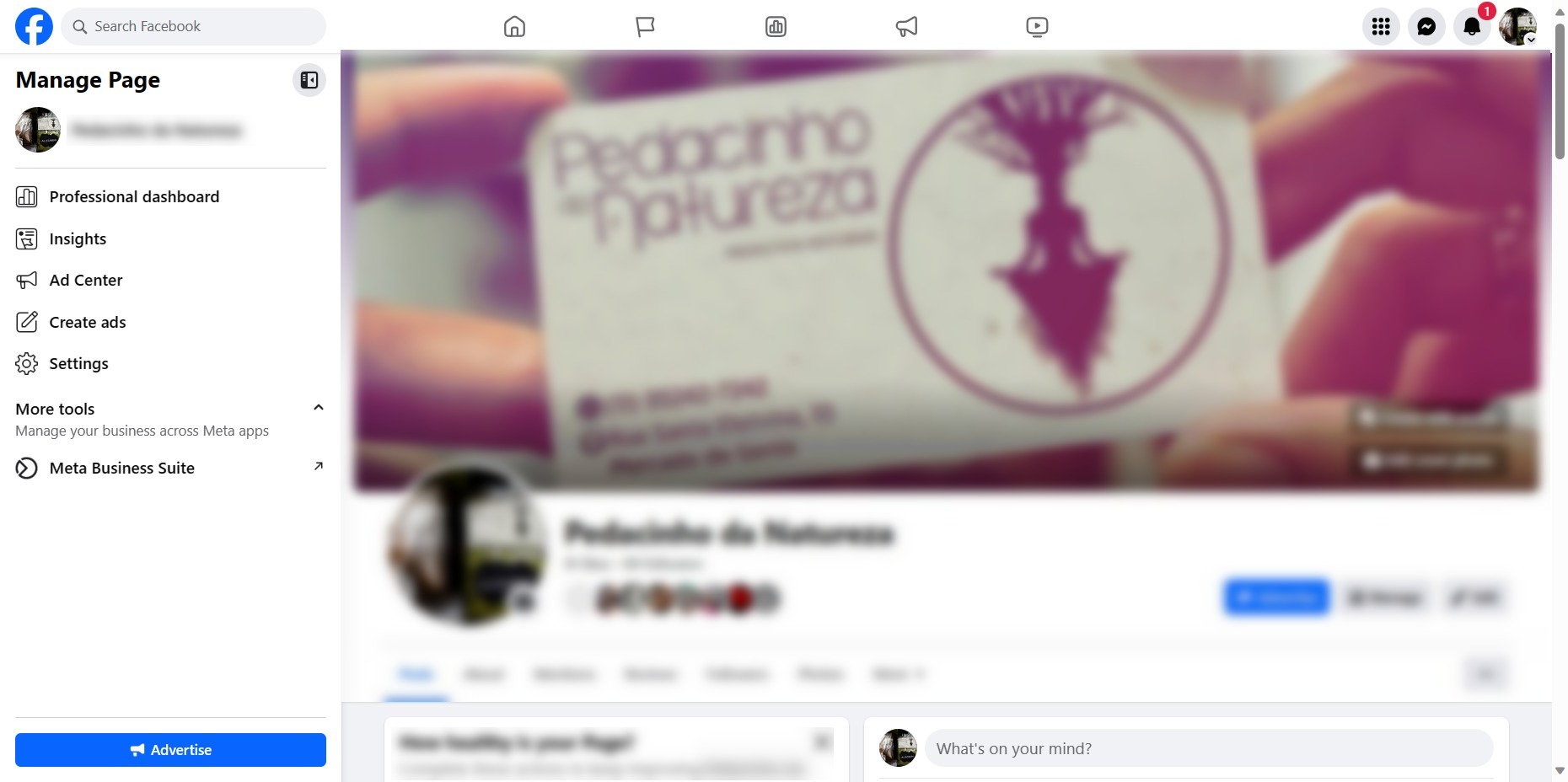
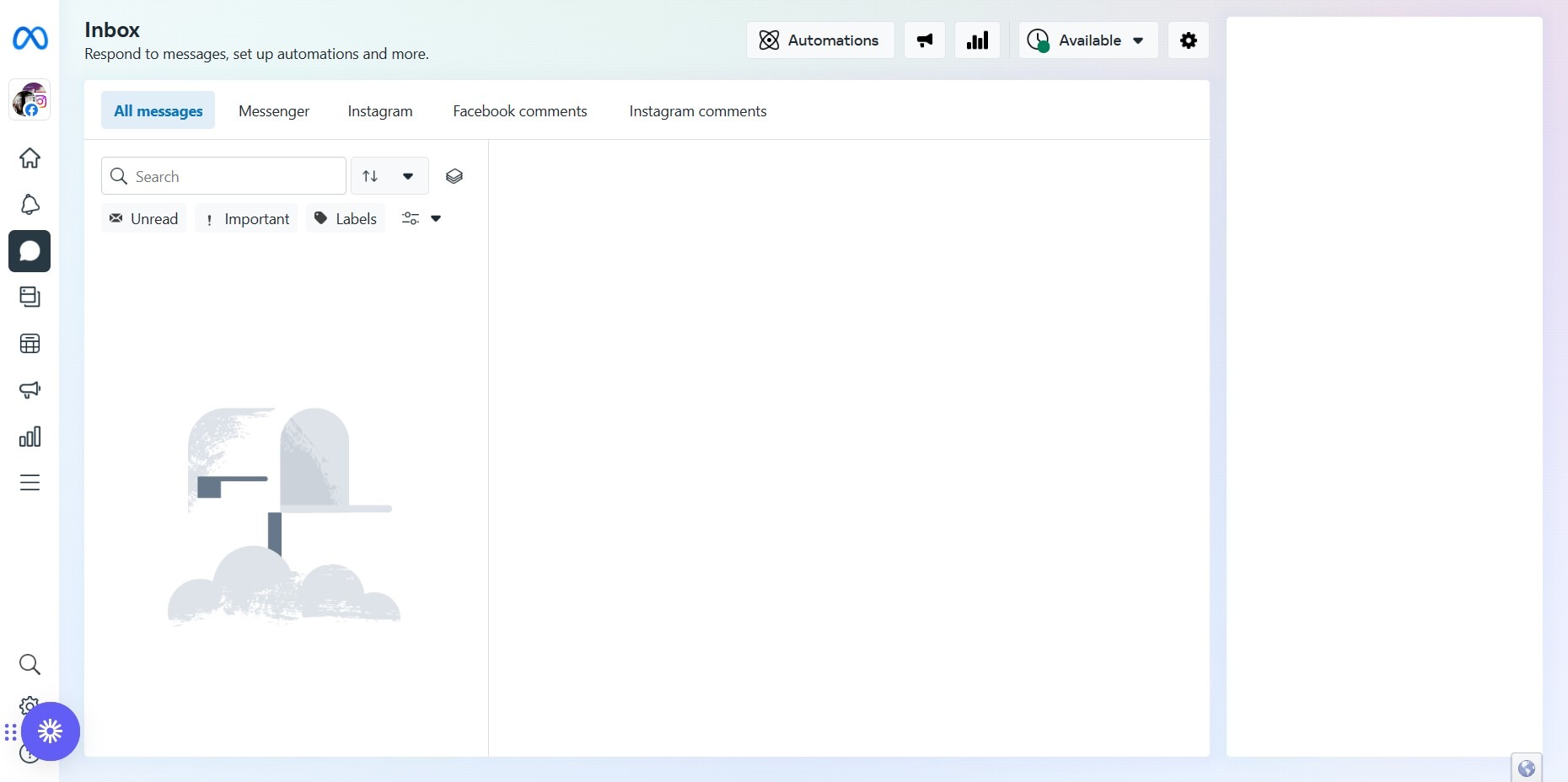
1. To set them up, log in to your Facebook page. In the page administrator, click on the message inbox.
2. Then in Automation.
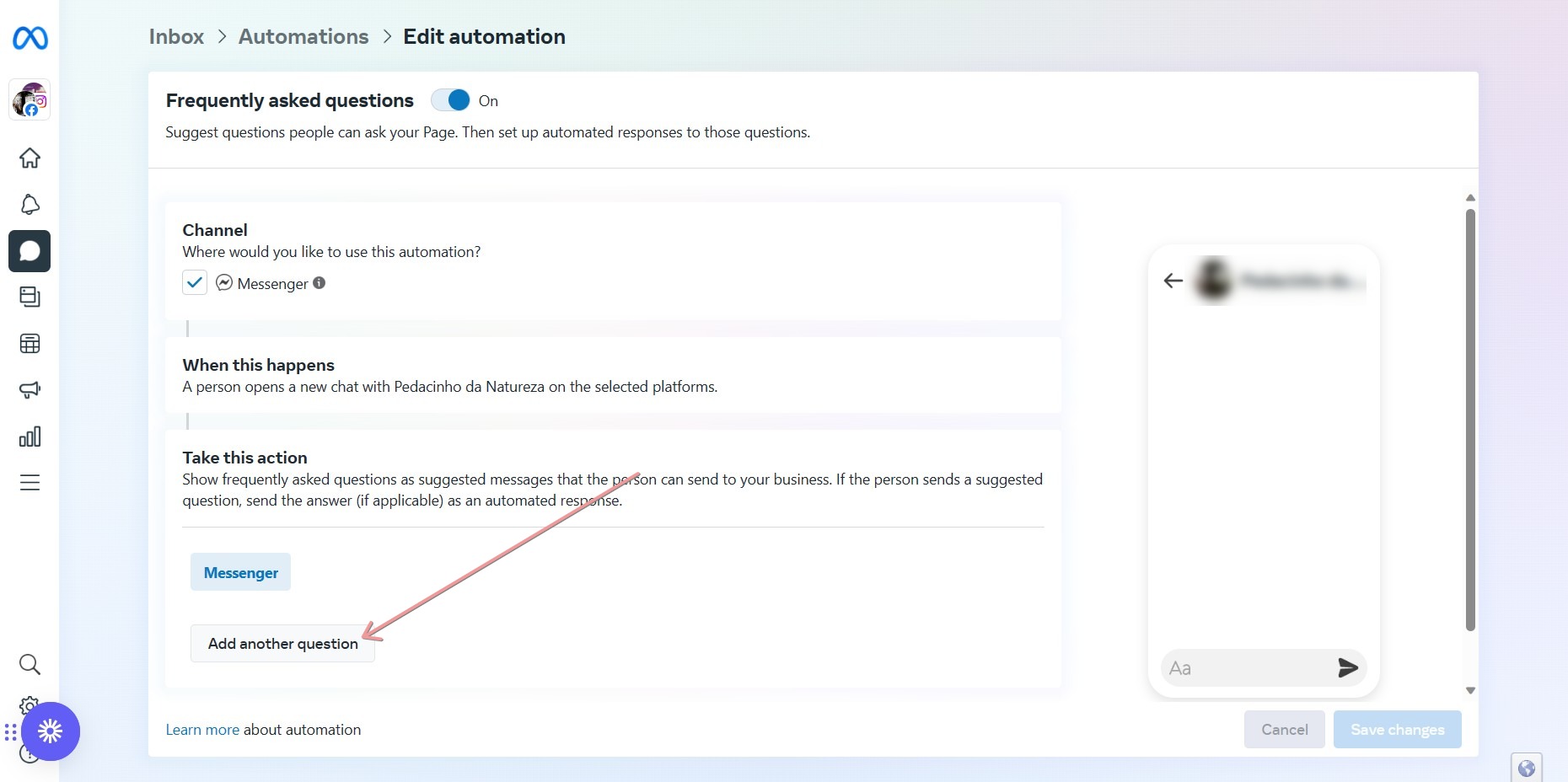
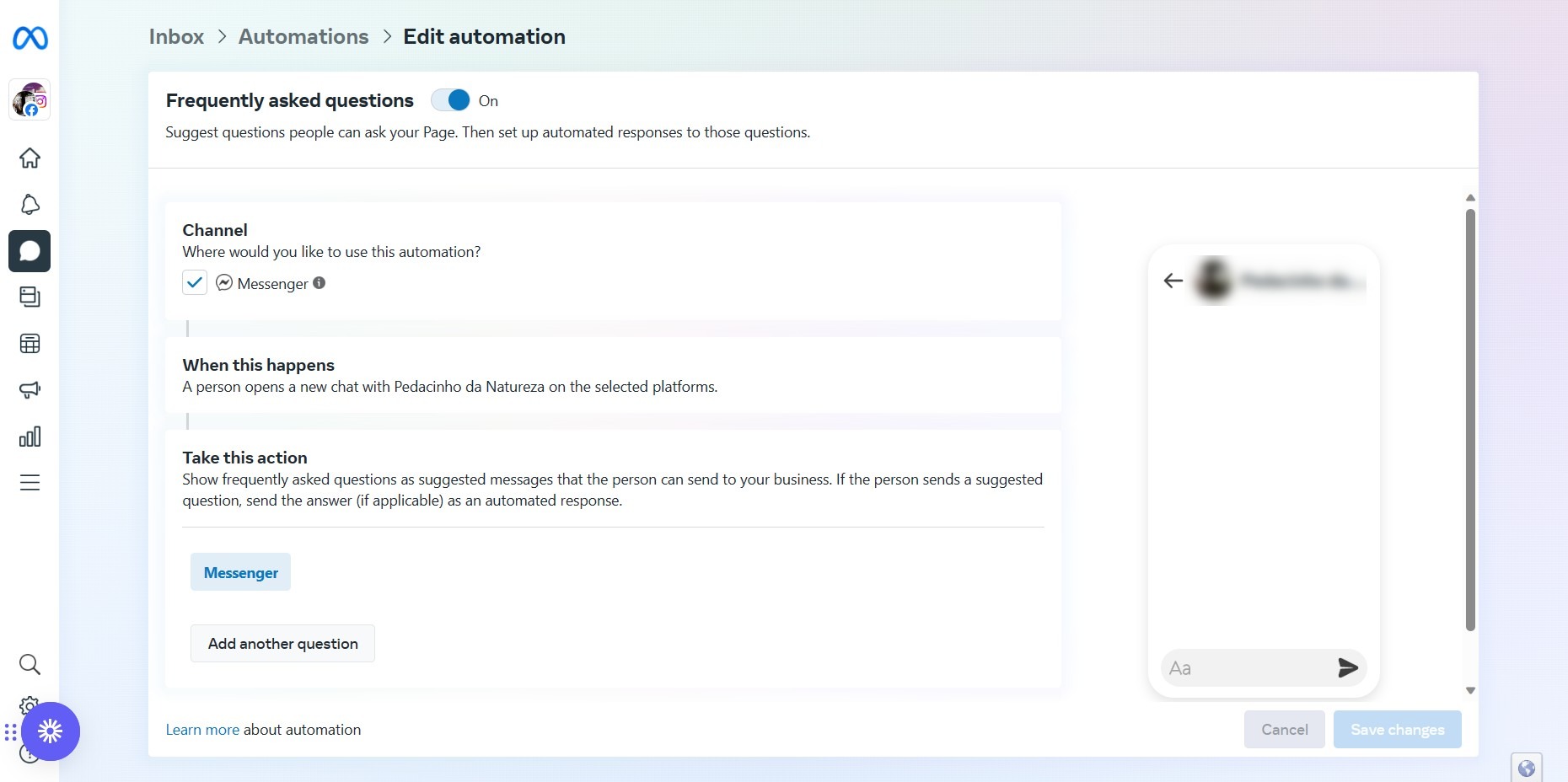
3. Scroll down to the FAQ option.
4. Click on Add another question.
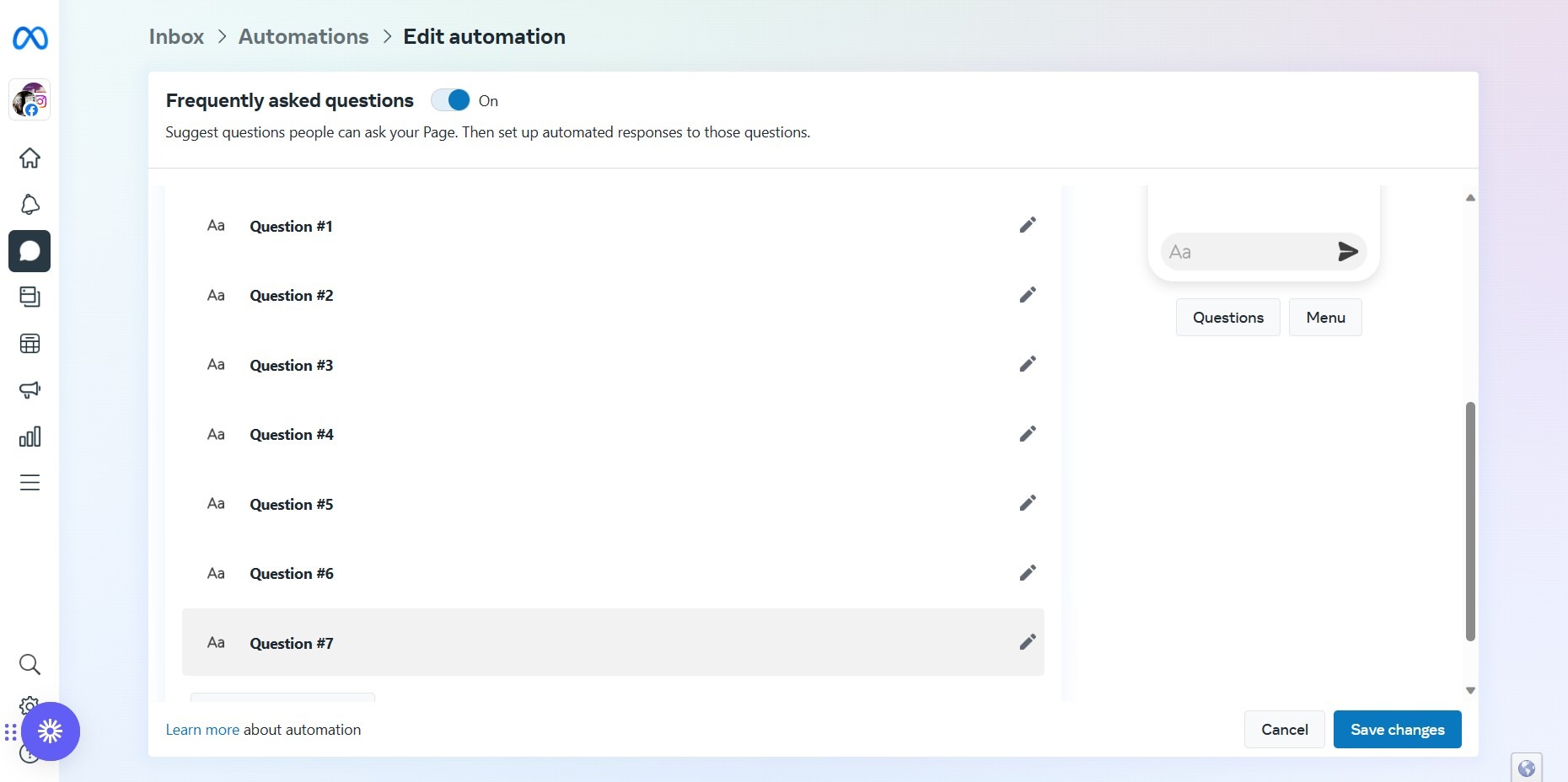
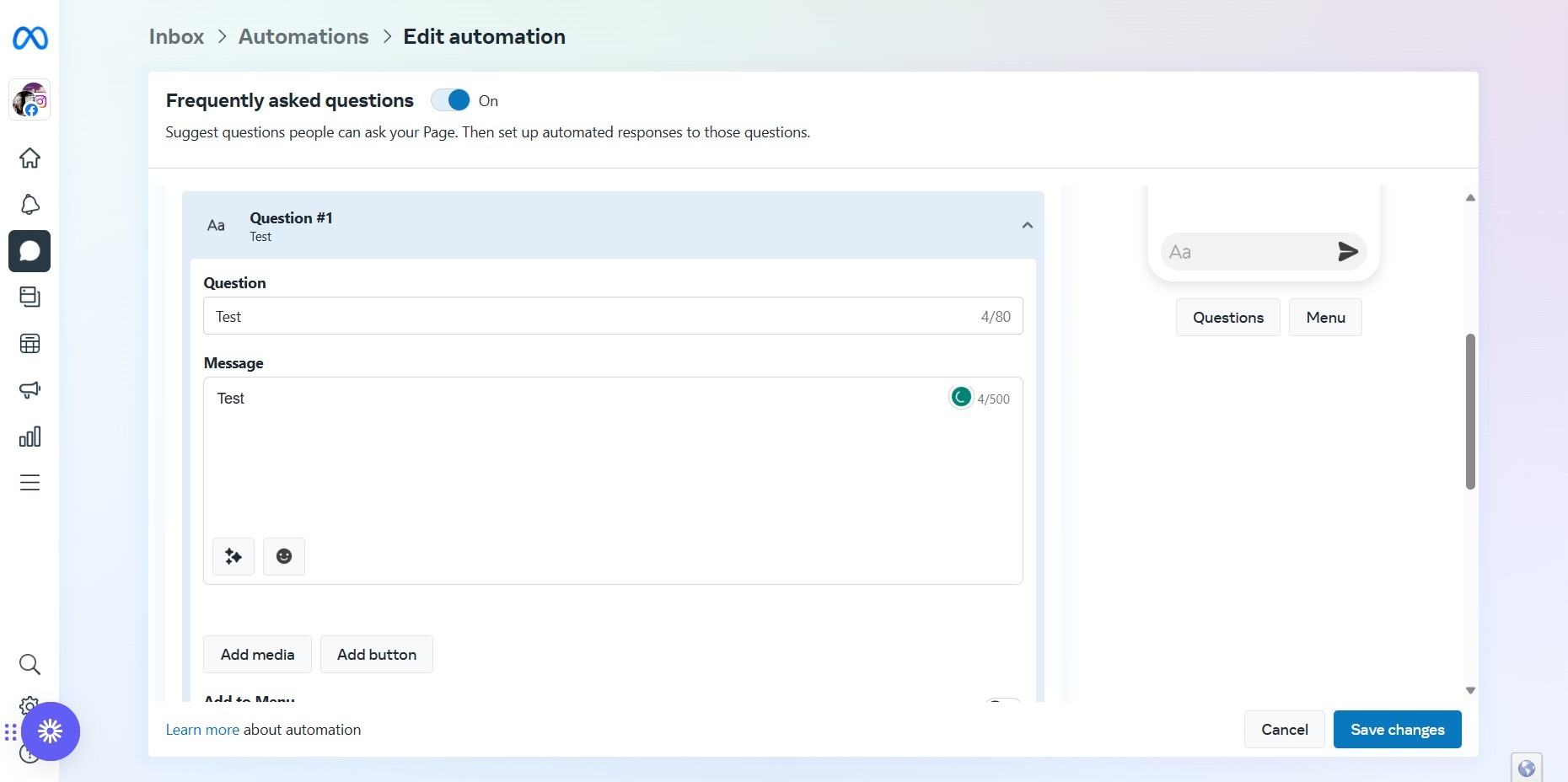
5. You can upload the Faqs you need to save to your list;
6. However, within the window, you can only add up to 5 intentions from your knowledge base.
This website stores cookies on your computer. These cookies are used to collect information about how you interact with our website and allow us to remember you. We use this information in order to improve and customize your browsing experience and for analytics and metrics about our visitors both on this website and other media. To find out more about the cookies we use, see our Privacy Policy.

If you decline, your information won’t be tracked when you visit this website. A single cookie will be used in your browser to remember your preference not to be tracked.