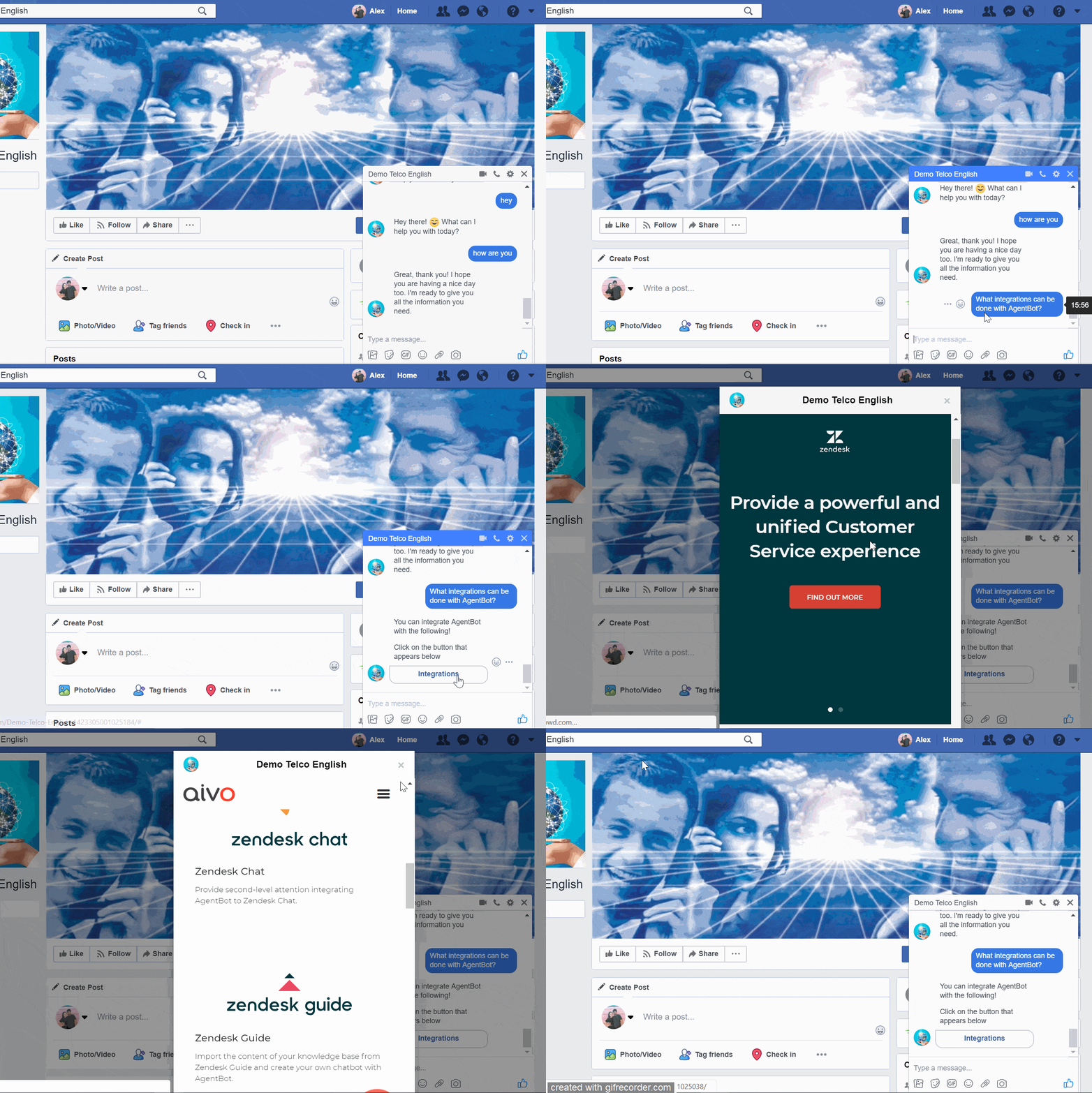
Webview: This complement allows the text of the response to be accompanied by a button that opens a URL. It is advisable to use it for external forms.
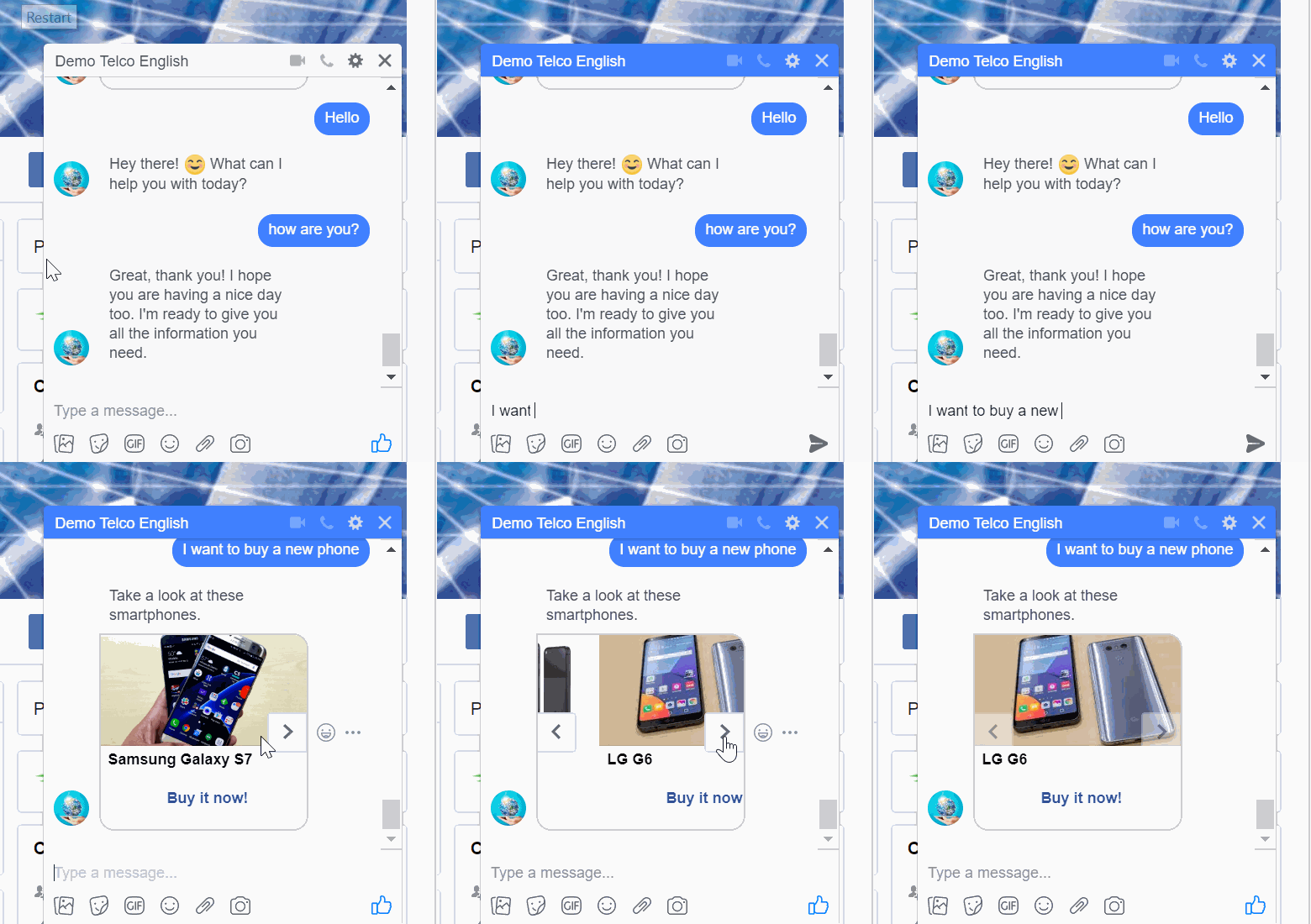
Carousel: the adaptation to the Facebook Messenger channel only requires considering the number of buttons and their characters.
Each slide of the carousel can have up to 3 buttons of 20 characters each.
It is important to use the appropriate aspect ratio for the image. Generic template photos that have a ratio other than 1.91:1 will be enlarged or cropped. Images must be public and in JPG or PNG format. On Facebook, the plugin allows you to upload up to ten images.
It is necessary to add the title to the carousel so that it can be displayed in this channel.
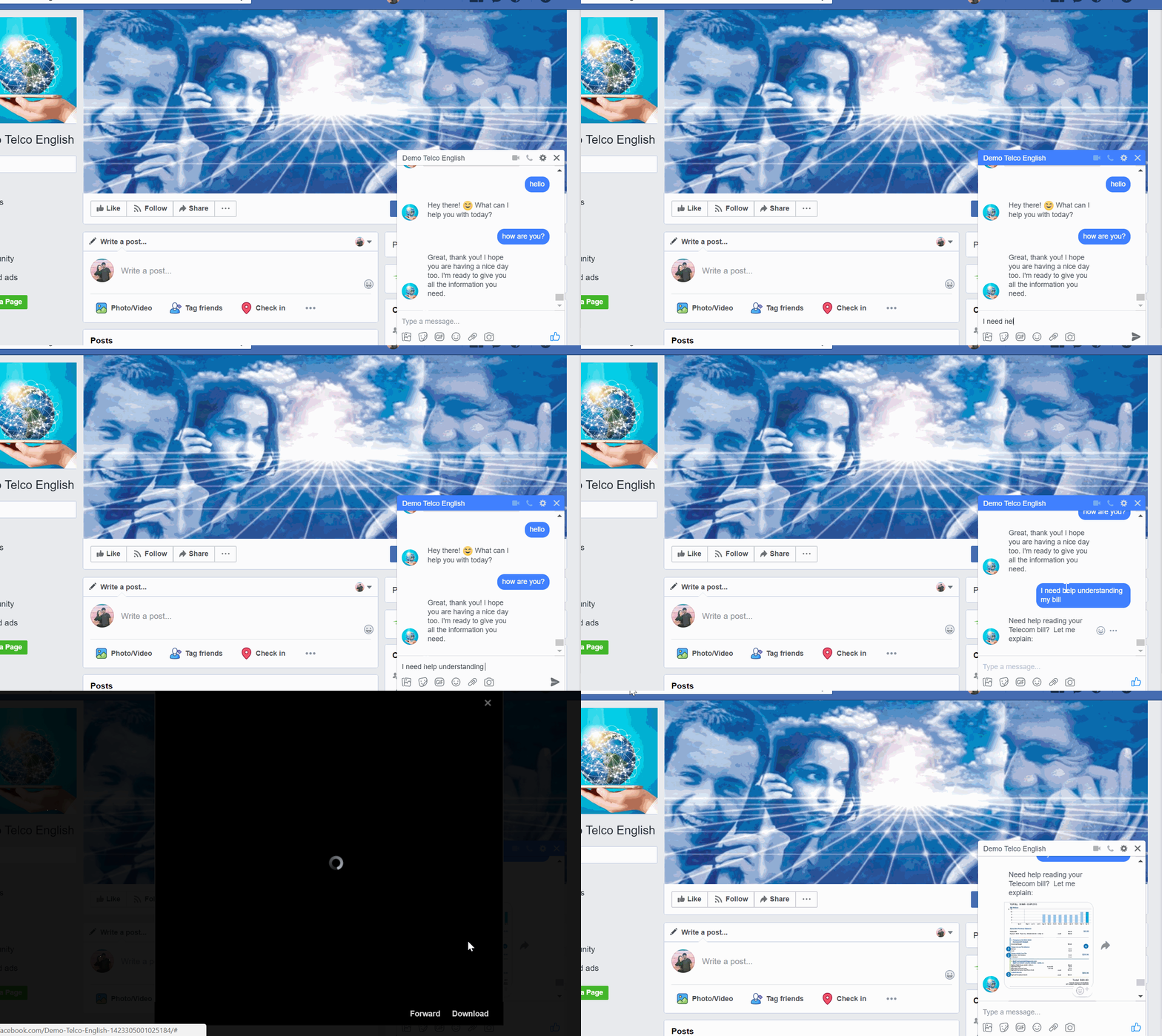
Insert Image: When there is an image within a reply, it will be displayed as a new message, separated from the text. A thumbnail of the image will be displayed before its opening.
The image can be taken from a public URL or locally, from your files in PNG, JPG, or JPEG format.
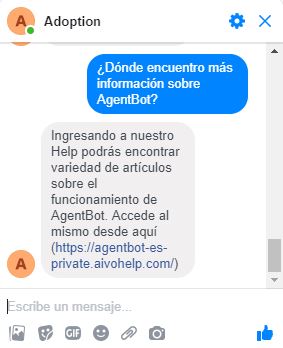
Hyperlink Text: In case you have a reply that incorporates hyperlinks, Facebook Messenger will display it after the plain text as a URL.
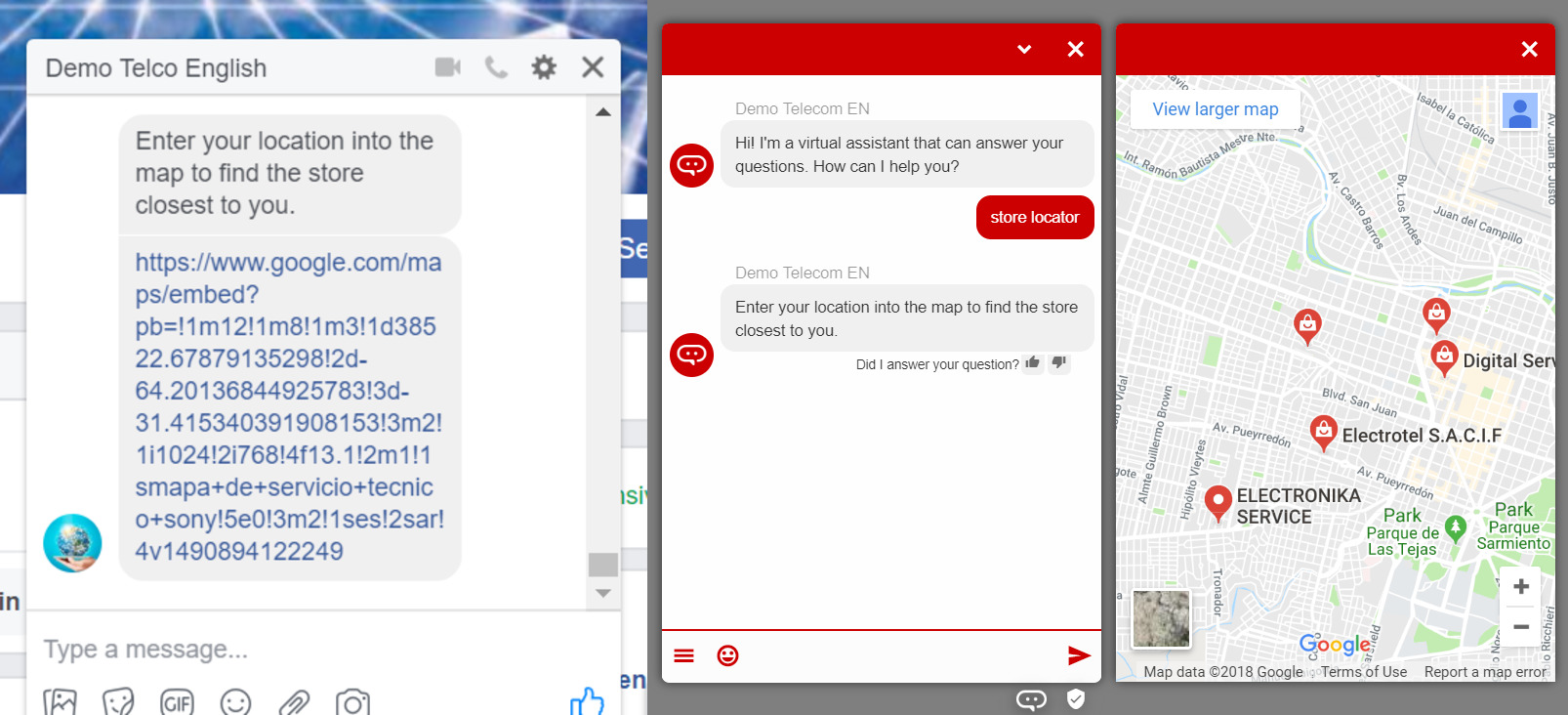
Embed page: This functionality adapts to the limitations of the Facebook Messenger channel and displays it as a link to the URL submitted in the plugin.
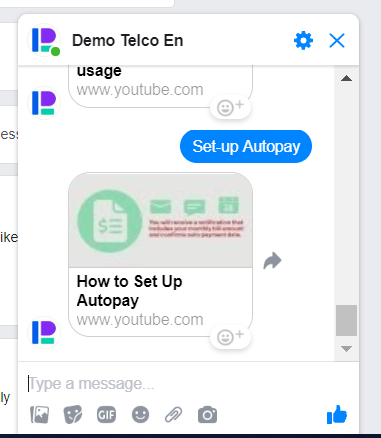
YouTube: The channel will display the reply (if any) and below it, in another message, a thumbnail image of the video you want to use as an add-on. Clicking on the thumbnail opens YouTube in another tab and automatically plays the video.
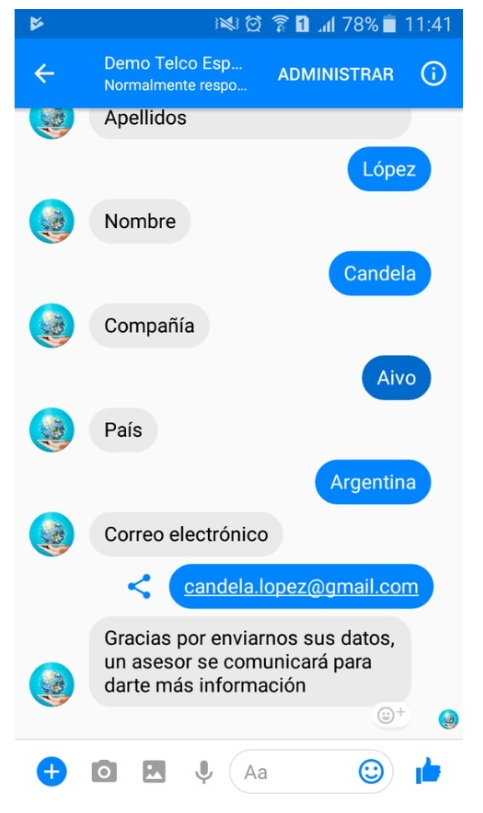
Form: Each form field will be displayed independently. For each interaction, the user responds to that field and continues the conversation until the form is completed.
Nested intent flows: The flows are shown as buttons that the user must select.
Cobrowsing: Since we are not within our website, this add-on's behavior changes in this channel, appearing as a button that redirects the user to the specified URL.
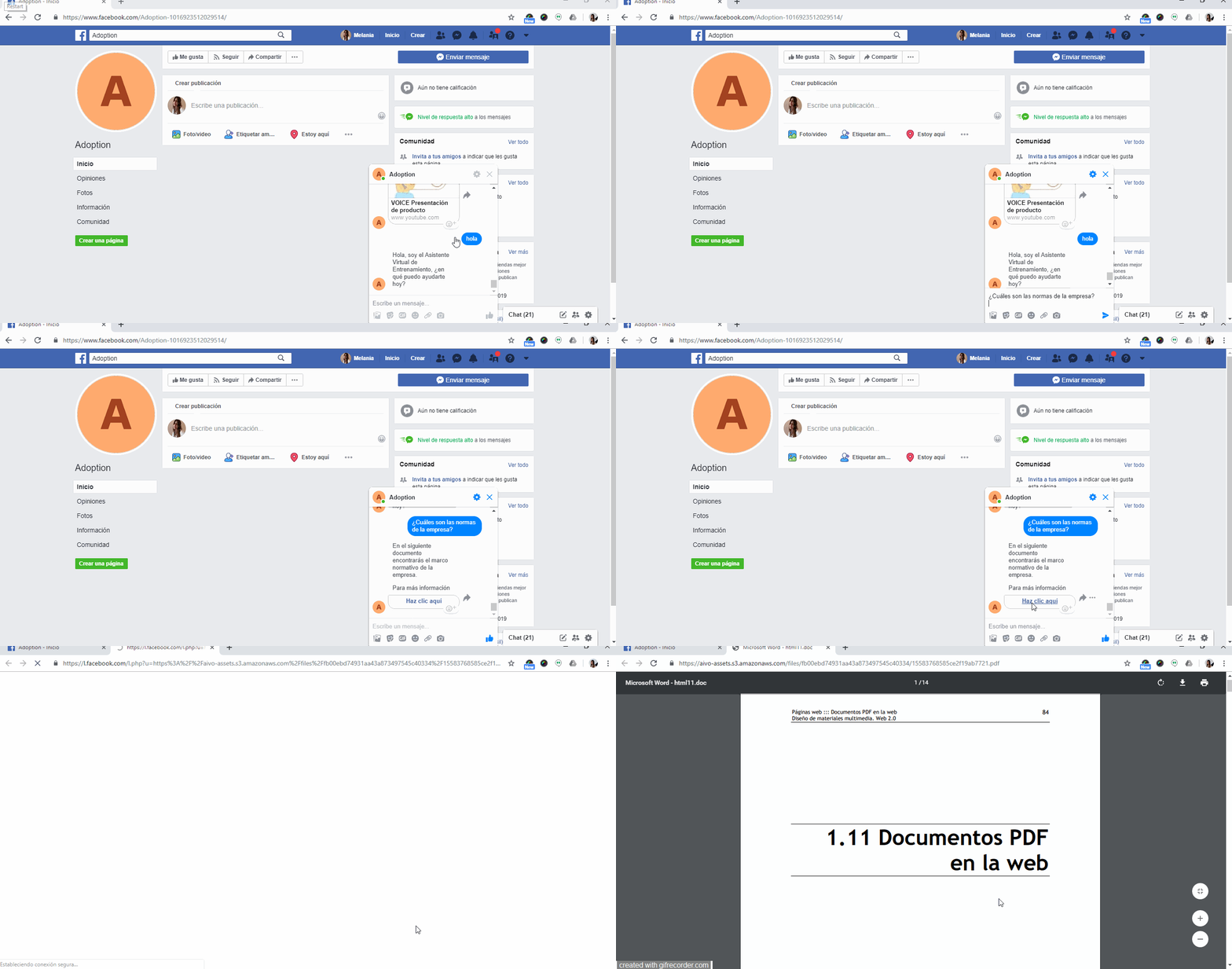
PDF