The user will see the path of available answers as buttons; once they select an alternative, they will continue to interact with those buttons, and until they reach the end, they will not be able to consult outside that circuit.
The intentions that make up this decision tree are dependent on each other and will only respond following the created flow. In this way, we generate a decision tree that offers the answers according to the flow defined for that conversation.
These types of flows are suggested when the options to be chosen by the user are clear, e.g., technical problems and/or derivations.
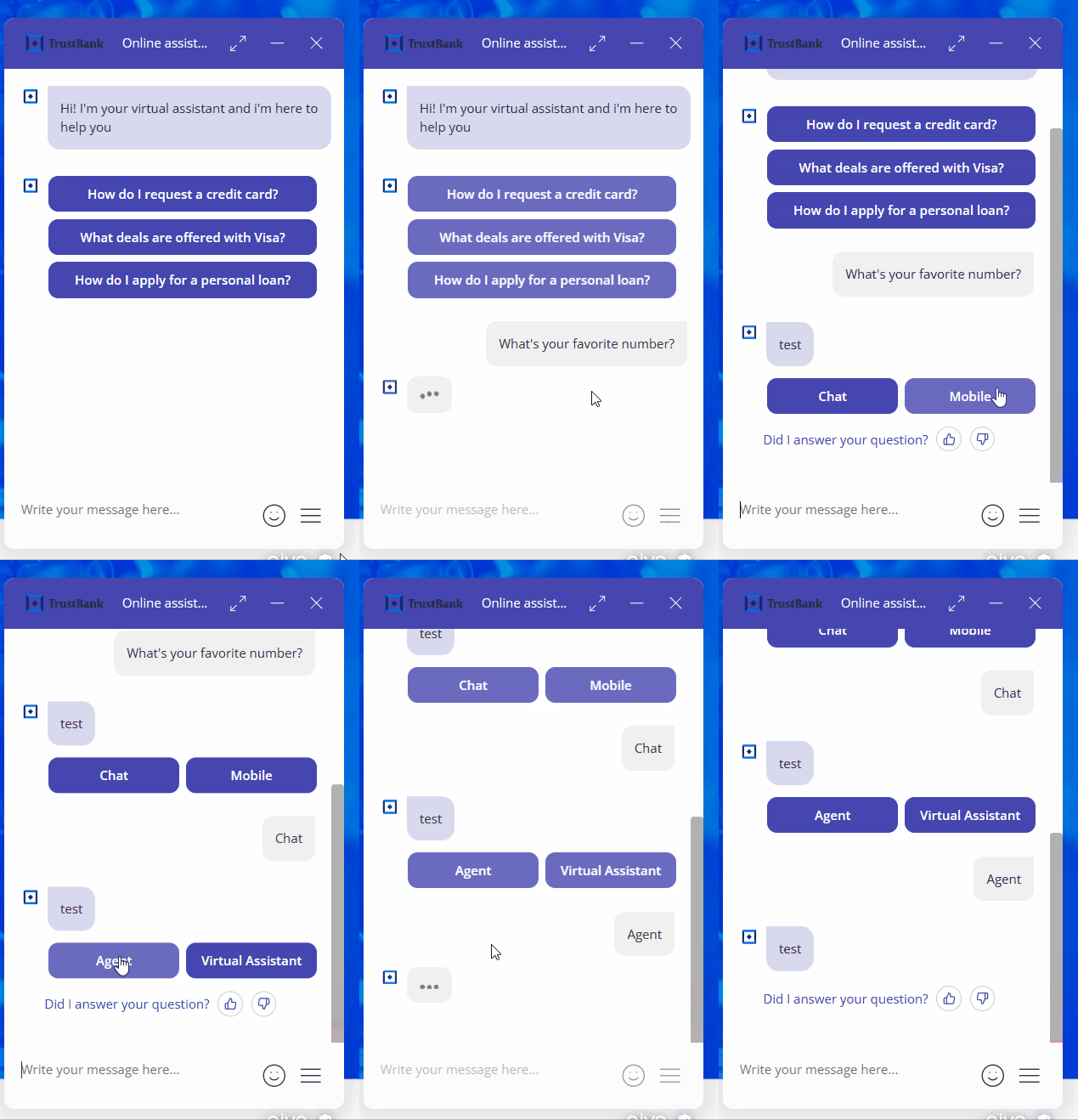
1. For example, in the GIF above, the problem you report is in only one of the three available service options; choose between Flow, Digital, or HD, and you cannot have the same problem in all 3 services.
2. Once you have selected the service with the problem, you are asked if the light is on in your equipment, and again, the answer is closed, it has light, or it does not have light.
3. You are given a possible solution.
4. You are asked if you were able to solve your problem.
5. Finally, if necessary, you are referred to a consultant.
 If you set up nested intentions in answers for async channels (WhatsApp, Instagram, or Facebook), you cannot add the button complement at the same time. These two options are incompatible. However, on the web channel, you can use both in the same answer.
 Key data: If you plan to use emojis in each link that makes up your nested intention flow, you should review the list of all emojis supported and recognized by the platform, and how to add emojis to buttons.
 In the tour below, you will learn how to create a nested intent flow, how the flowchart is displayed once created, and how to delete it if required. You can view the guide and listen to it, or pause the voiceover using the button located in the upper right corner of the tour to view only the steps.