Salesforce Chat is a native Salesforce tool that allows customer service teams to communicate in real-time with their virtual assistant users.
To integrate Salesforce with your Aivo platform you must follow these simple steps:
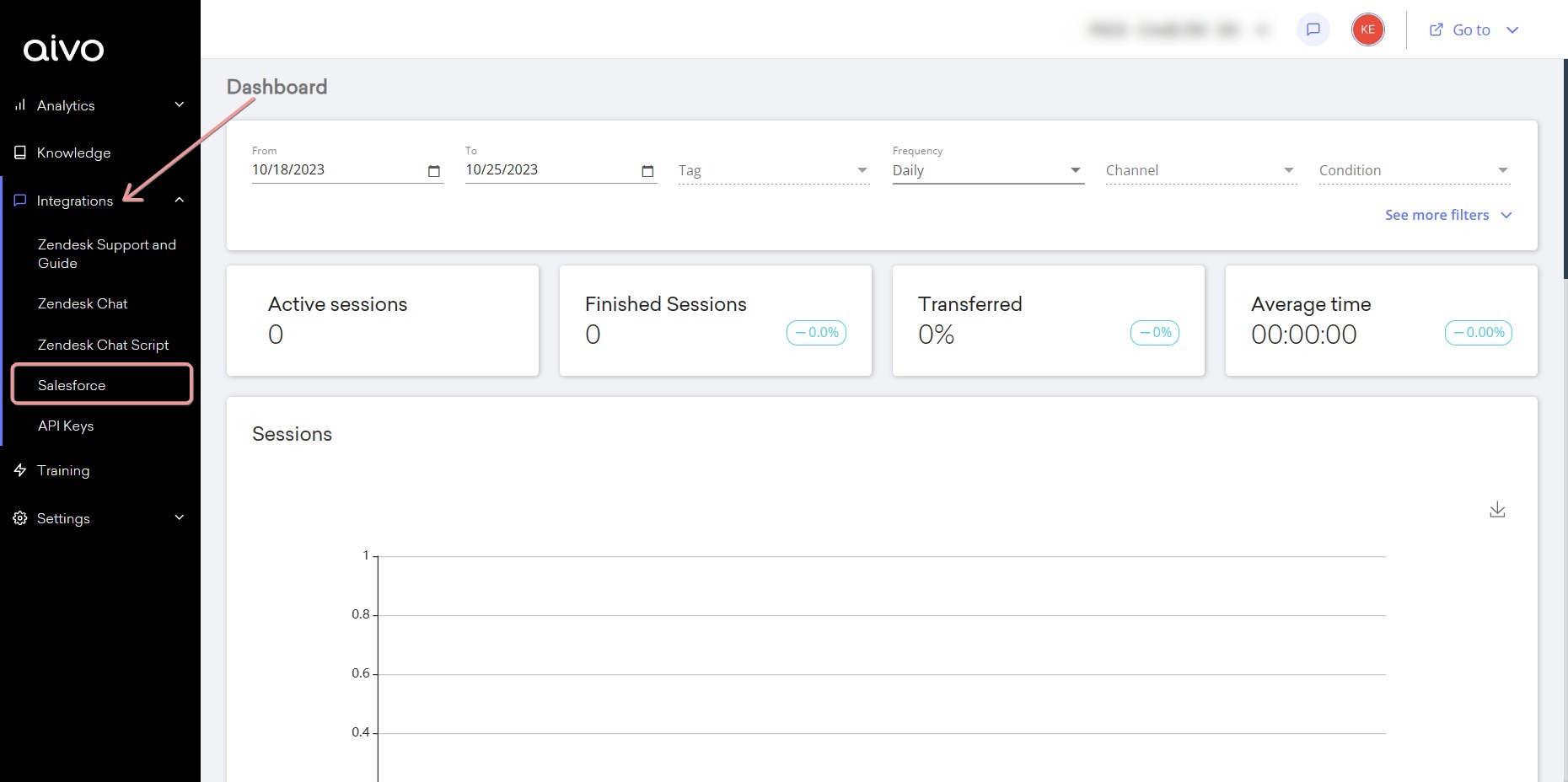
1. Login to the My Aivo platform.
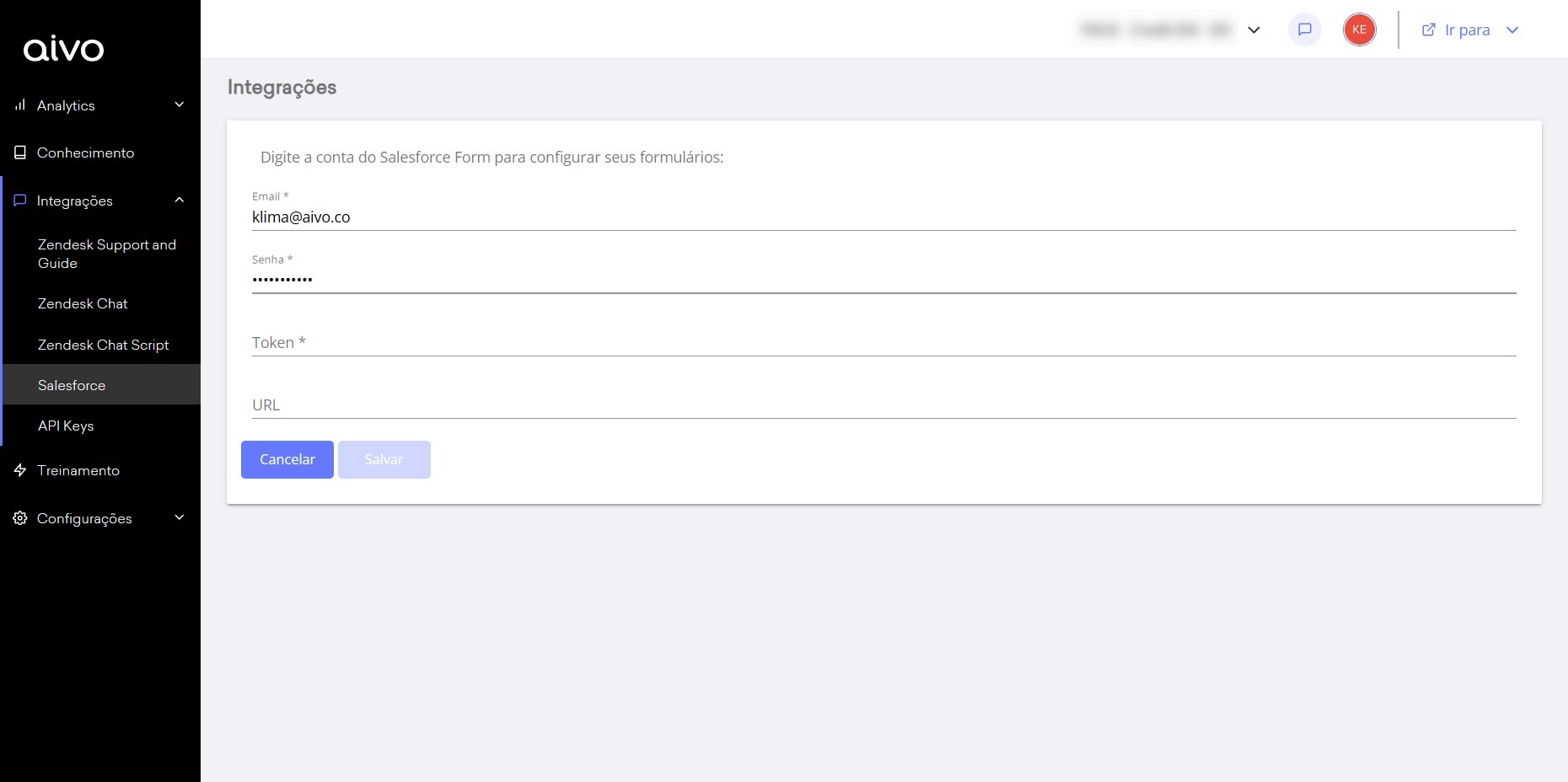
2. In the Integrations section, select Salesforce and fill in your details:
a. The email address and password you use to log in to your SalesForce account.
b. Security token. Read here How to get the Salesforce token?
c. URL, which is the URL of your Salesforce instance, for example http://{{{YOUR_SUBDOMAIN}}}.my.salesforce.com
3 - Click "Save" to complete this action.
4 - Then, it is necessary to open a request-type ticket in the Aivo Support center, with the following information:
{
"organizationId": "INSERT_DATA",
"deploymentId": "INSERT_DATA",
"buttonId": "INSERT_DATA", // mandatory, for the web channel or your default channel
"buttonWhatsappId": "INSERT_DATA", // optional
"buttonFacebookId": "INSERT_DATA", // optional
"buttonInstagramId": "INSERT_DATA", // optional
"domain": "INSERT_DATA",
"queueMessageLanguage": "es-ES" // Formato ISO, for example pt-BR || en-ES
} Important: the "queueMessageLanguage" field may vary according to the language you want.
5 -With the information sent above, our technical team will create the transfer process in the MyAivo platform.
6 - You're done! Once this configuration has been confirmed by the team, you will be able to view it through the "Transfer Settings" option.