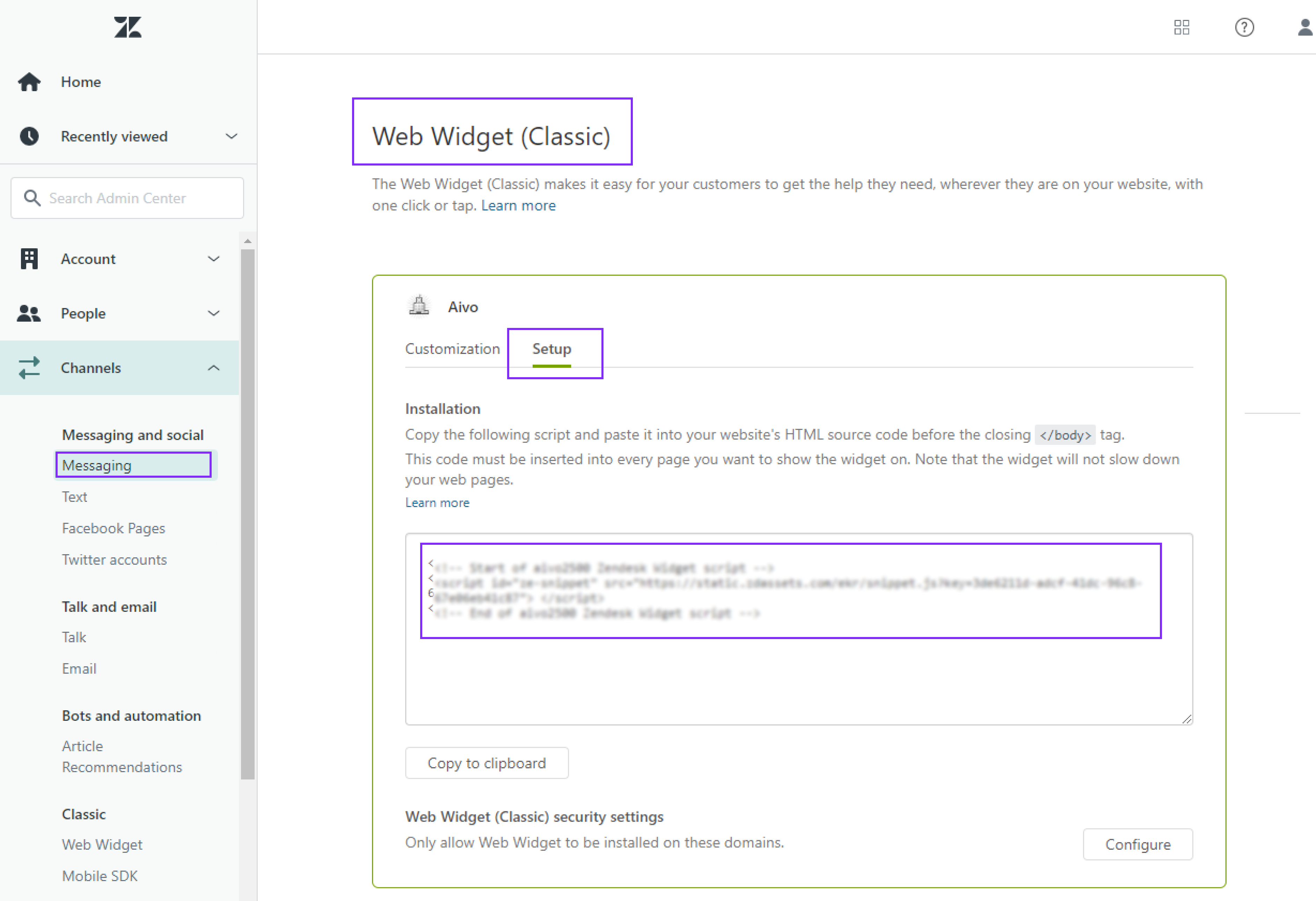
1. Log in to your Zendesk account to get the script.
a. Click on the "Messaging and Social Media" section in the left panel of the screen and choose the "Messaging" option.
b. Go to "Web Widget Settings (classic)".
c. Click on "Settings".
d. Copy the Script listed in the "Installation" section.
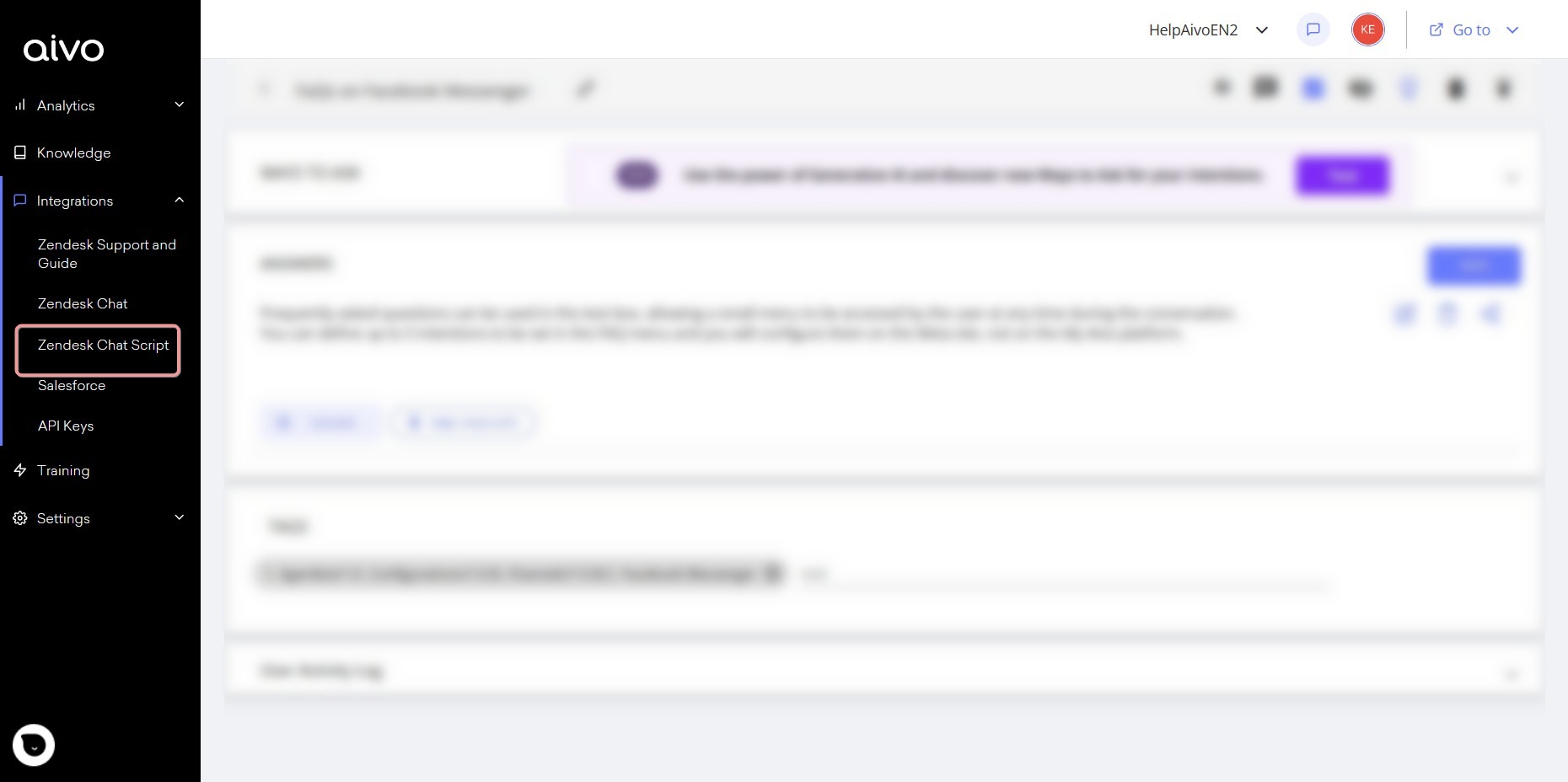
2. Access the My Aivo platform to make the corresponding configurations.
a. Click on the "Integrations" section in the left panel of the screen and choose the "Zendesk Chat Script" option.
b. Paste the script you got from the Zendesk account into the "Zendesk script" field.
c. Fill in the remaining fields:
-Referral name: this value is used to identify the referral within the Aivo Platform.
-Attention message: this is the message that will be displayed at the time of the referral. For example: We are referring you to an advisor to take your consultation.
-After-hours message: this is the message that will be displayed when there are no agents available to attend the conversation.
For example: There are no agents available at this time. Our opening hours are from 10 am to 5 pm.
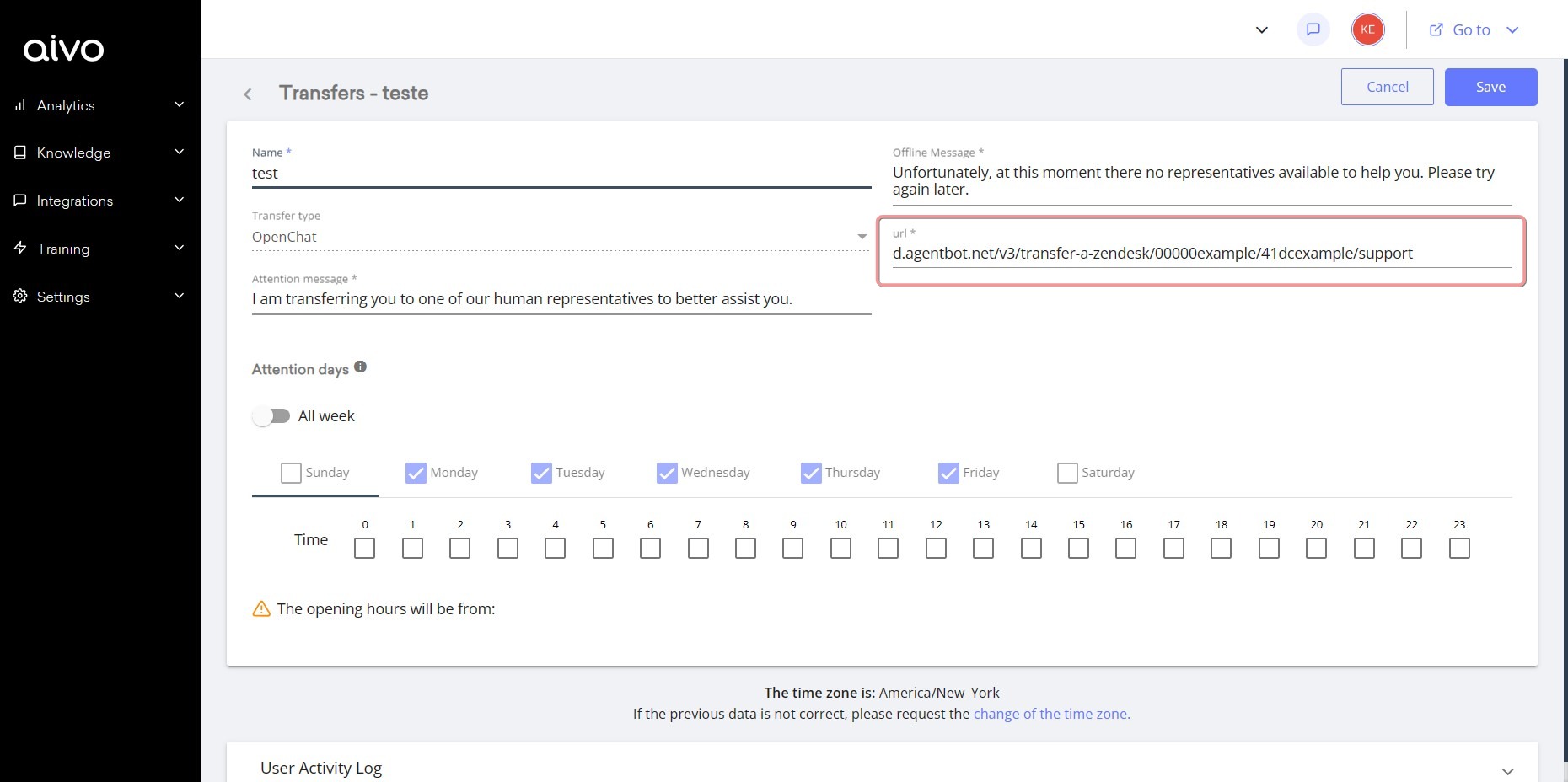
-Zendesk Chat URL: this field is automatically filled in after the script has been entered.
d. Save.
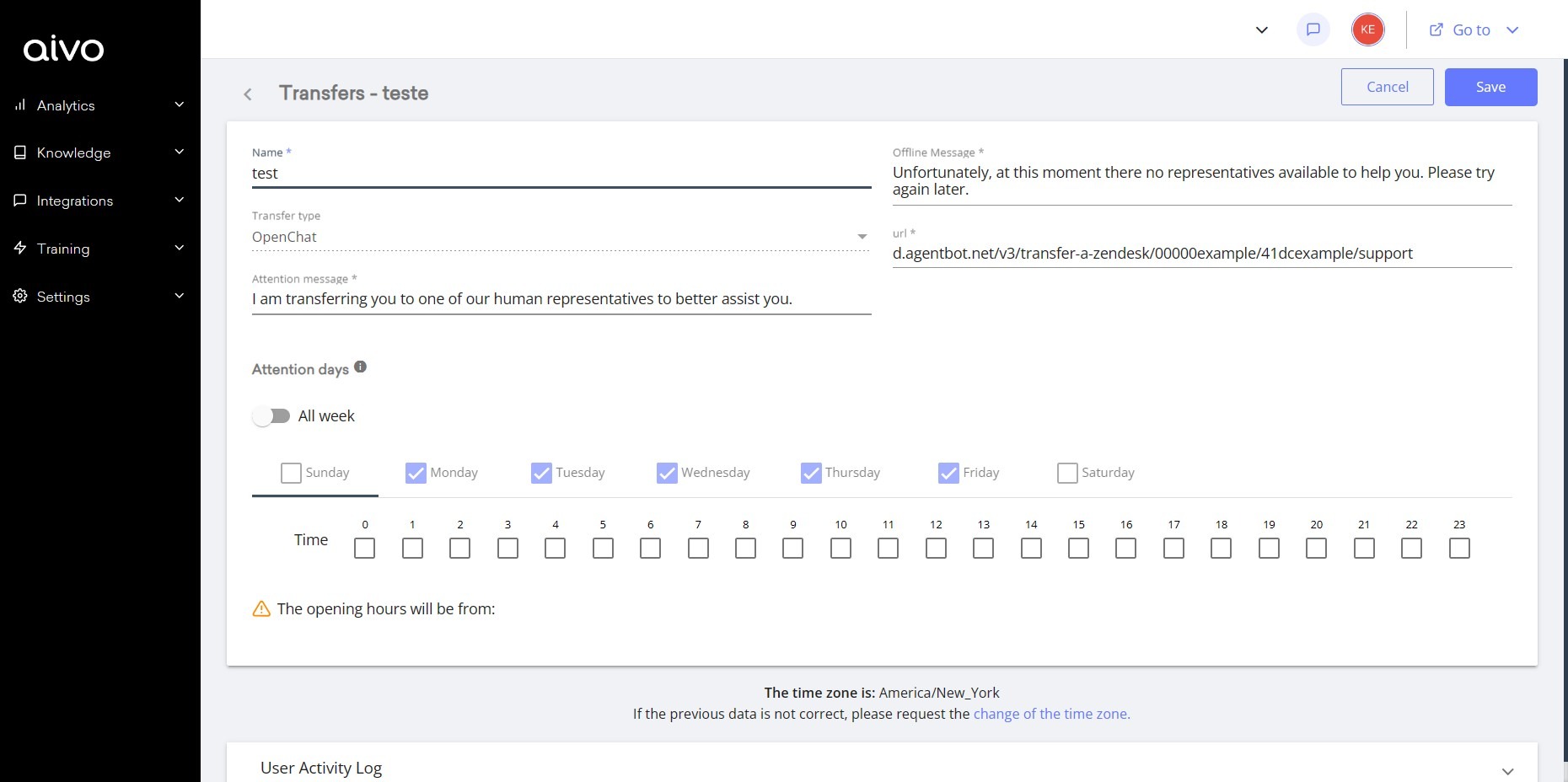
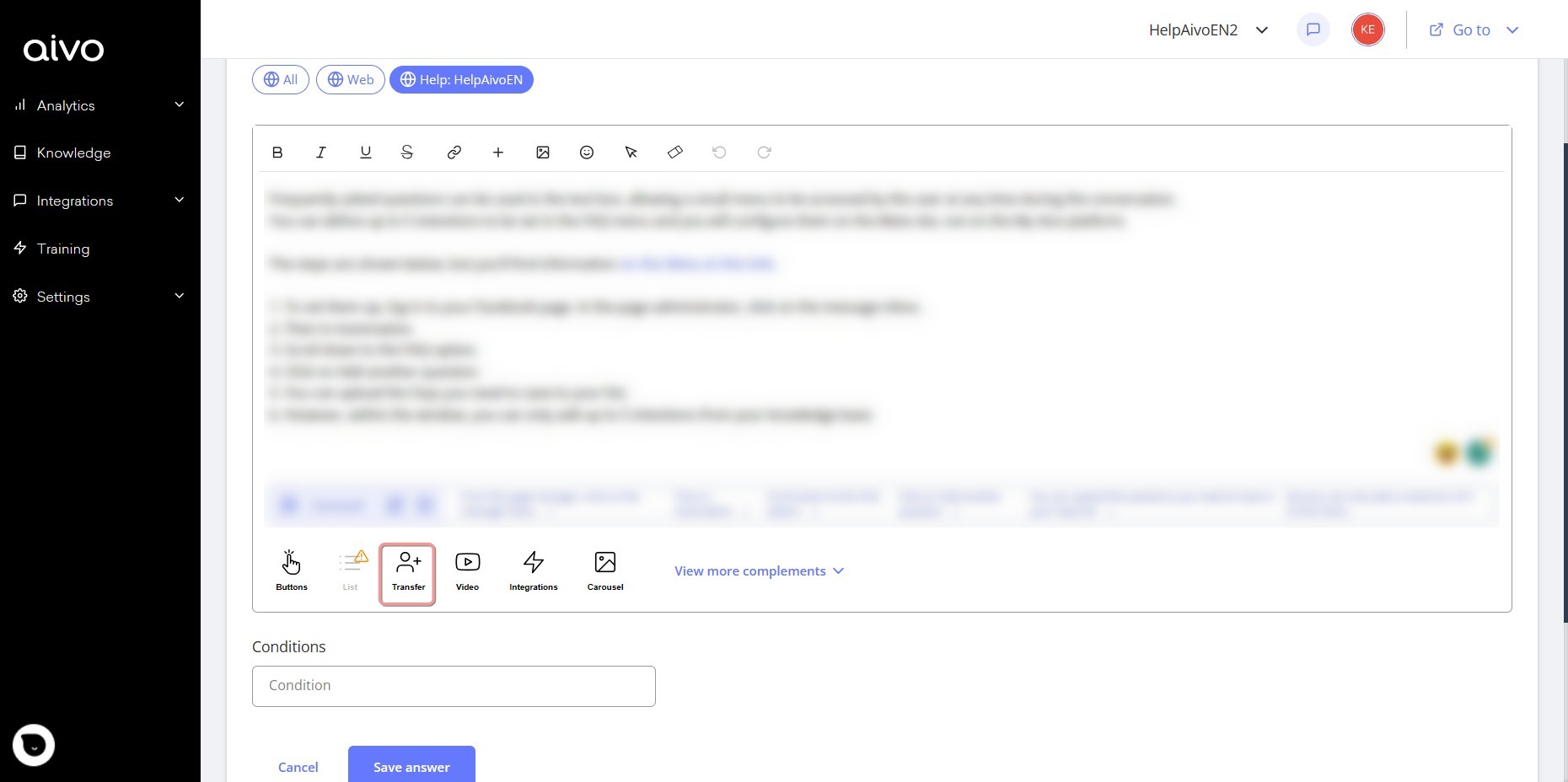
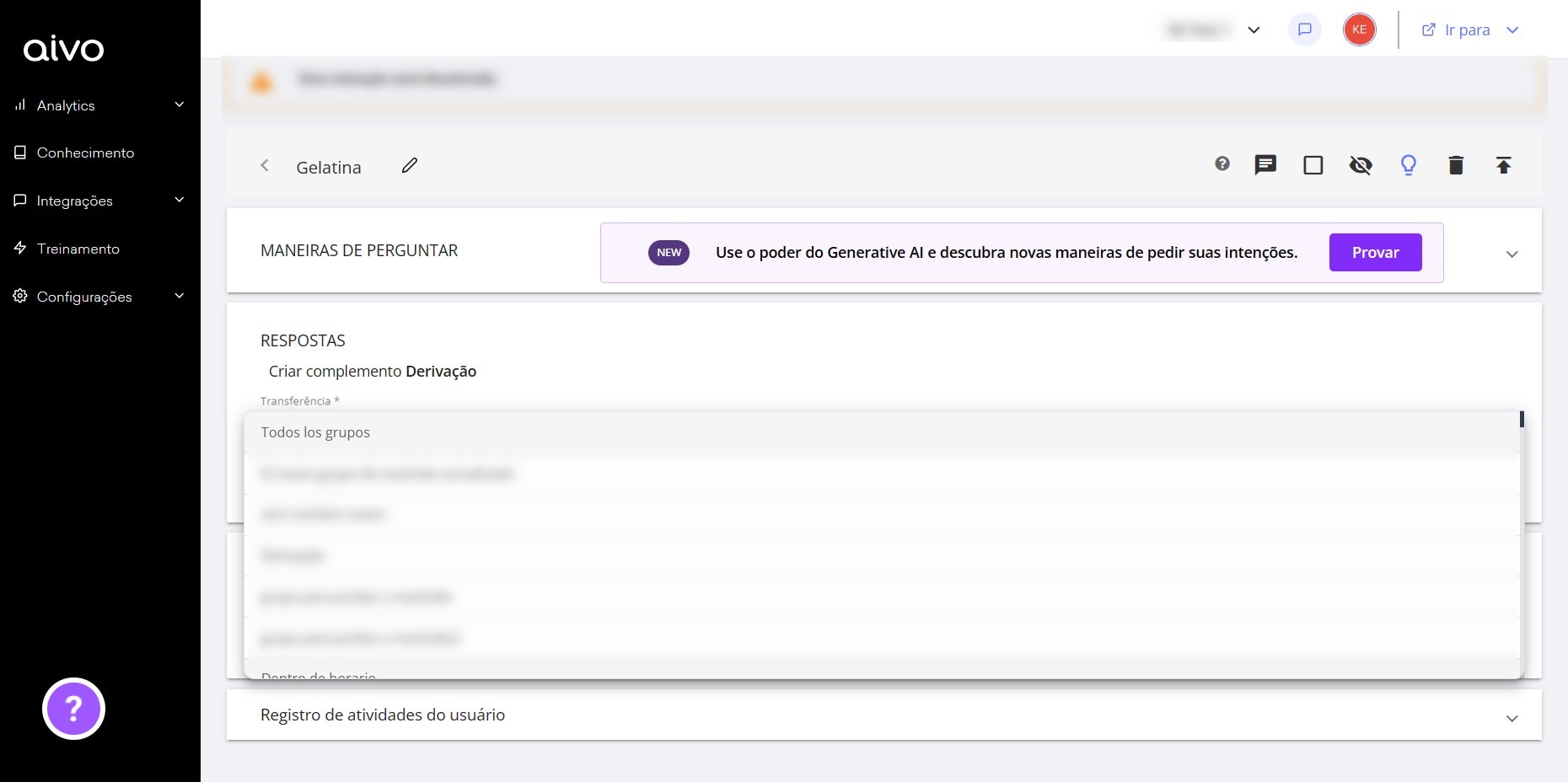
3. Click on the "Settings" section in the left panel of the screen and choose the "Transferred" option. Learn how to set up a transfer from Agentbot to Zendesk here.
1. Log in to your Zendesk account and get the script.