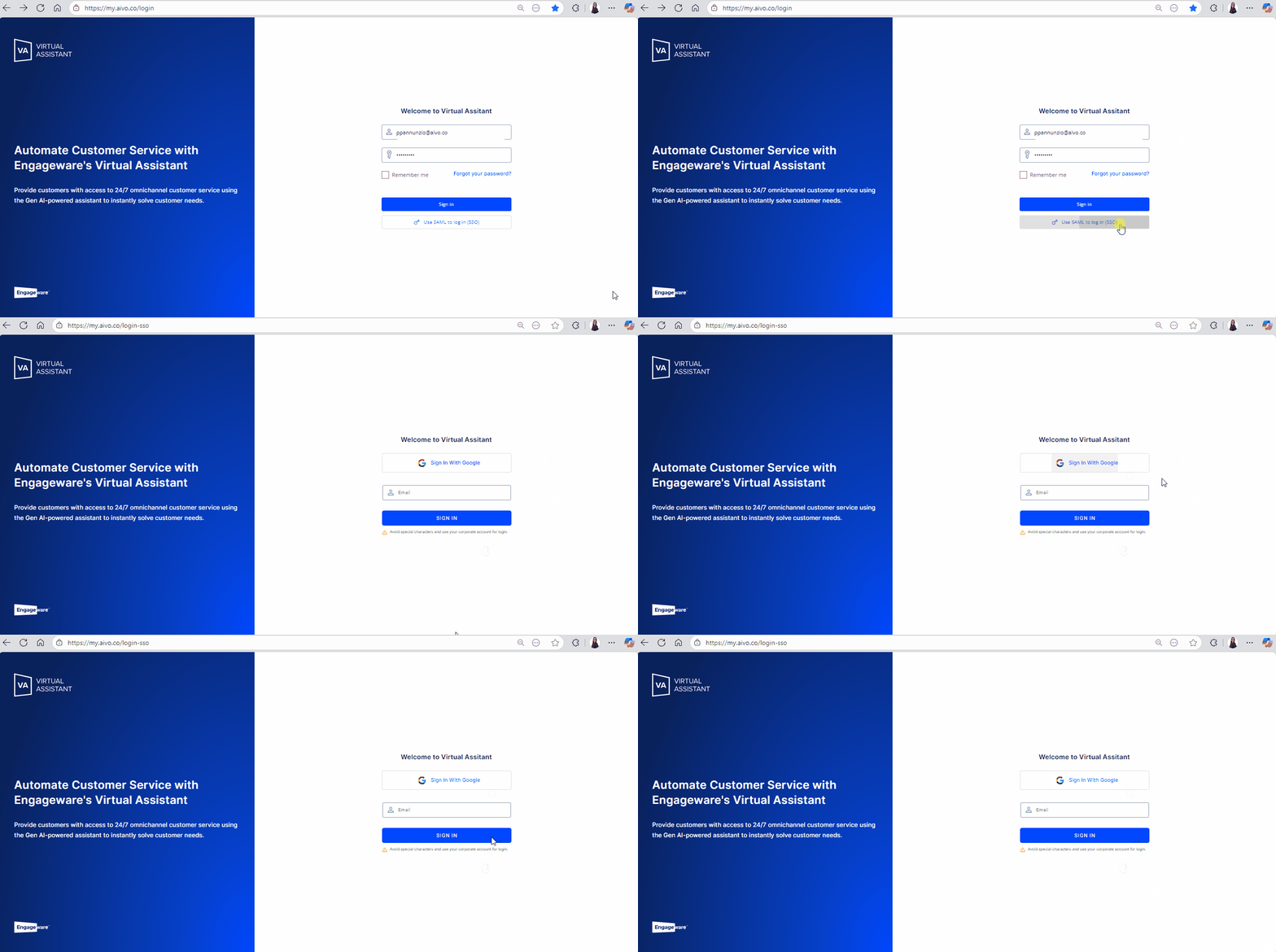
If you wish, you can configure a single sign-on (SSO) to Aivo Suite accounts, based on Security Assertion Markup Language (SAML). Unlike traditional login, through SAML, you can apply an extra layer of security using your authentication mechanisms.
 By implementing SAML, user creation, administration, and password recovery methods will not be managed from the Virtual Assistant platform.
 You can request its configuration by service request at the support center, sending the following information.
Login URL: URL in the IdP to which SAML authentication requests should be sent. This is often referred to as the SSO URL.
Logout URL: URL in the IdP to which SAML logout requests should be sent. This is frequently referred to as the “logout URL,” “global logout URL,” or “single logout URL.”
Signing Certificate: Certificate that we need to validate the signature of authentication assertions that have been digitally signed by the IdP (.cert format).
Once the configuration is complete, we will provide the SAML connection data (metadata) for your setup. You will then need to create users and passwords in your SAML system and in the Virtual Assistant Platform's User Manager.
New users will not receive a welcome email or password link, since, with SAML/SSO, user credentials are assigned by your company's administrator.
Once the process is finished, in the platform login, instead of entering your email and password, click on "Use SAML to log in (SSO)". You will automatically be redirected to the SSO login, where you will enter your access data. These will be authenticated, and if they are correct, you will access the platform; a message will be displayed indicating that the passwords are incorrect.