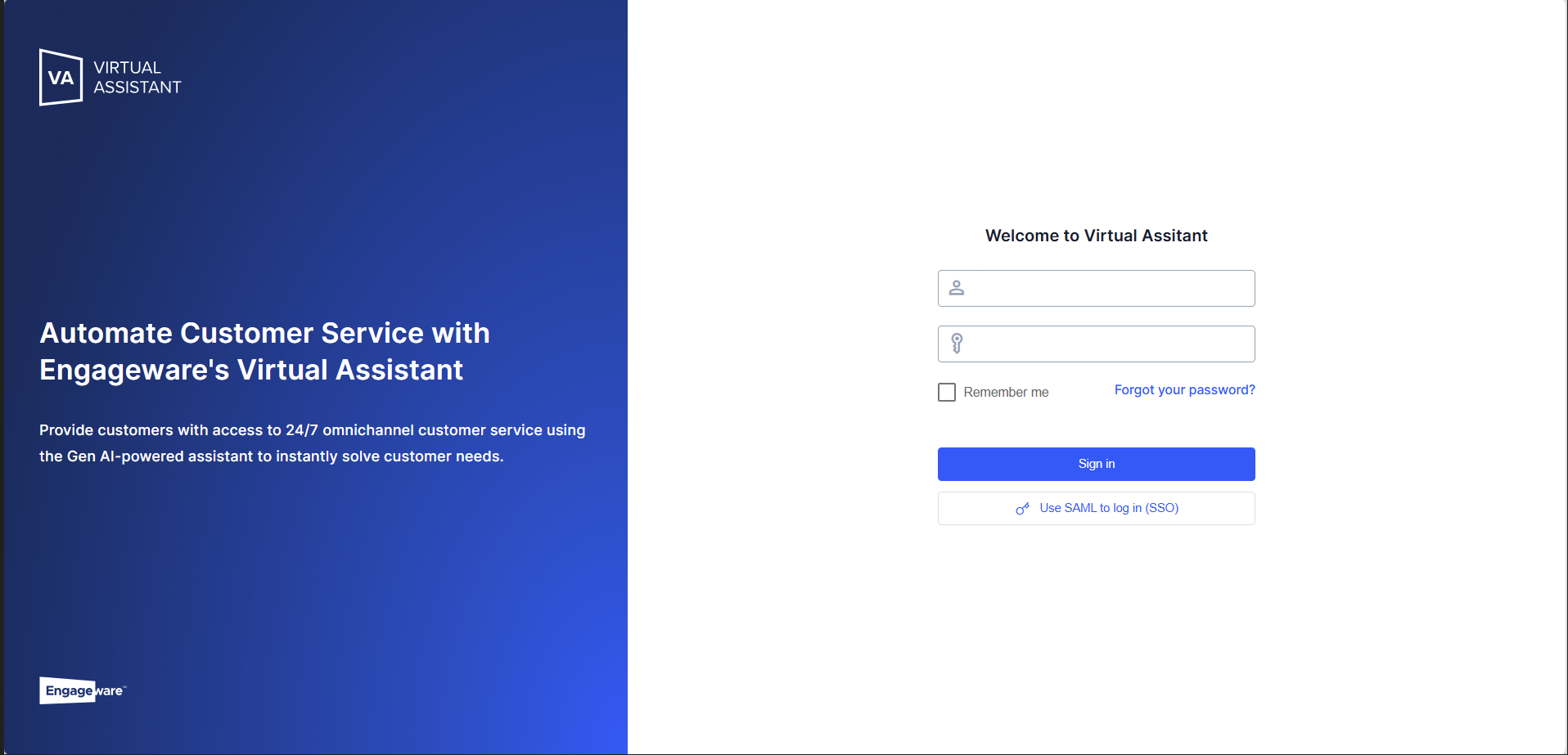
To log in to Live, you must first go to Virtual Assistant. You’ll need to use your login credentials (email and password).
 If this is your first time logging in, please note that your password has been sent to your email address.
After entering your information, click “Log In.”
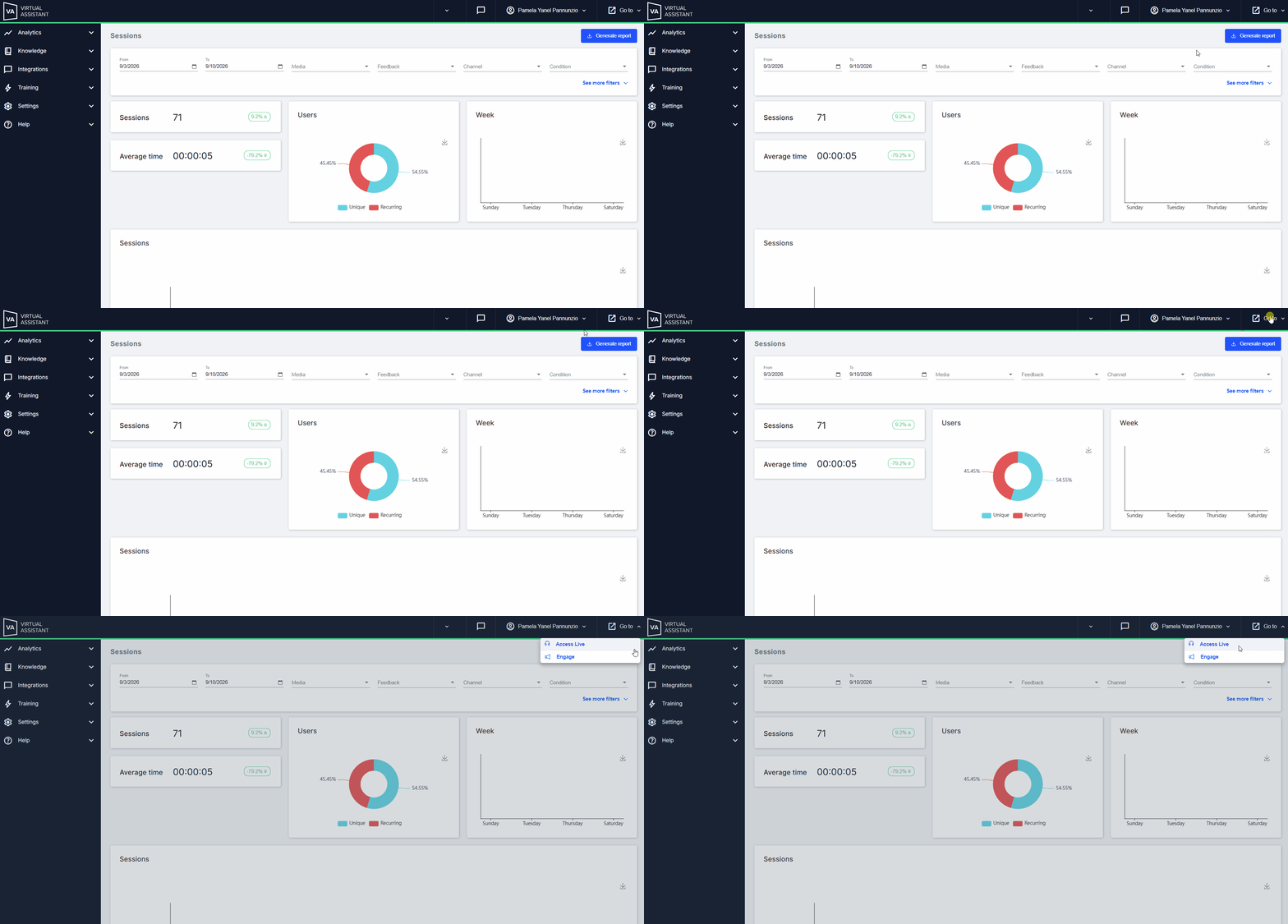
✓ If you have access to both Virtual Assistant and Live, you can switch between the two sites by clicking “Go to > Access Live.”
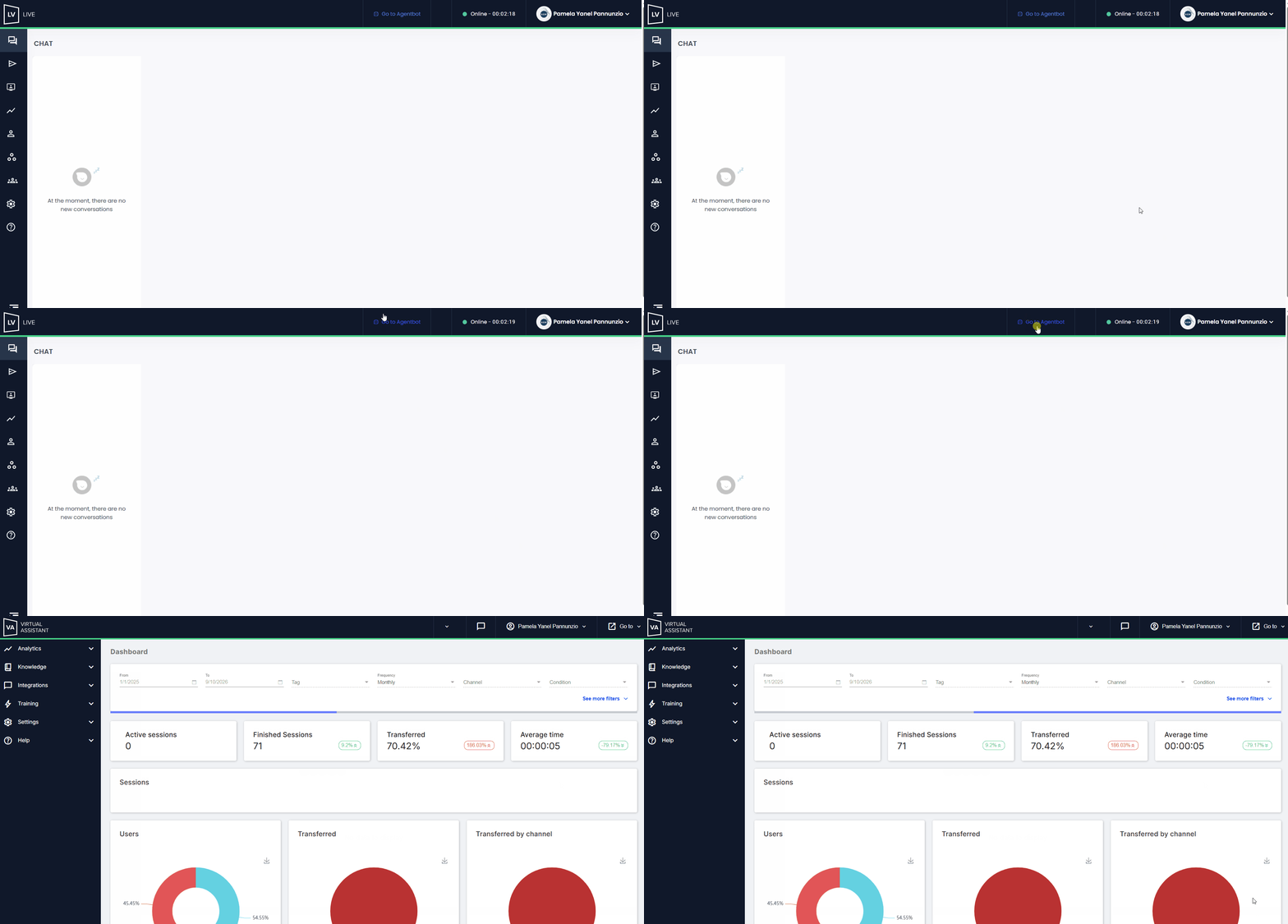
Once you’re on the Live platform, you can return to Virtual Assistant.
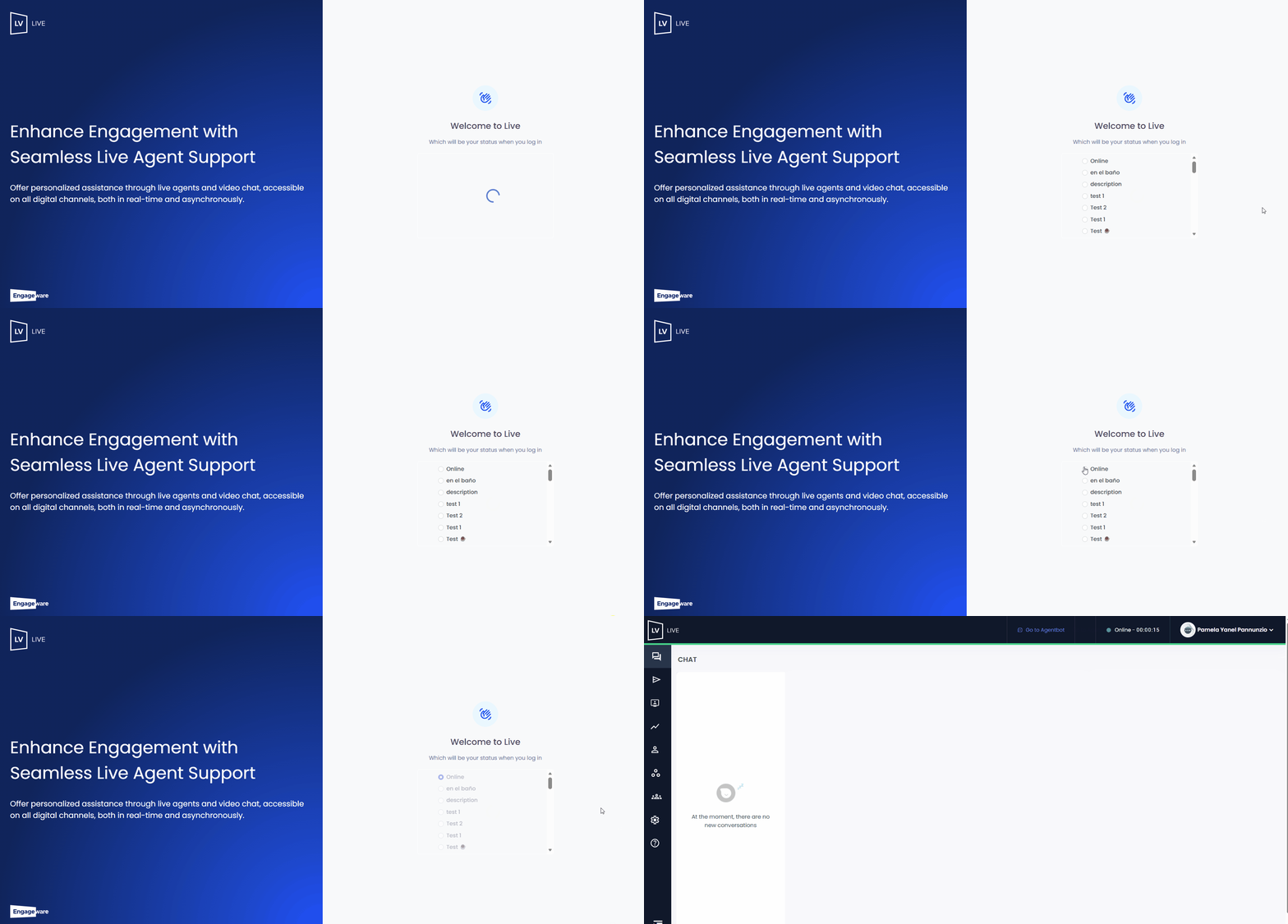
✓ If you have an Agent profile, you’ll be taken directly to the Live platform.
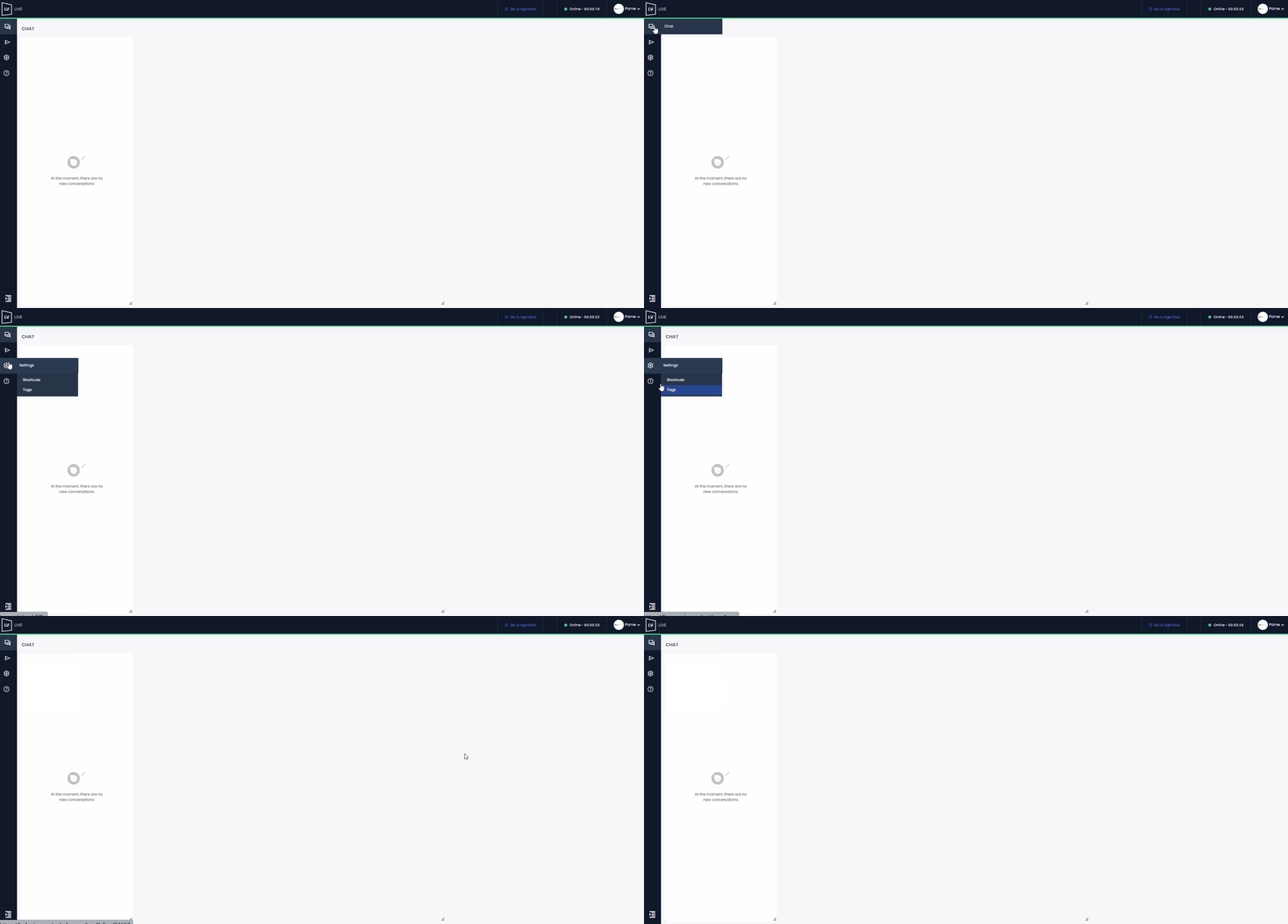
✓ In both cases, once you’ve logged in, you’ll see a list of possible statuses you can select from to access the platform.