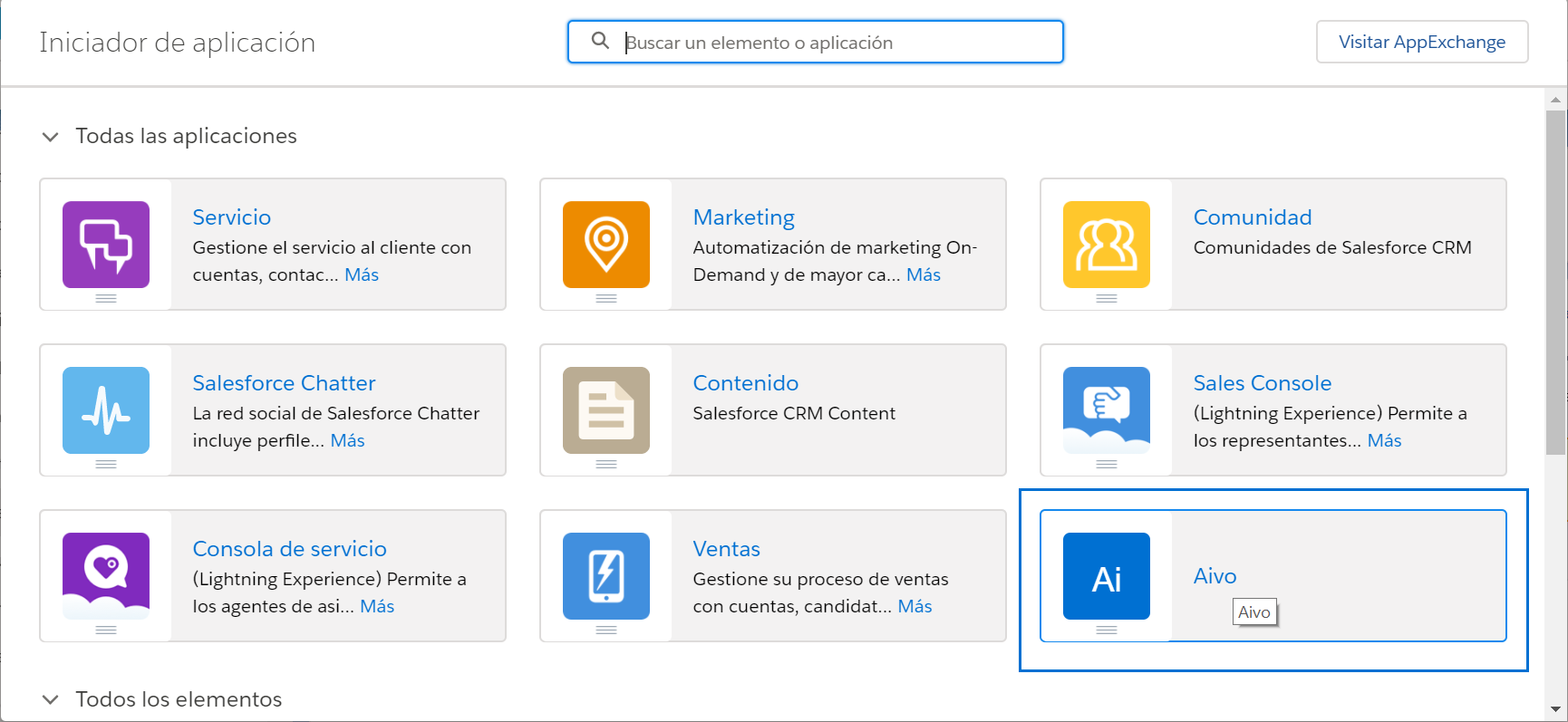
Access the Salesforce AppExchange from the App Launcher menu.
You will see a button that says "Visit AppExchange." Click it to open the app store.
 Use the search engine to find the app and click Get it now. Note that you will need to have pop-ups enabled, as it will open a new one asking for permission to access your basic information.
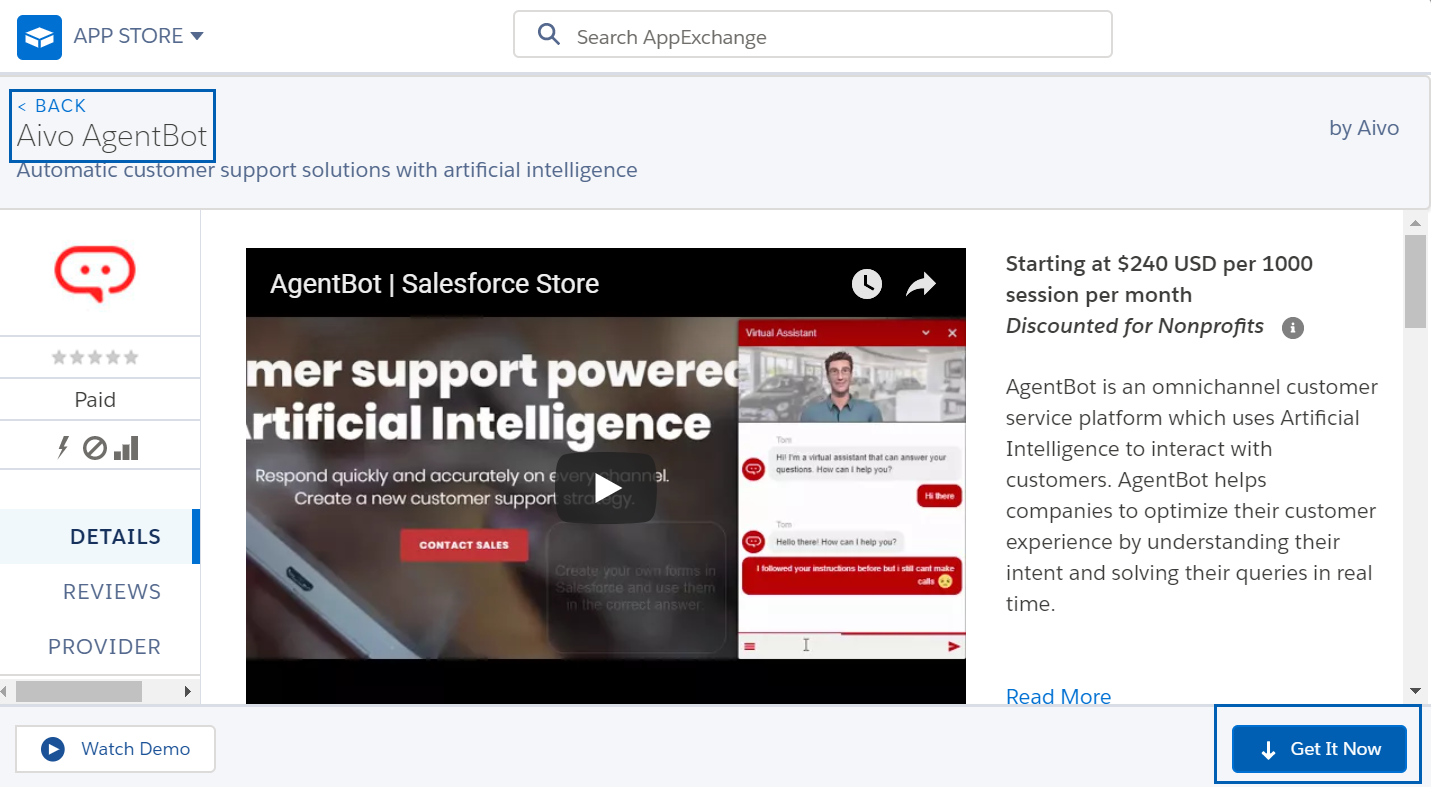
When you select Allow, a window will open where you will have to click Get it now again and choose the "Install in a Production Environment" option.
Once installed, you will find your app as "Aivo" inside the Application Launcher to use it whenever you want.