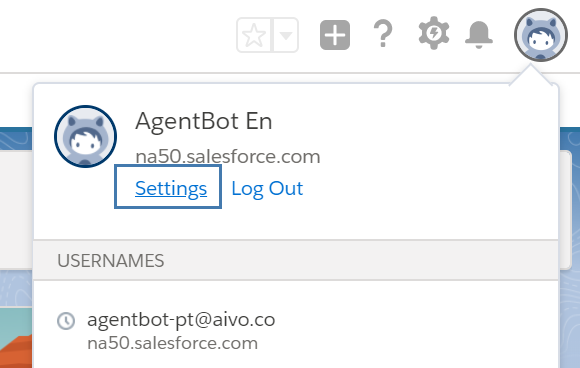
 Log in to your personal Salesforce settings and click Reset Security Token.
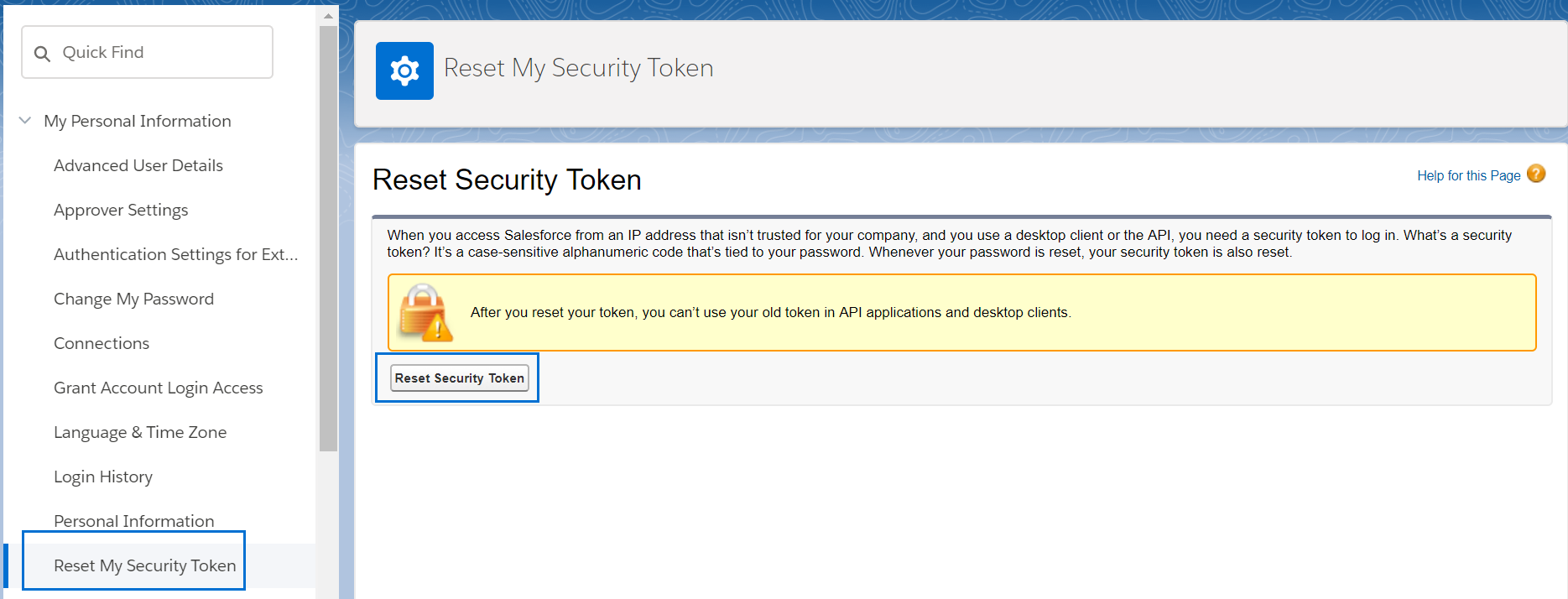
Once you confirm the action, you will receive an email with the new token that you must enter in the Integrations section of the My Aivo platform.
Important: if, after setting up the integration with your data, you change the token or password in Salesforce, you must also change them on the Aivo platform. Otherwise, the integration will not work.
Please note that every month Salesforce asks you to change your password, which deactivates the integration you have set up, so you need to keep your credentials up to date on our platform.