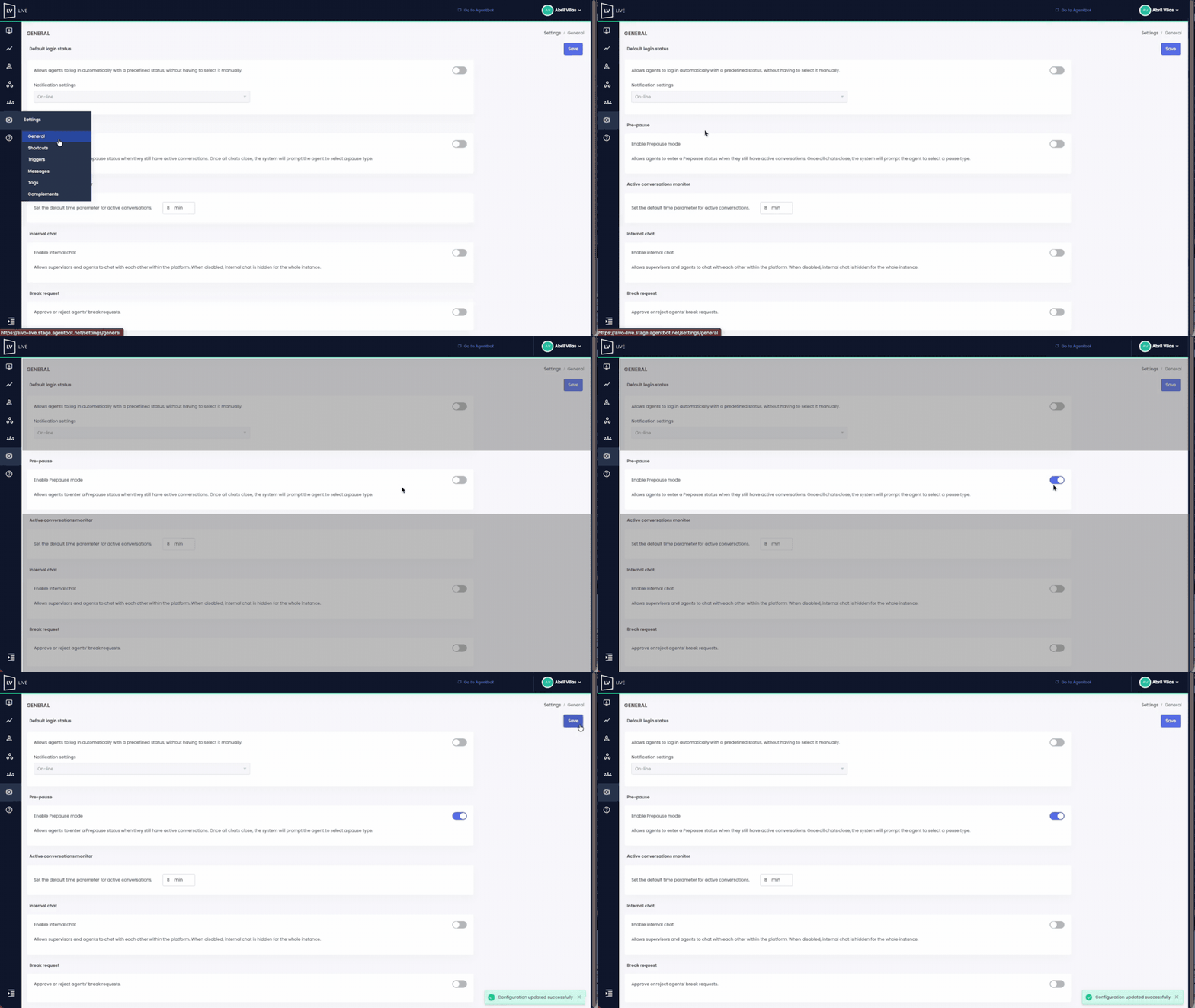
This feature allows Agents to enter a Pre-Pause state while they still have active conversations. It ensures that agents don’t go into a full pause prematurely, maintaining workflow continuity until all conversations are completed.
 Key Facts:
- Only users with an Administrator role can configure this option.
- Once the Agent selects the Pause status, they will see a notification in the top menu indicating that they are in Pre-Pause mode.
- When all conversations are closed, the Agent’s status will automatically switch to the selected pause.
- When enabled, the setting applies to all users with an Agent profile.
- If you have more than one Live instance, you’ll need to configure it in each one.
 Watch the example below to see the complete setup process: