This website stores cookies on your computer. These cookies are used to collect information about how you interact with our website and allow us to remember you. We use this information in order to improve and customize your browsing experience and for analytics and metrics about our visitors both on this website and other media. To find out more about the cookies we use, see our
Privacy Policy.
If you decline, your information won’t be tracked when you visit this website. A single cookie will be used in your browser to remember your preference not to be tracked.
 It’s important that this button stands out and functions as a CTA (Call to Action), being placed in a visible area of the page to ensure it doesn’t go unnoticed or get lost within the overall site design.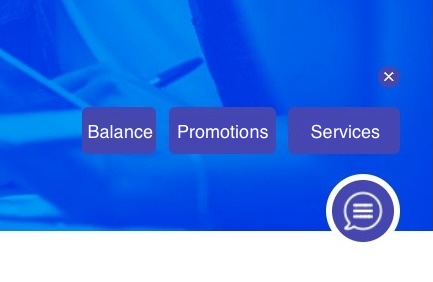
 From your web channel’s basic settings, you can access and manage your Start button. There, you’ll be able to customize its style, differentiate it from the mobile version (if you have one implemented), and add complementary buttons to accompany it.
 You can also include one or more initial buttons within the chat window, expanding the options for interacting with your users.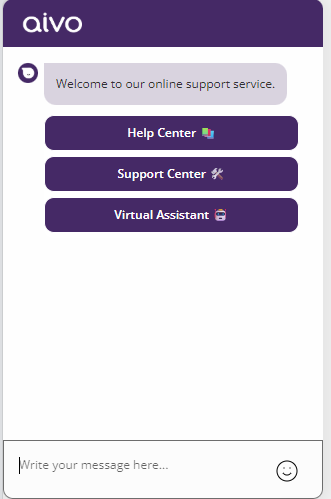
 Key data: You cannot configure emojis in the Start Button or CTA (call-to-action) message; however, you can use emojis in the complementary buttons and the Start Button panel. To implement this correctly, you must refer to the list of all emojis supported and recognized by the platform, as well as the method for adding emojis to the buttons.
 In the tour below, you’ll see all the details of this configuration.