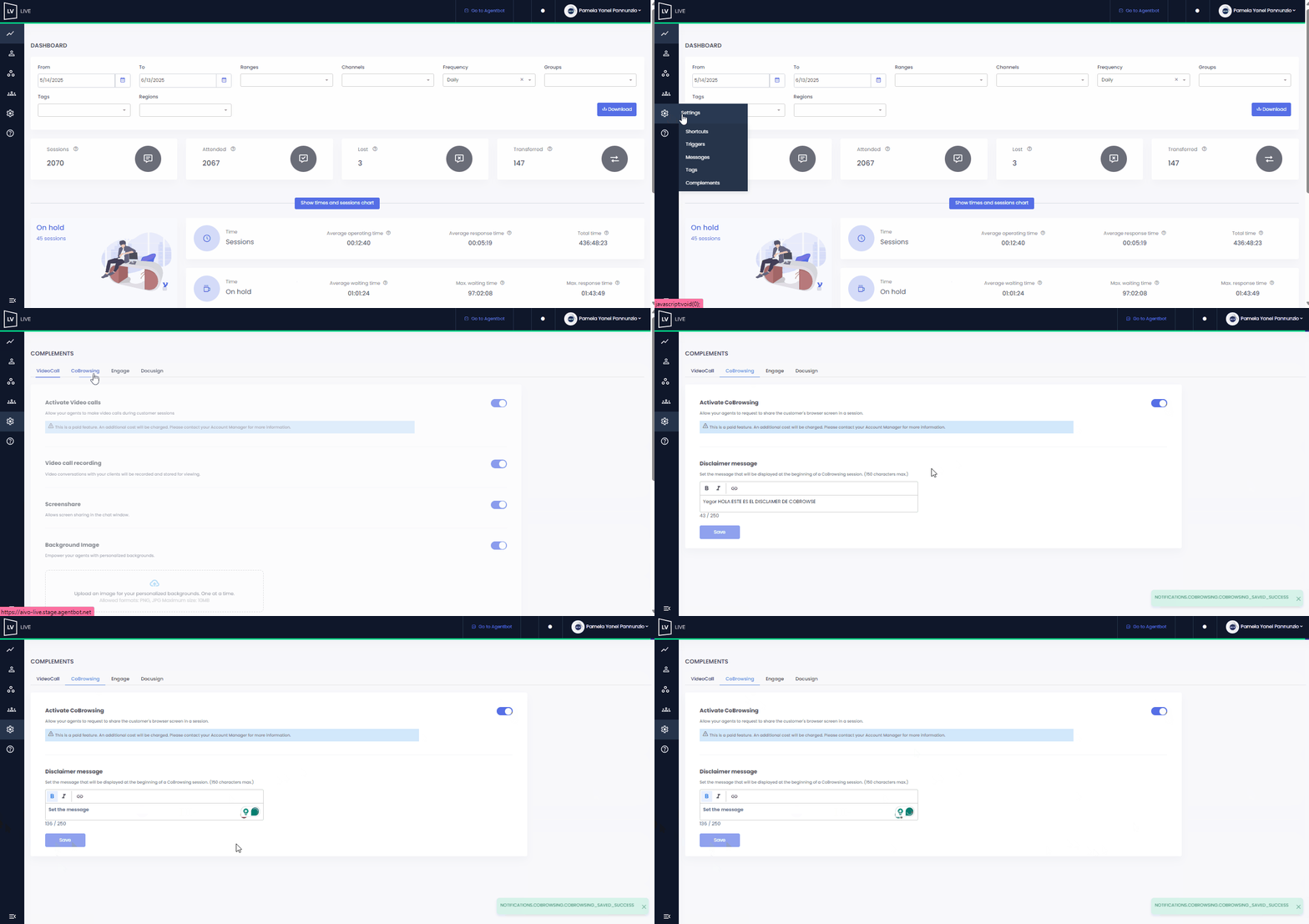
On this same screen, you can also configure the disclaimer message that will be shown to the customer before starting the Cobrowsing session.
Once you finish the setup, go to the Users section; there, you will grant access to the advisors you define so they have this option available.
 Keep in mind that you can only configure it if your role is supervisor, supervisor agent, or administrator, and that the Cobrowsing feature is only available for conversations taking place on the Web channel. This feature has an additional cost, so we recommend checking with your Account Manager or CSM to activate it.