There are six default roles in Live that can be assigned to users. Each role determines the sections a user can access and the actions they can perform within the platform.
The roles are organized from the lowest to the highest level of access:
- Agent
- Agent Dashboard (only available for specific accounts)
- Coordinator
- Supervisor Agent
- Supervisor
- Administrator
 The following table provides a quick overview of the sections and features available to each role:
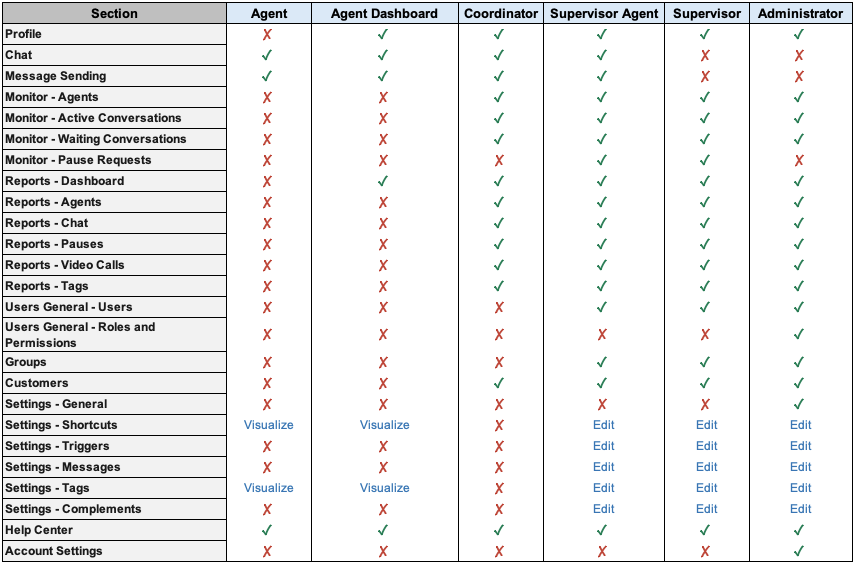
 Important: If you need to manage granular actions and permissions in Live, you can request the activation of the Roles and Permissions feature by submitting a Service Request. Important: If you need to manage granular actions and permissions in Live, you can request the activation of the Roles and Permissions feature by submitting a Service Request. |
 Learn about the specific scope of each role below:
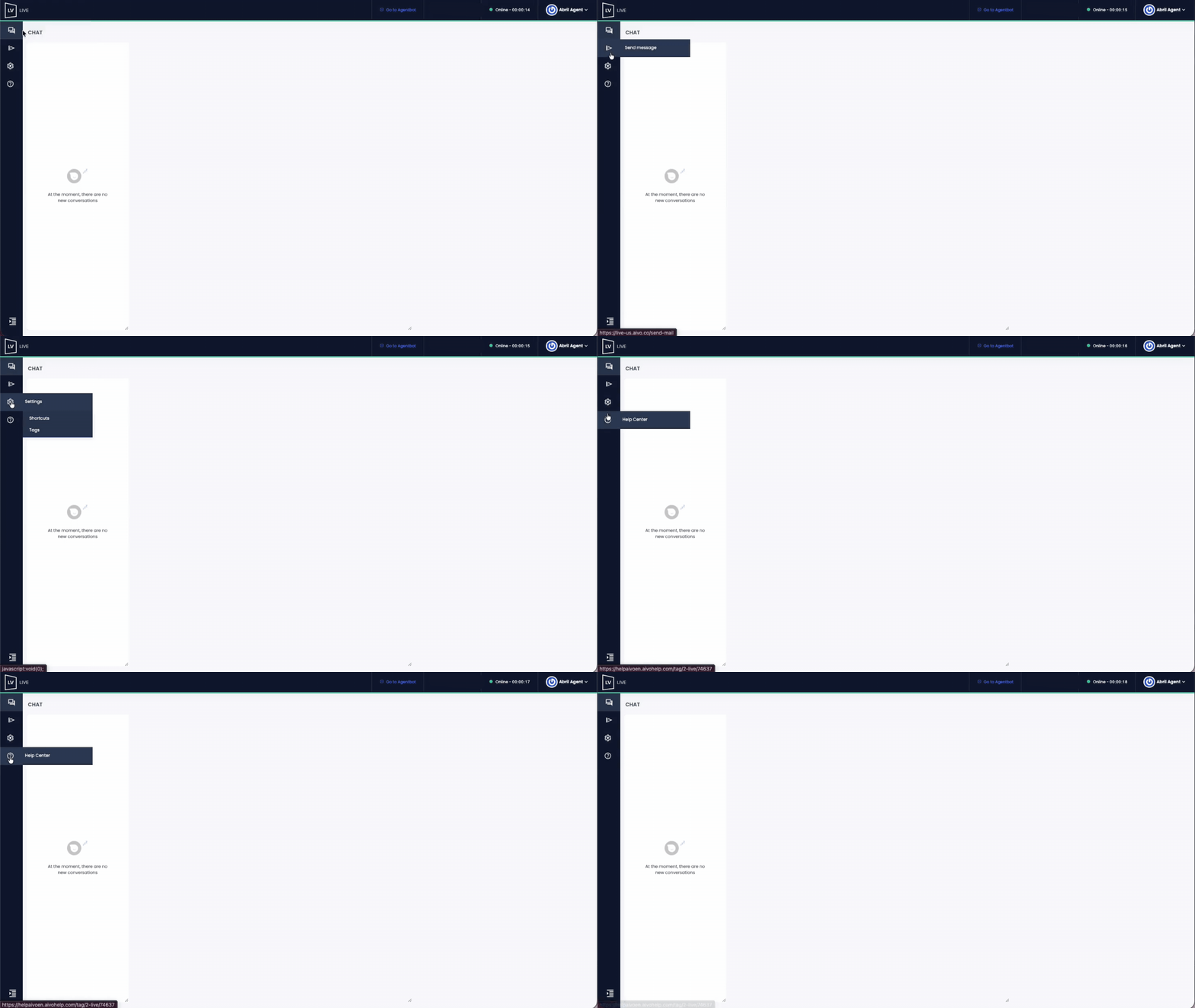
 Agent: Focused on handling incoming customer conversations. Agent: Focused on handling incoming customer conversations. |
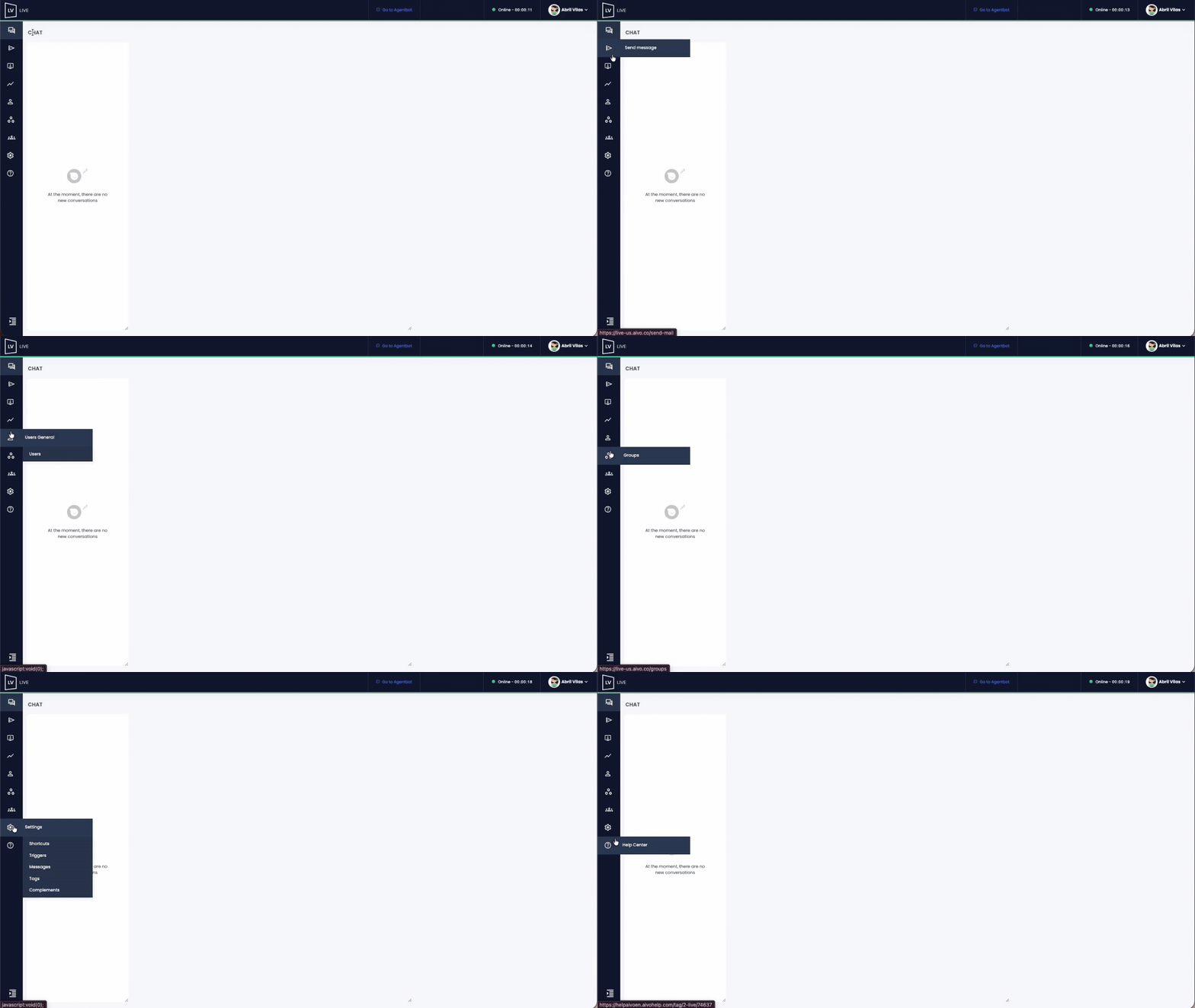
Main access:
- Chat: management of incoming conversations and access to conversation history.
- Video calls and co-browsing with customers contacting through the web channel (if the feature is enabled).
- Sending proactive messages.
- Settings: view available shortcuts and tags for use in responses.
- Internal Chat: allows users to access the functionality when it is enabled for them.
 This role does not have access to Reports, Monitor, or user management.
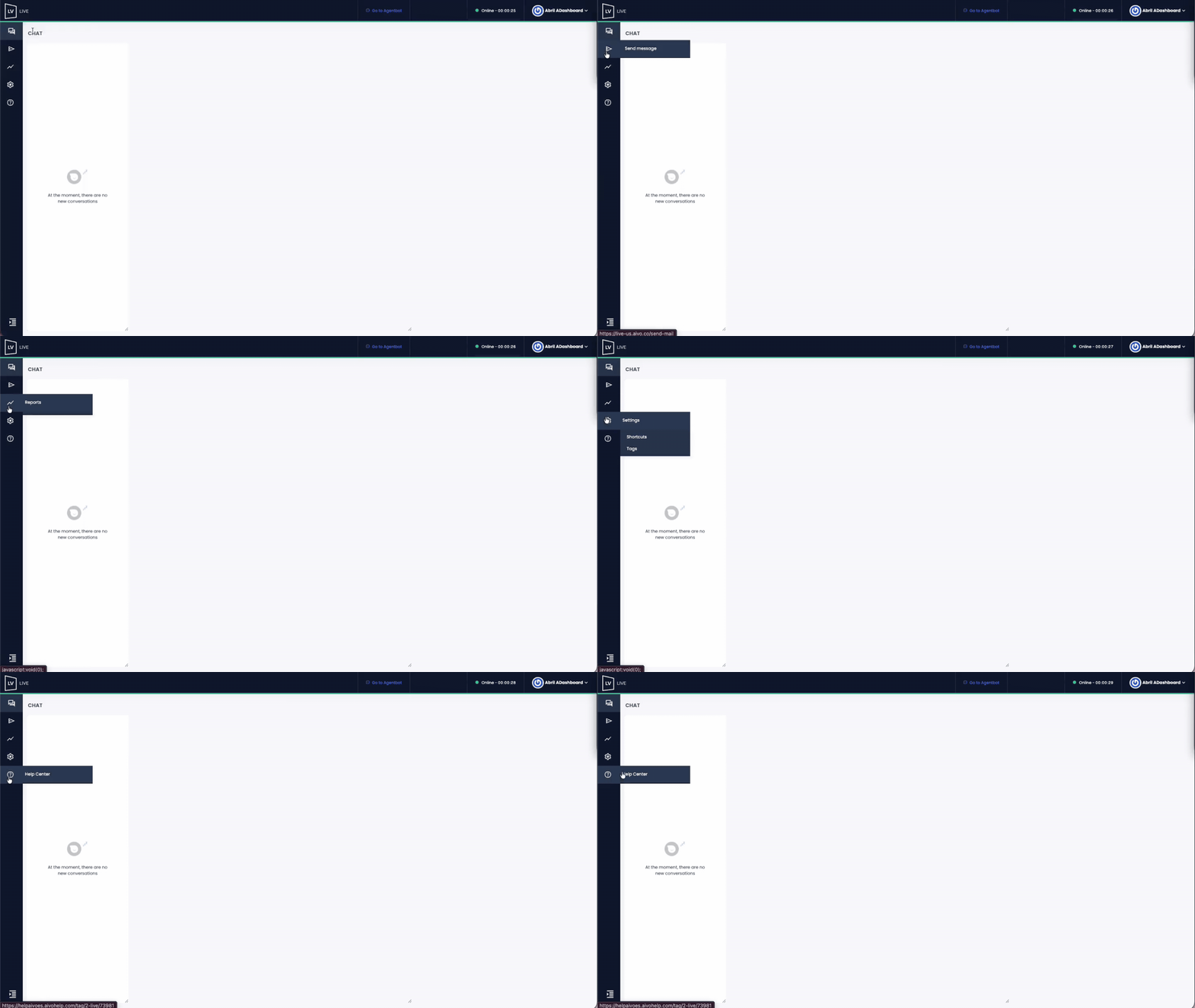
| Agent Dashboard: Has the same functions and permissions as the Agent role, with additional access to the Metrics Dashboard. This role is only available for specific accounts. |
Main access:
- Same functionalities as the Agent role.
- Reports: access to the Metrics Dashboard.
This role can view the Metrics Dashboard, but does not have access to the Waiting Conversations panel.
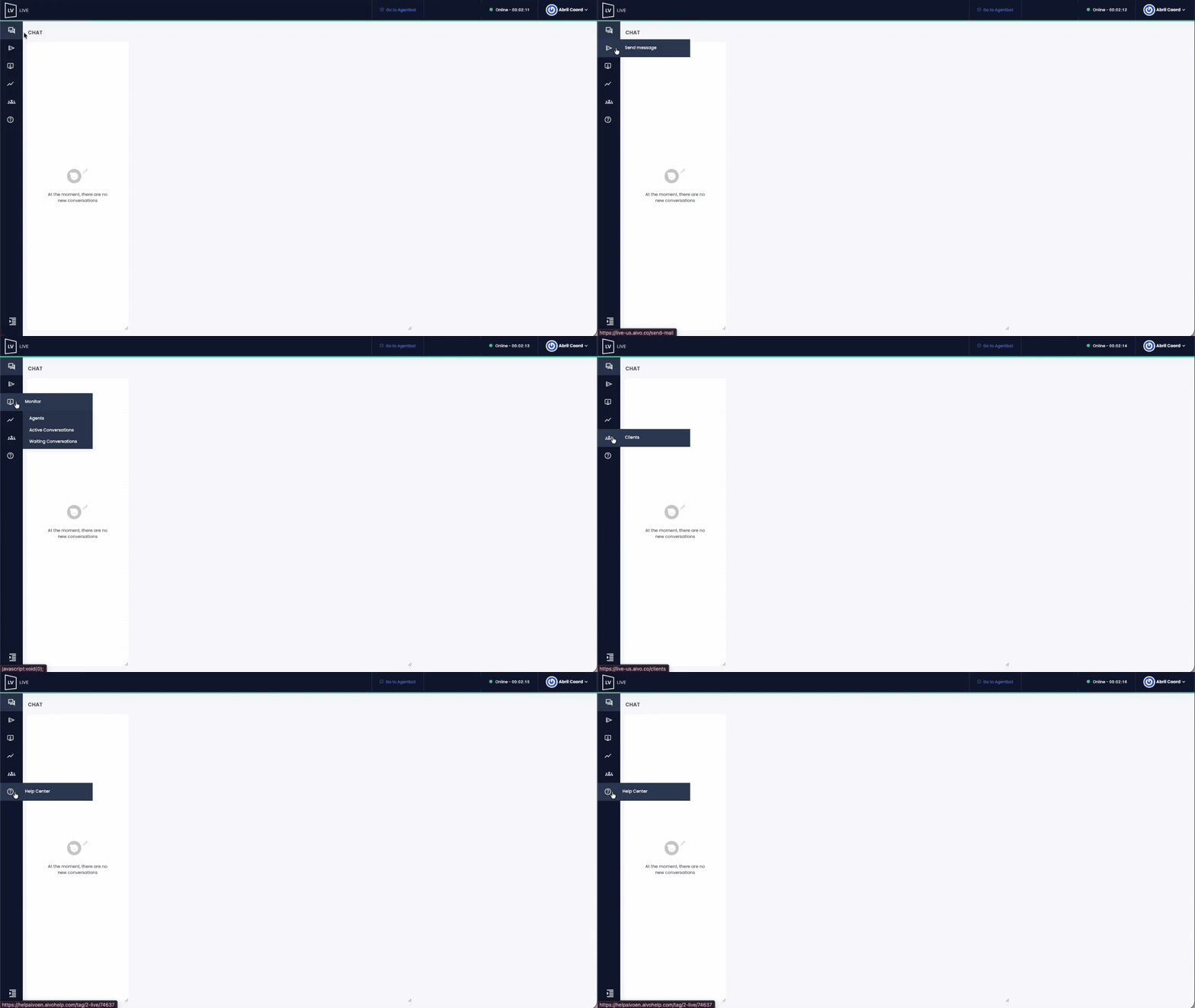
| Coordinator: Combines conversation handling with supervision and operational information access. |
Main access:
- Access to Chat and Proactive Message Sending, just like the Agent role.
- Monitor: access to the Agents Monitor, Active Conversations Monitor, and Waiting Conversations Monitor.
- Reports: full access to all modules.
- Clients: view the list of served customers.
This role cannot manage the Users and Groups sections, access the platform settings, or view the Break Requests Monitor.
| Supervisor Agent: Combines conversation handling with supervision and operational administration capabilities. |
Main access:
- Access to Chat and Proactive Message Sending, just like the Agent role.
- Monitor: access to the Active Conversations Monitor, Waiting Conversations Monitor, Agents Monitor (from which conversations can be transferred), and the Break Requests Monitor whenever this feature is enabled.
- Reports: full access to all modules.
- Users: creation and management of users.
- Clients: view the customer list.
- Groups, Triggers, Shortcuts, and Messages: creation and configuration.
- Video calls and co-browsing: enablement of the feature and management of recording storage.
- Complements: Engage and Docusign connection.
This role cannot create users with the Administrator role or assign that role to other users or to themselves.
| Supervisor: Focused on operational supervision and administration without directly handling conversations. |
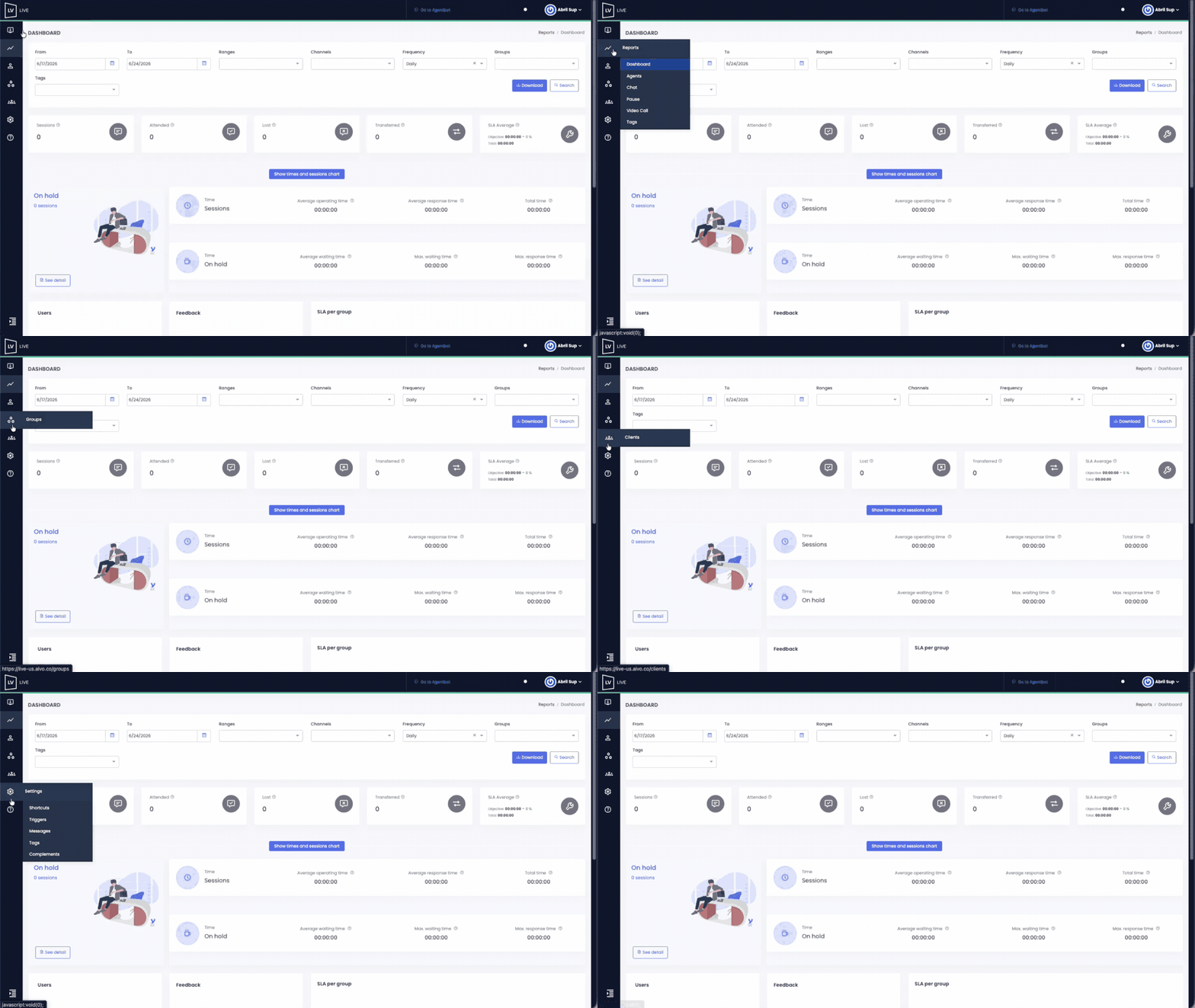
Main access:
- Monitor: access to the Active Conversations Monitor, Waiting Conversations Monitor, Agents Monitor (from which conversations can be transferred), and the Break Requests Monitor whenever this feature is enabled.
- Reports: full access to all modules.
- Users: creation and management of users, except for assigning the Administrator role.
- Groups: creation and configuration.
- Clients: view the customer list.
- Settings: full management.
- Internal Chat: allows users to access the functionality when it is enabled for them.
This role cannot receive conversations or send proactive messages.
| Administrator: Focused on the overall administration of the platform and the control of global operational settings, without directly handling conversations. |
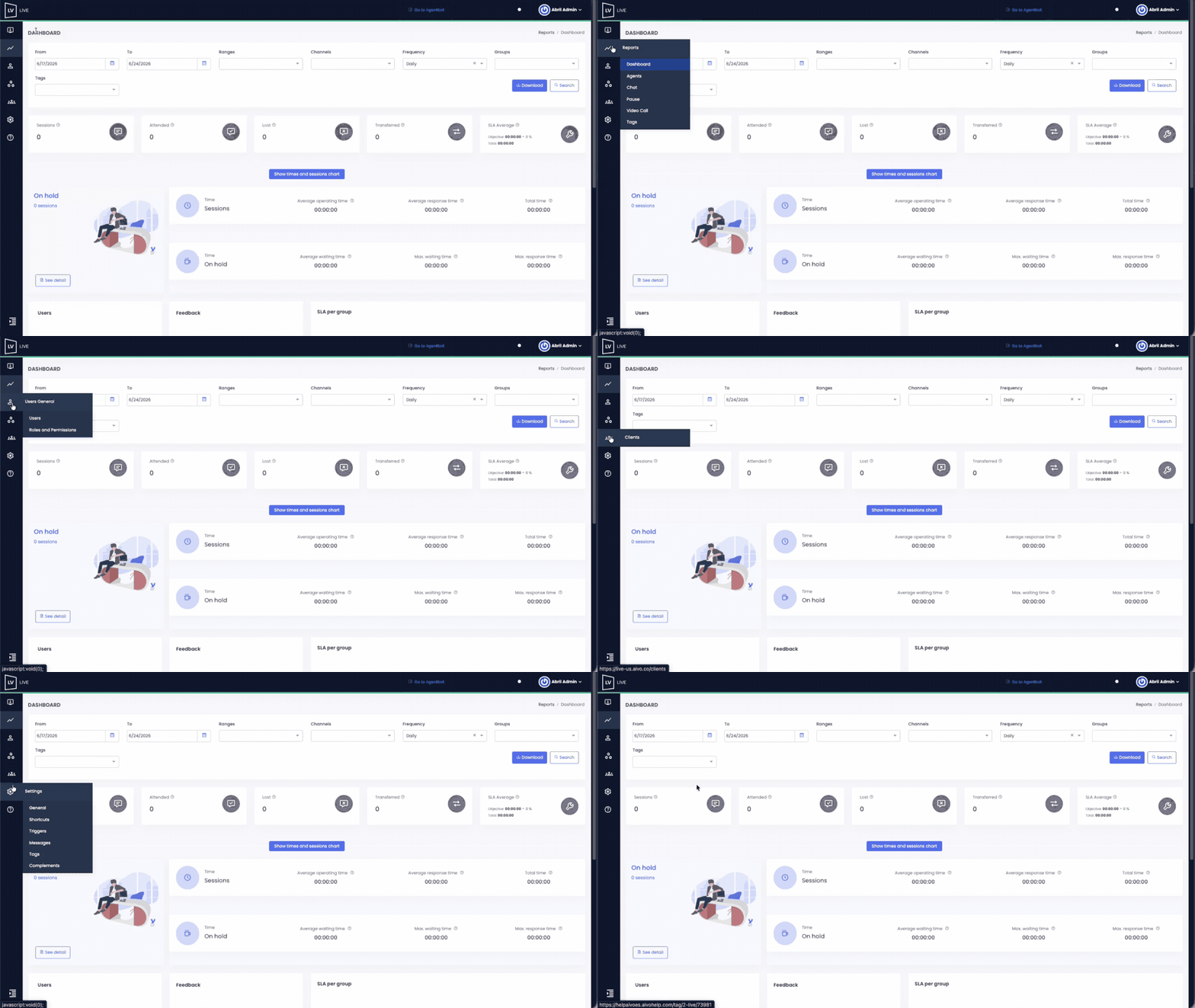
Main access:
- Monitor: access to the Agents Monitor, Active Conversations Monitor, and Waiting Conversations Monitor.
- Reports: full access to all modules.
- Groups: creation and configuration.
- Users: user creation and full management.
- Clients: view the customer list.
- Settings: full access to all platform configuration options.
Exclusive permissions:
- The only role that can assign the Administrator role to other users when creating or editing a profile.
- The only role that can view the activity log in the Users section.
- The only role with access to the General Settings menu within the Settings section.
- The only role with access to the Roles and Permissions section to create roles and manage granular permissions whenever this feature is enabled.
This role cannot receive conversations, send proactive messages, or access the Break Requests Monitor.
|
|