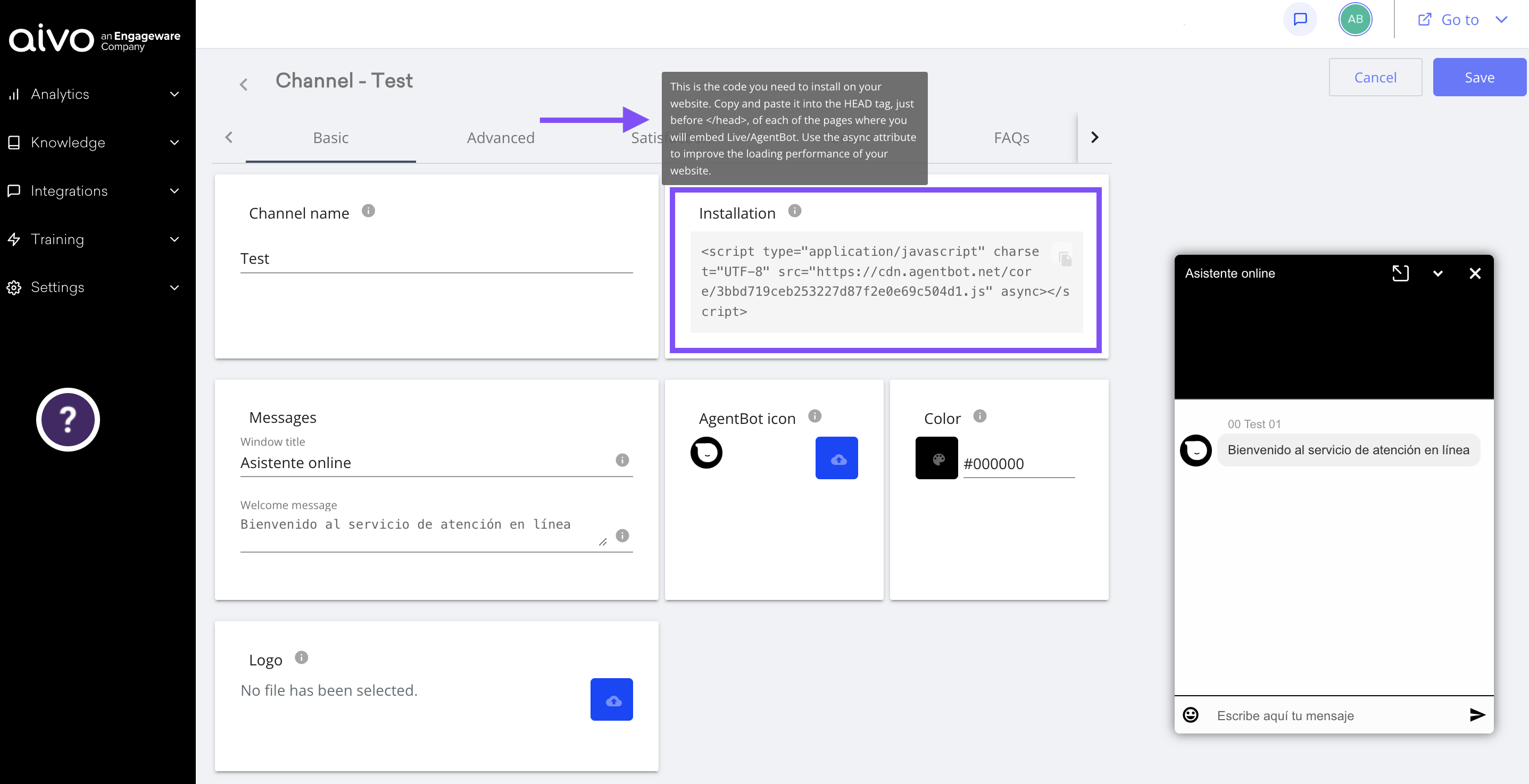
 Copy it and insert it in the HTML of your site.
The script must be embedded in the HEAD of the HTML code (within each page on whichever page the CTA is displayed), before the </head> tag. to optimize the loading performance of your website, you should also use the async attribute.
For example: <script type="application/javascript" src="https://cdn.agentbot.ne/core/TOKEN.js" async></script>
 The async attribute allows the script to be downloaded asynchronously, meaning it can be downloaded in parallel with other resources without blocking page rendering and running as soon as it is available. This practice will help improve the performance of your website.The script will create an HTML wrapper where the chat interface will be hosted.
In addition, it will add the CSS class called "AgentBot" to the <body> tag of the HTML document, to use the body.agentbot rules as a prefix in the included stylesheet, thus avoiding overwriting the site rules where the application is hosted.
 Important: the device you use to display the page containing the script must be connected to the Internet without restrictions.
 If the previous operation was correctly performed, the CTA should appear on the page (if the tab parameter is set to true), without disturbing the user's navigation or the usability of the web.When clicking on the CTA, a dialog box will be displayed in the configured location on the screen. This way, everything is ready to start the interaction.
Finally, by clicking on the close cross, or outside the dialog box, the window will close and the user will be able to continue browsing the website.
See the example below


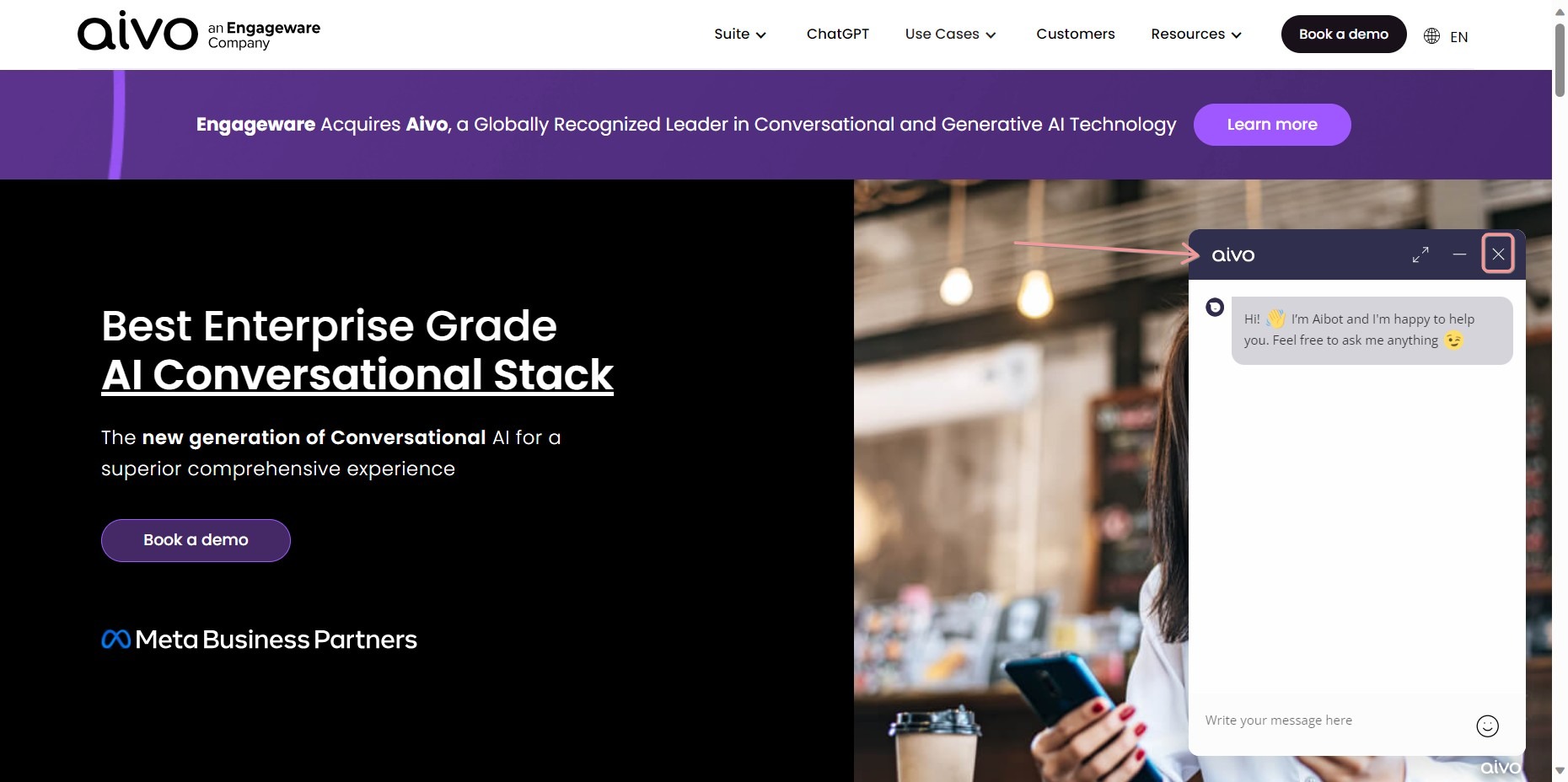
Example of what the Call To Action (CTA) will look like