Buttons in WhatsApp can be displayed as either clickable buttons or numbered lists.
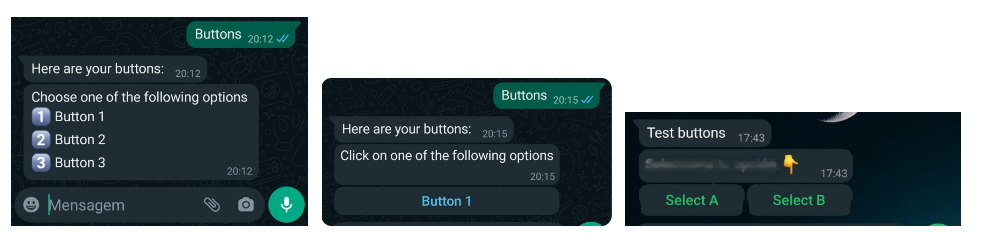
Clickable Buttons:These buttons will be displayed if the following conditions are met:
- Each button must contain between 1 and 3 words.
- You can configure between 1 and 3 buttons at a time.
- The text on each button must be less than 20 characters (including spaces). Only alphanumeric characters are allowed, and punctuation is not permitted.
- Ensure there are no spaces at the end of the text.
- The value associated with each button (which may correspond to a specific intent) must not exceed 256 characters (including spaces) and must be unique within the same group of buttons.
 Key Information: Key Information:
|
Numbered list: If the buttons do not meet the requirements specified in the "Clickable Buttons" section, they will be displayed as a numbered list. Users can select an option by entering the corresponding number.
 Buttons will always appear as a numbered list when using Zendesk infrastructure, as it does not support clickable button formats. Buttons will always appear as a numbered list when using Zendesk infrastructure, as it does not support clickable button formats. |
 Related Topics: Related Topics:>Use the Buttons complement >Types of buttons that I can implement in the responses. |
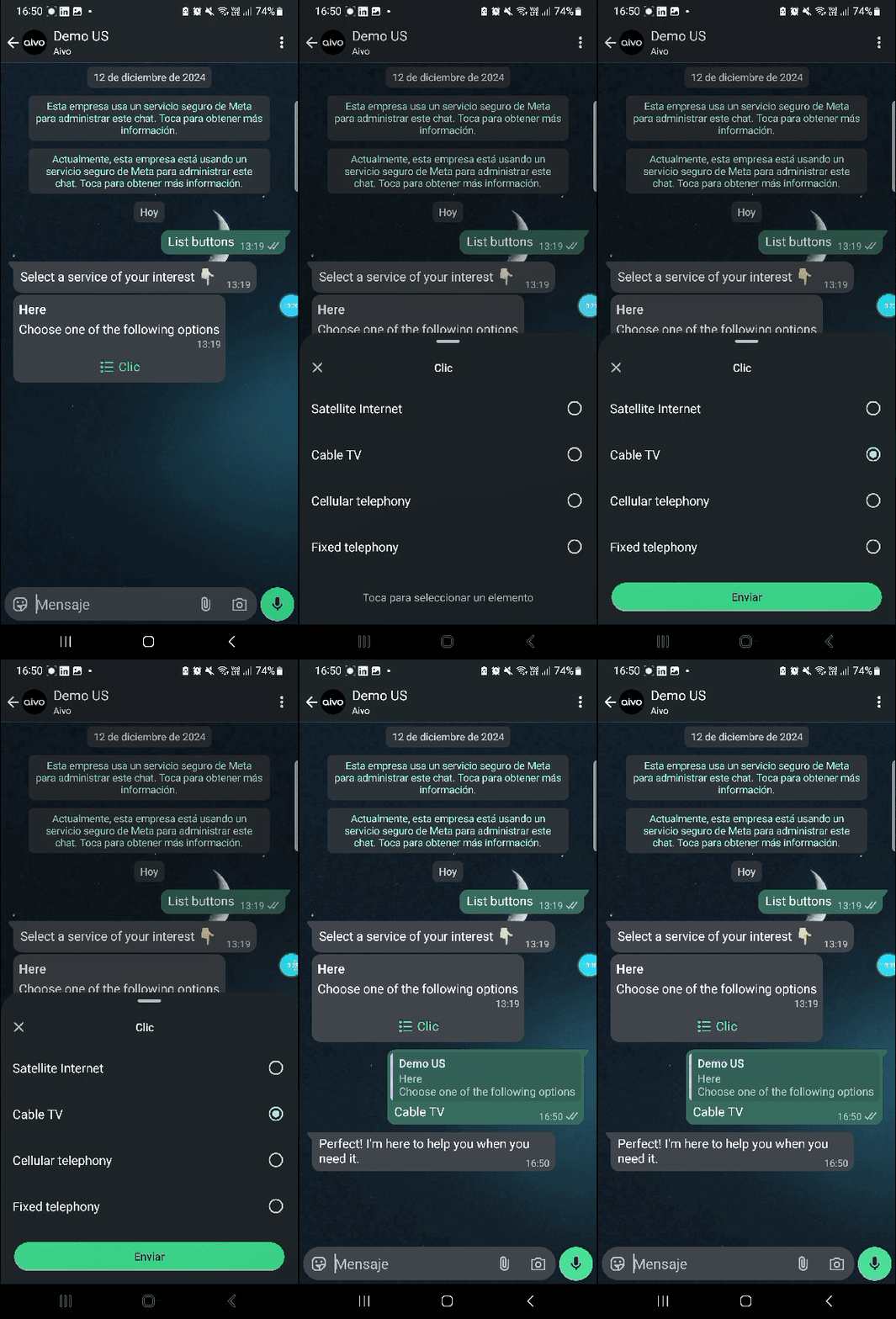
Interactive List: Another alternative is the interactive list format, which allows users to select from a drop-down menu. This is not configured as a button but as part of the List complement.