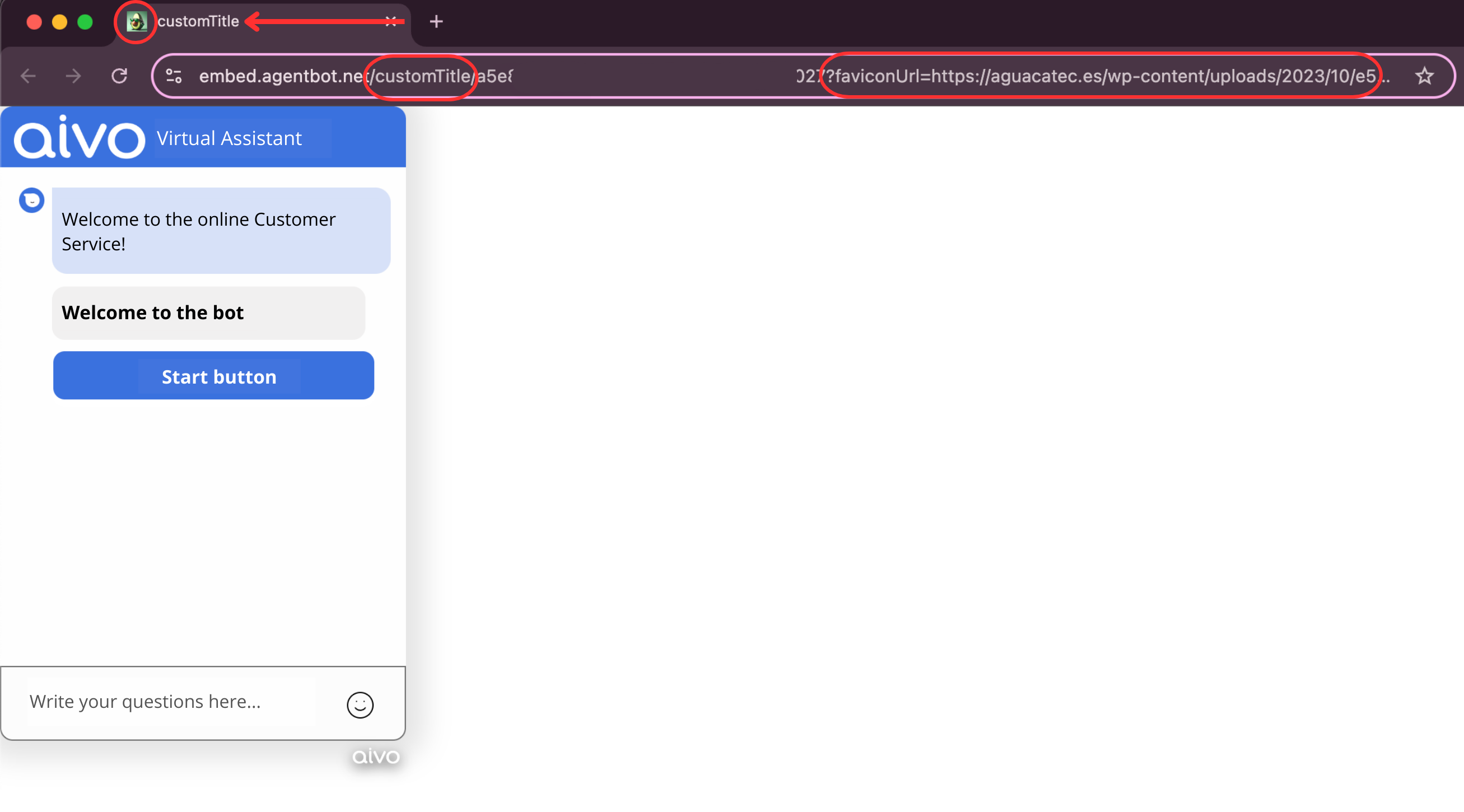
Favicon Configuration
To configure the favicon, add the parameter ?faviconUrl= followed by the icon's URL within the Assistant Embed URL.
The URL structure should be as follows:
https://embed.agentbot.net/TOKEN?faviconUrl=FAVICON_URL
 Keep in mind:
- The favicon URL must be valid and public to avoid loading errors.
- The favicon loads asynchronously, which may result in it not loading correctly.
- Some browsers may not detect the favicon due to compatibility limitations.
Title Configuration
To configure the embed title, add the title parameter within the URL.
The URL structure should be as follows:
https://embed.agentbot.net/title/TOKEN
 Check out the following example with both parameters applied: