The window will have 15 emojis by default, and your users will be able to choose to interact with the bot, although you can request to change the emojis of the picker for others, through a service request.
You will have to load your knowledge intentions and responses for each one of them in all the channels where you need to implement them so that the virtual assistant recognizes and responds to the emojis.
*Learn how to load intents and their responses.
*To do it quickly and easily, check here how to import it from an Excel file.
If you need to use emojis different from the ones listed in the platform, you only have to put the code of the emoji in your intention or answer. You can search for the codes of the emojis you need in this link.
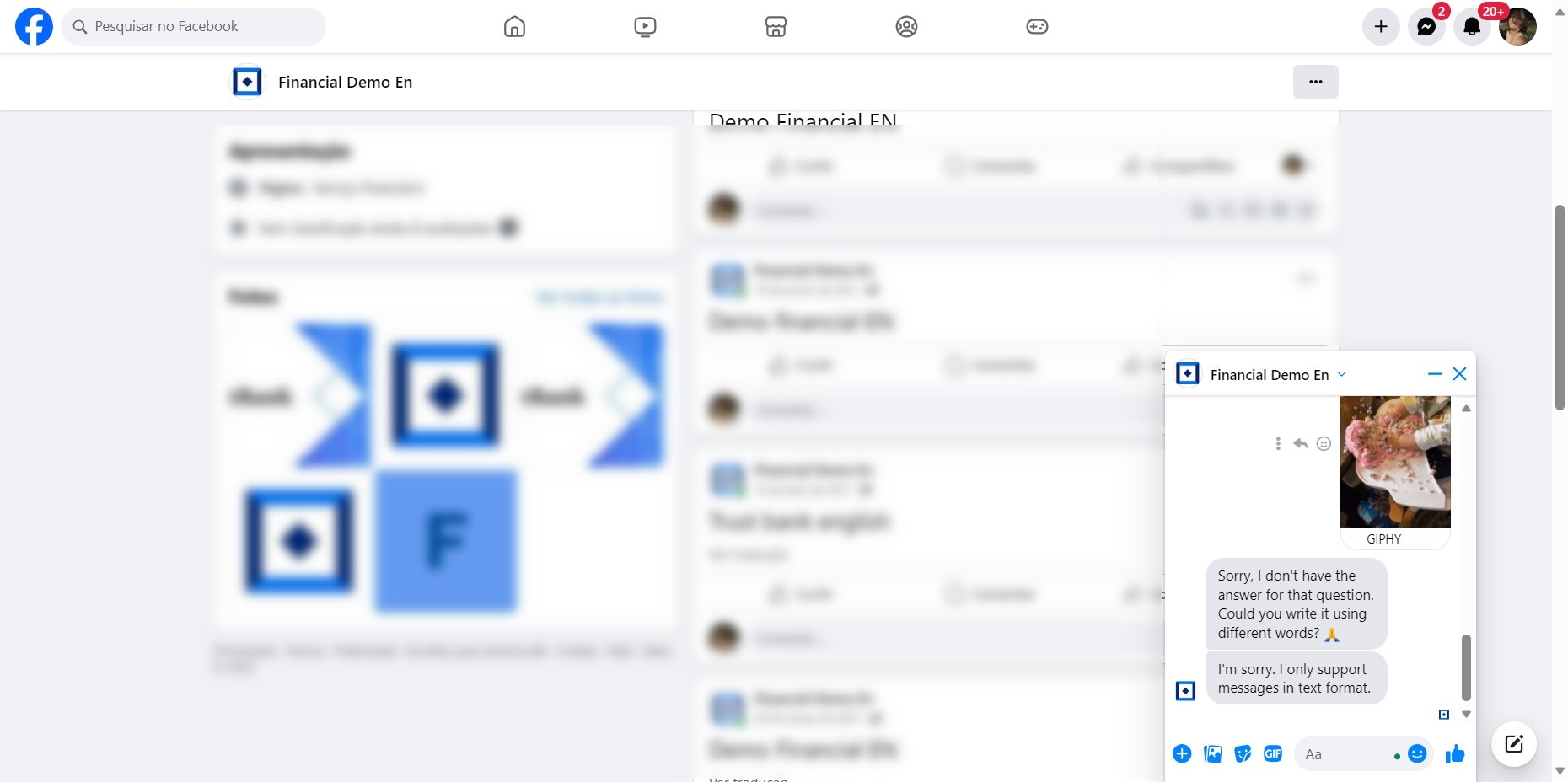
In case the virtual assistant receives another type of multimedia content (Gif, images), it will deliver a personalized answer, for example: "Sorry, for the moment I only recognize if you write or speak".
Important: Any emoji that is not understood by the assistant will be discarded, therefore, it will not appear in the training section and will not be transferred to a human assistant.
In asynchronous channels, such as Facebook, Instagram, WhatsApp, etc., the emoji selector will depend on the conversation window where the interaction takes place and are not configured from the My Aivo platform.
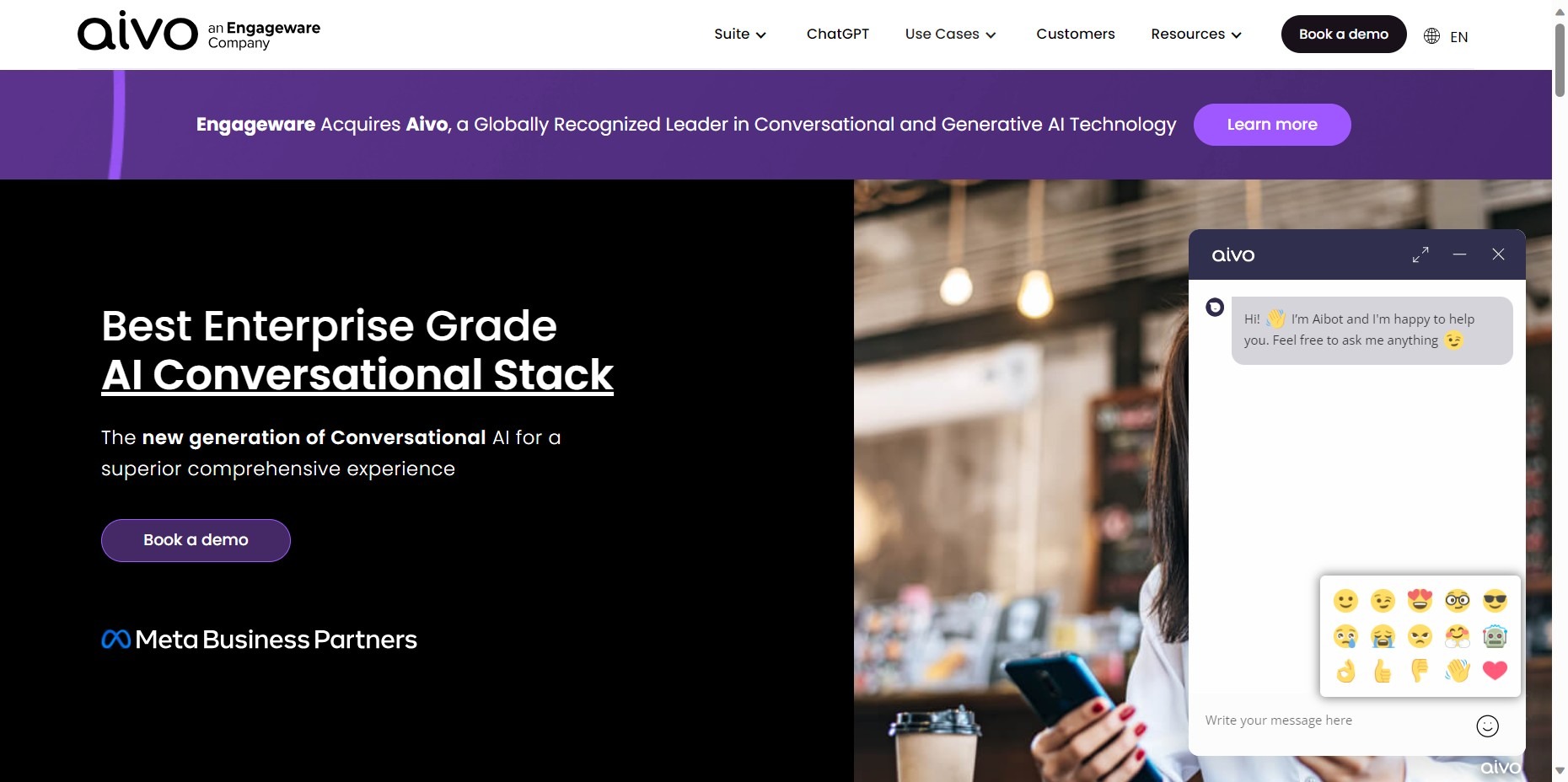
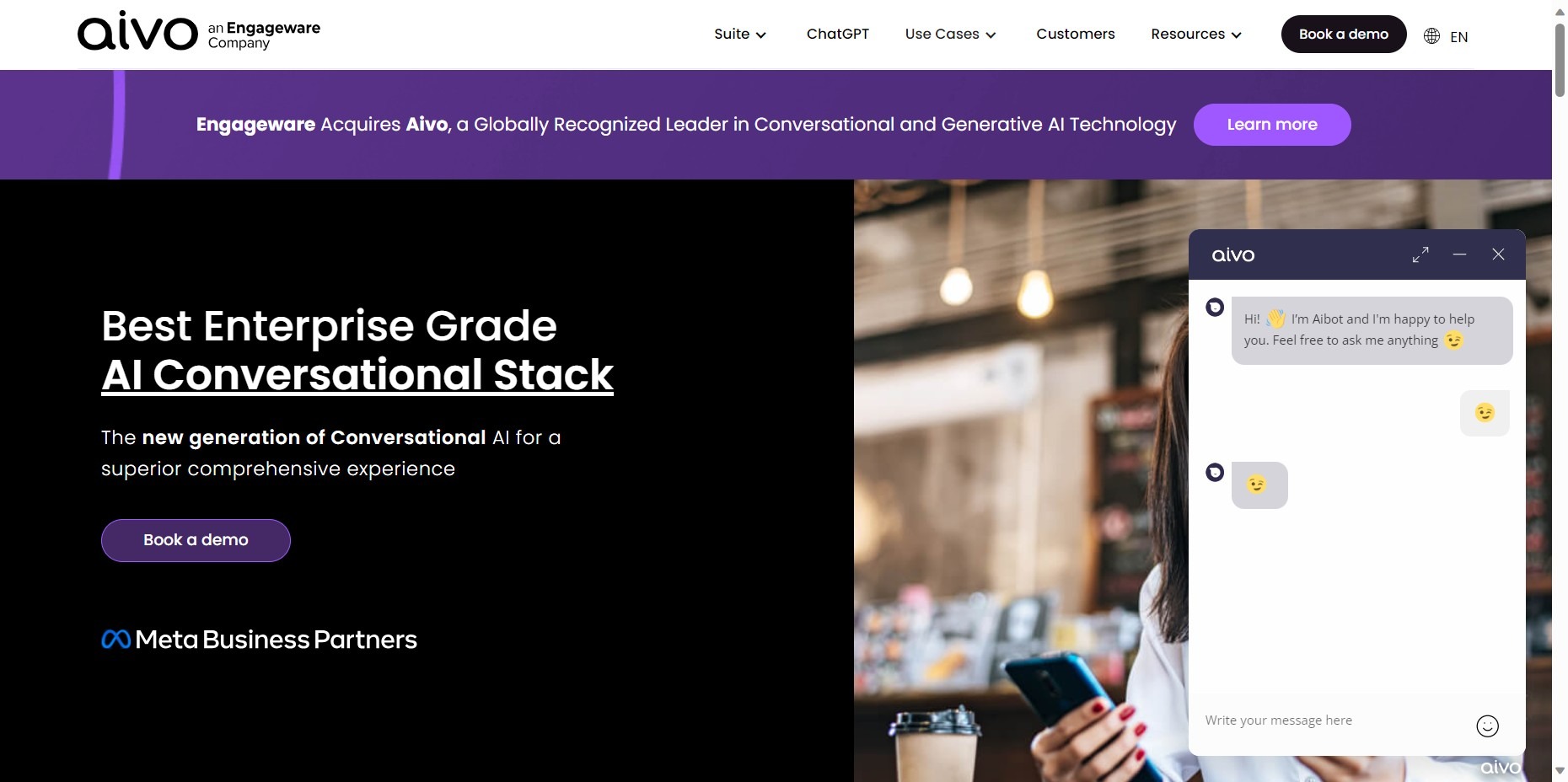
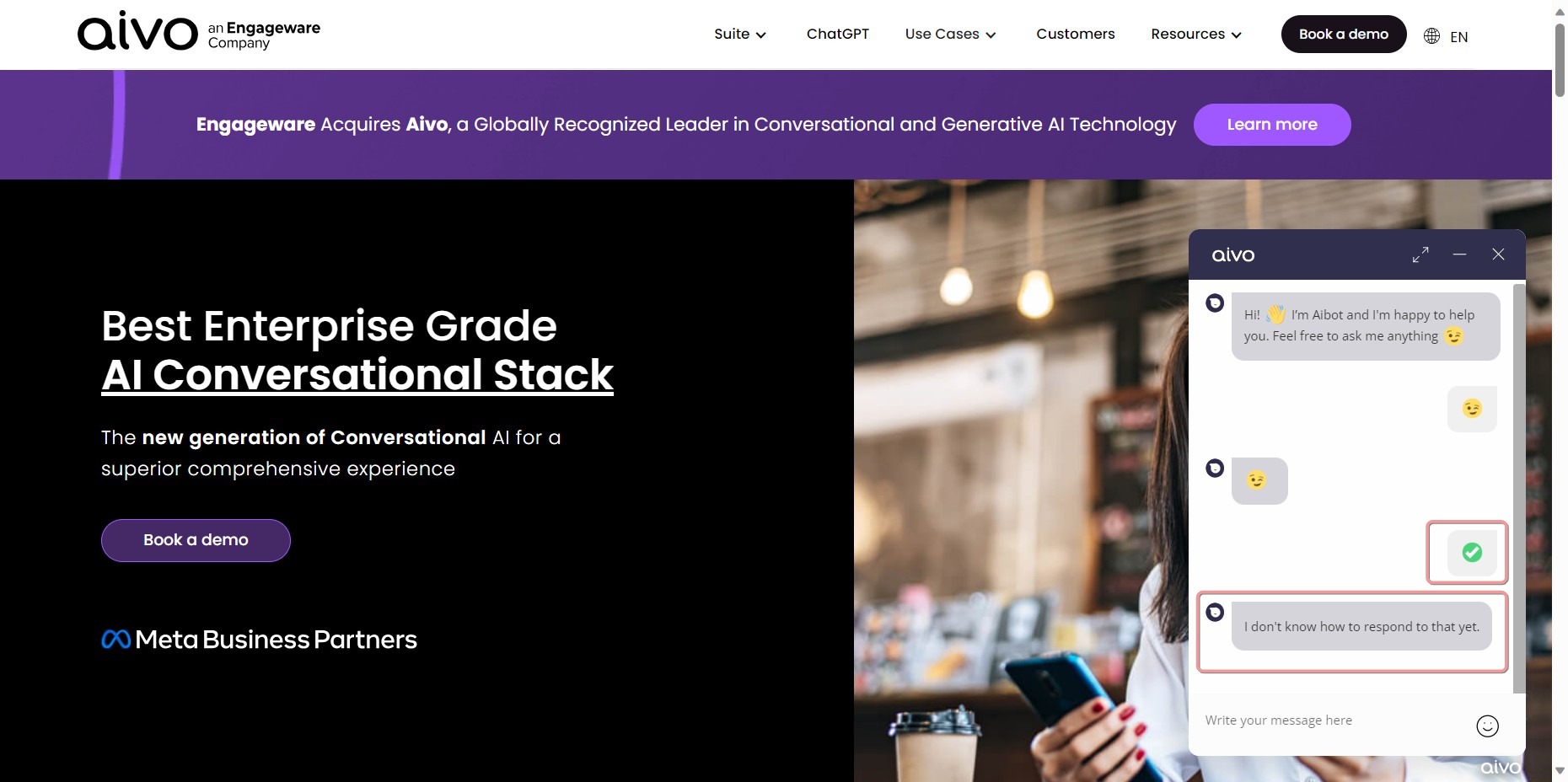
Emoji selector in the web chat window