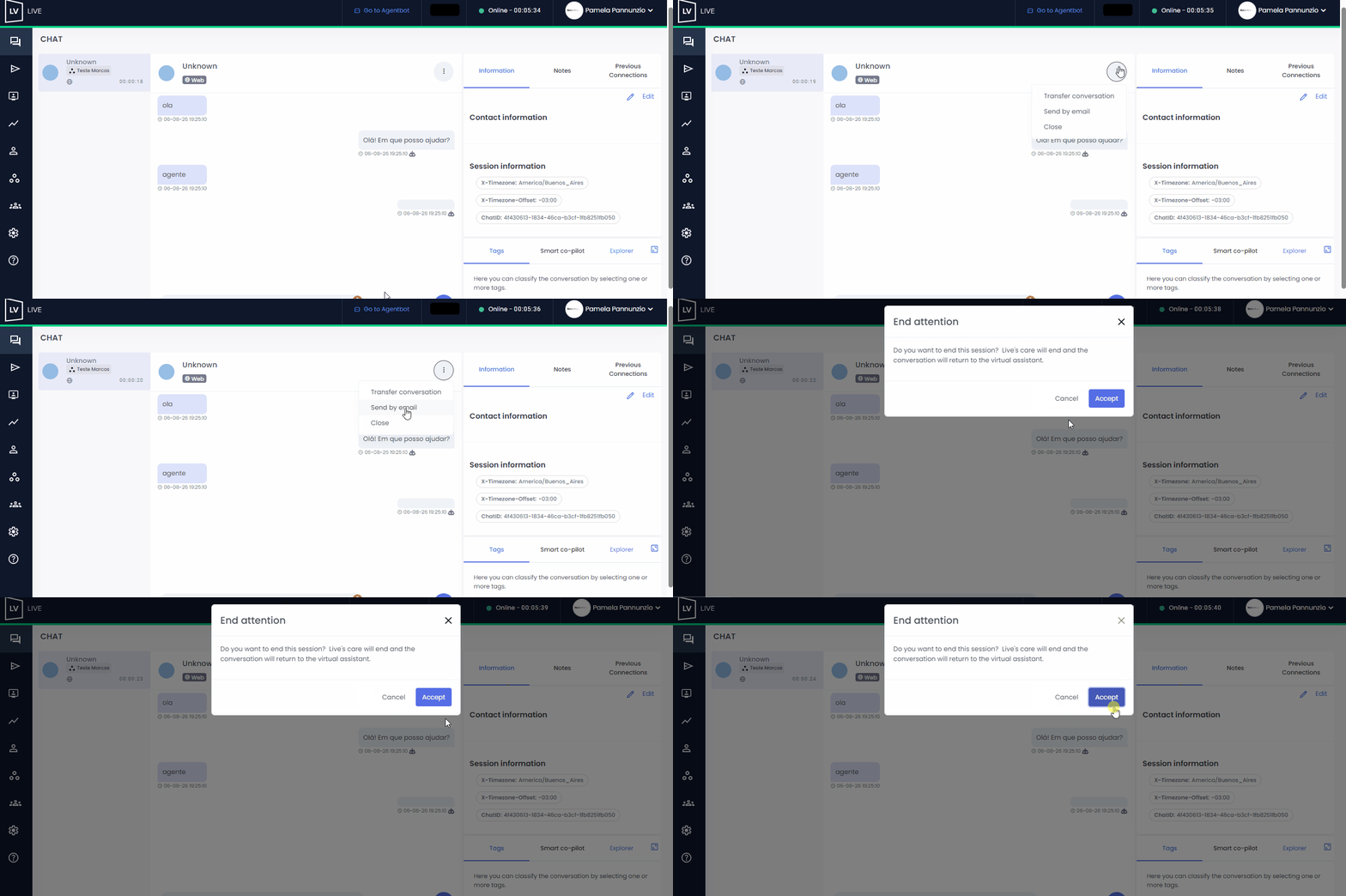
The Agent, Agent Dashboard, Coordinator, Supervisor, or Agent Supervisor profiles can end a conversation directly from the top-right corner of the interaction window.
 To do so, click the three dots and select the “Close” option.
• A message will appear asking for confirmation.
• If you want to proceed with closing the conversation, select “Continue.”
• If you’d rather return to the conversation, simply click the “x” in the window.
 Important: You cannot end the conversation during an active video call. You must first end the video call for the close option to become available.
When you close the conversation:
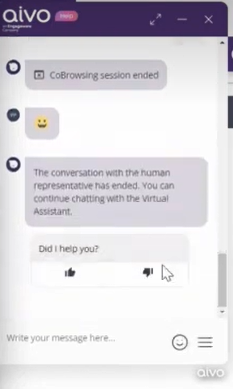
• The user will see a message indicating that the conversation has ended.
• They will be asked for feedback.
• They can continue interacting with the virtual assistant if they wish.
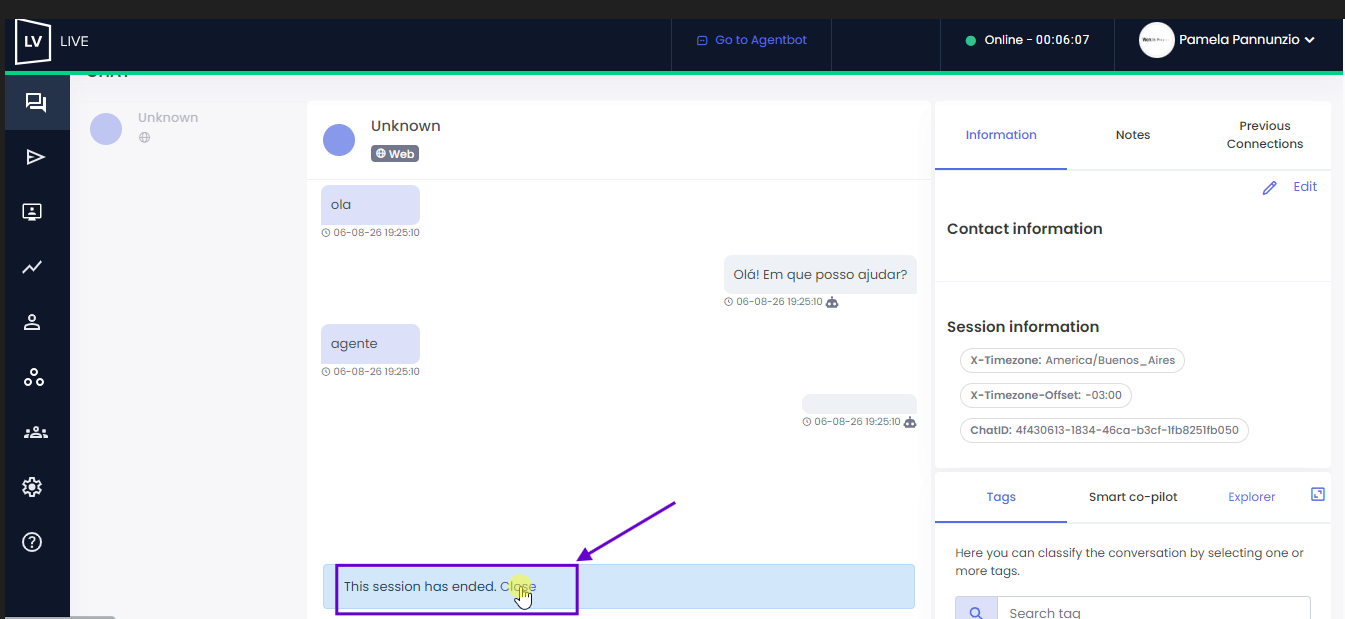
 If the user ends the conversation themselves, the agent can close it from the bottom of the window to prevent inactive conversations from accumulating in their list.