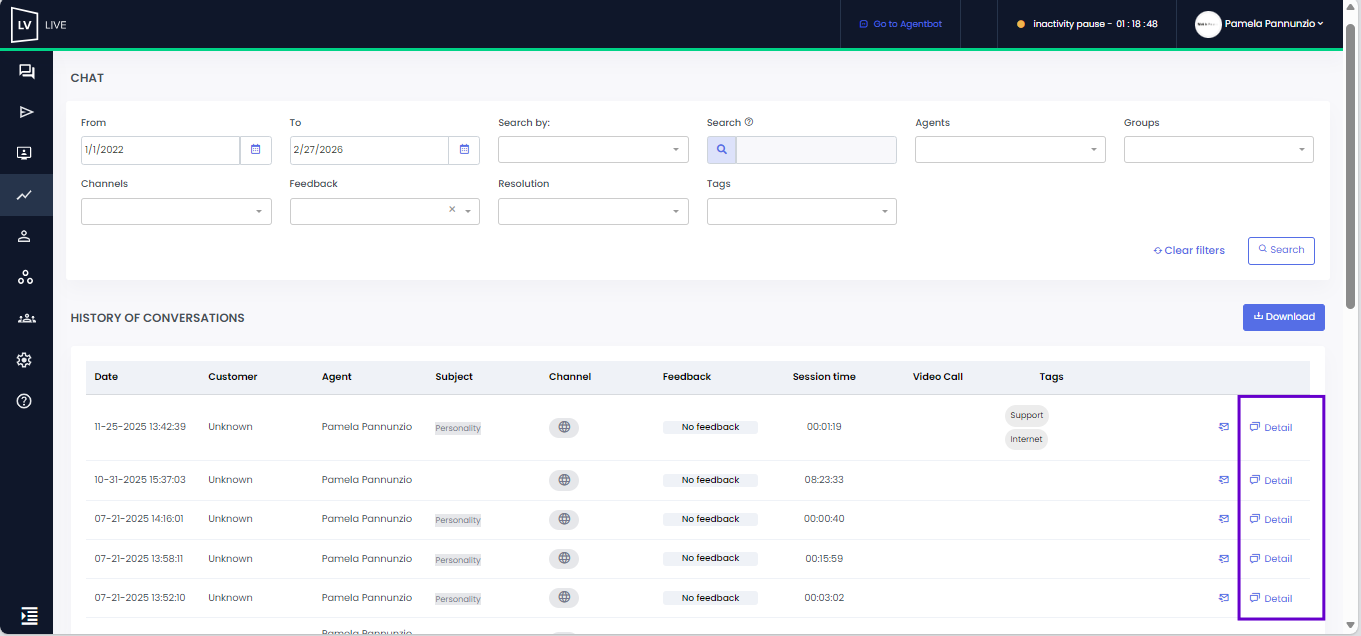
In the customer information window, you can view the total number of conversations the user has had in Live.
 Agent, Agent Dashboard, Coordinator, and Agent Supervisor profiles:
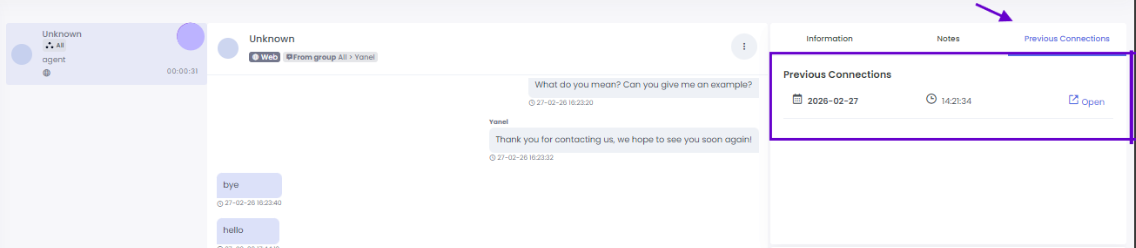
• During the conversation, you can access the history from the right side panel.
• By clicking on the “Previous connections” item, if the user had previous interactions, these will be listed.
• By selecting the “Open” button, you can access the details of each session, along with the corresponding date and time.
 Important: during an ongoing video call, it will not be possible to view previous connections. If you try to do so, a pop-up message will appear informing you of this.
Supervisor, Administrator, and Agent Supervisor profiles: these roles can view the details of conversations from the chat report by clicking on the “Details” option.