● Images: .jpg, .jpeg, .png
● PDF: .pdf
● Word: .docx, .doc
● Excel: .xls, .xlsx
● Video: .mp4,.mpeg4, .avi
● Audio: .mp3
 Key information:
✓ Files must be uploaded from the device in use.
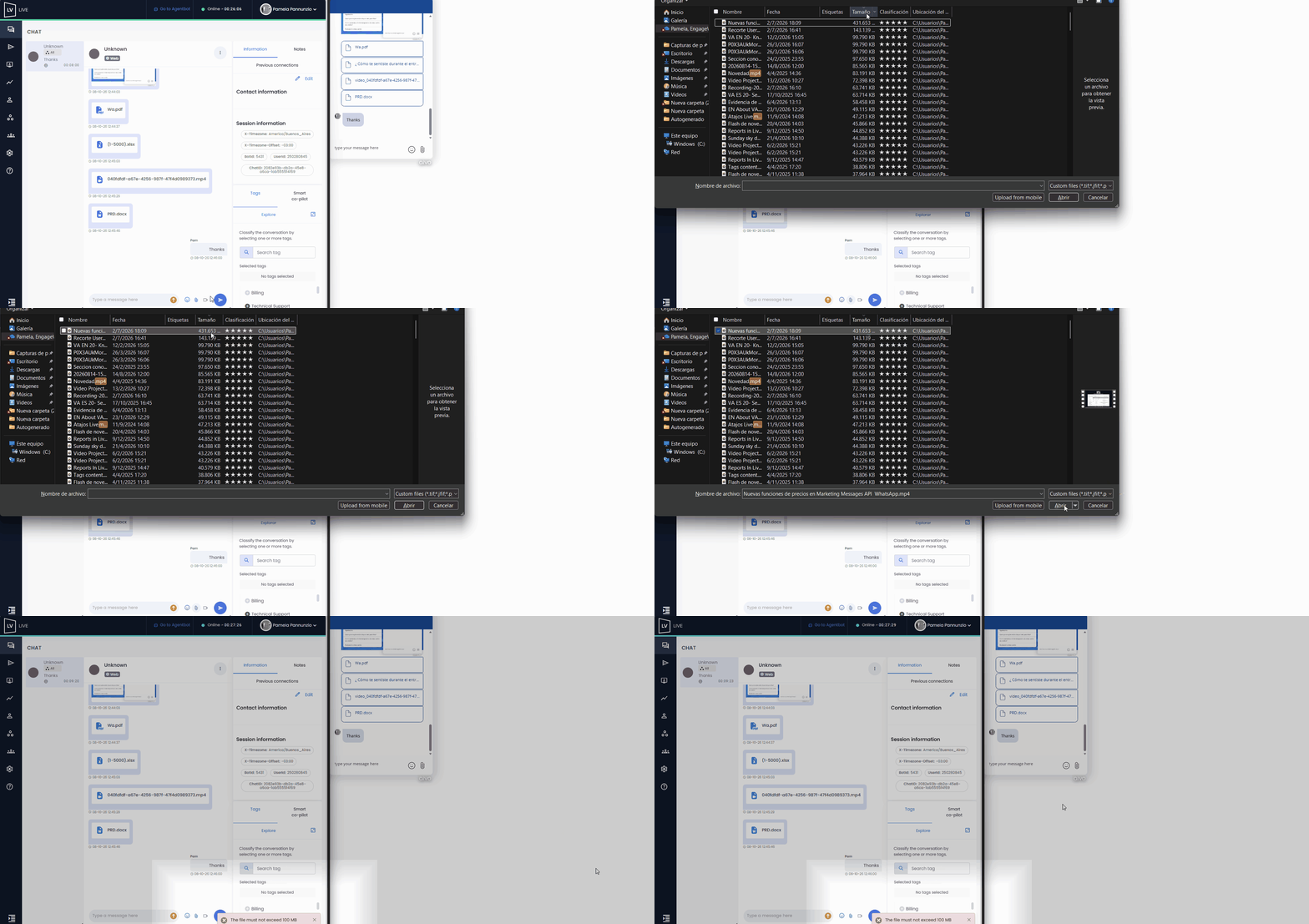
✓ The maximum size allowed per file is 100 MB. If the limit is exceeded, a message will appear alerting you that it cannot be sent.
✓ Up to 10 files can be sent simultaneously, as long as the total size does not exceed 100 MB.
✓ Images are automatically adjusted to display correctly in the chat window, regardless of the user's browser.
✓ Images and PDF files can be opened directly in the browser, while other formats will need to be downloaded and opened on the device.
✓ Files can be attached in several ways:
● Drag and drop into the conversation window or text box.
● Use the "file" icon in the bottom right corner of the text box.
● Use the "Control + C and Control + V" commands to copy and paste both text and files.
✓ Until the files are fully uploaded, the agent will not be able to switch between conversations.
✓ Particularities for WhatsApp:
● In addition to attaching files, users can send audio of up to 60 seconds, which can be played by the agent.
● If the user shares their location, the agent will receive a link that, when clicked, will redirect them to Google Maps.
 Below is an example of a file exchange between a user and an agent during a conversation: